Hey @gayatri.panchpor ,
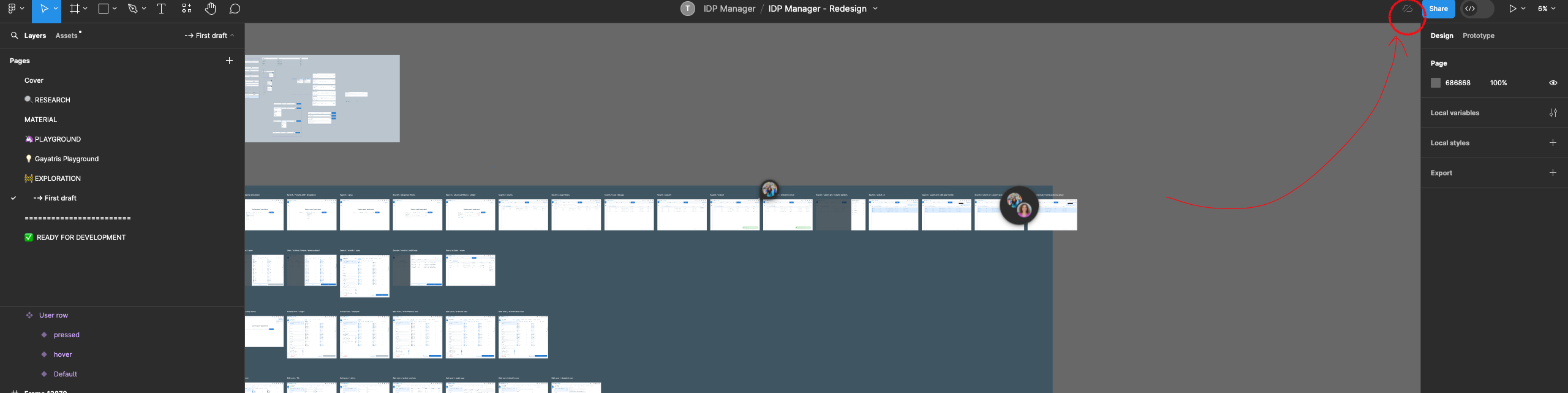
This looks odd! Can you double check if you are online when you are in this project?
If you lose your connection to Figma while you’re working, this icon will appear in the toolbar. You can have more information when Figma is offline in this article here.
For your information, Figma saves any offline changes to your file(s) when your connection is restored. Please check if you see an unsynced changes icon on any files with offline changes.
I’d recommend you to reach out directly to the support team with a link of your affected file here.
Be sure to use the email associated with your Figma account, a link to the file and share the file with support-share@figma.com (with edit access), so they can take a closer look. Thank you!