

Eduardo_Faraday
April 8, 2021
Solved

While presenting the interactive components is not updating properties

  • April 8, 2021
  • 4 replies
  • 1712 views

I built an icon button with a tooltip experience. However, tooltip names are not being updated while presenting mode, it stuck with the default component text.

Text set up:
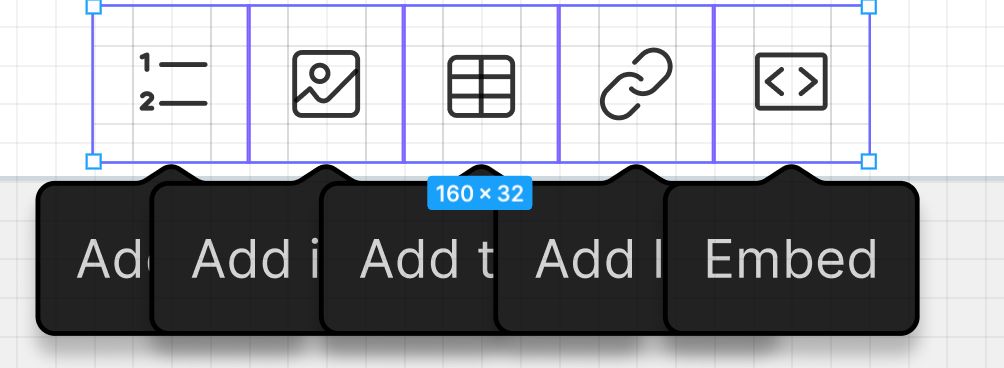
But when presenting, it still looks with the default component text:
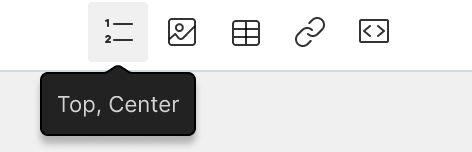
image

It blocks interactive components to be used in many cases, so I have to go manual for now.

This topic has been closed for replies.
Best answer by Tim_de_Groot

@Eduardo_Faraday @Armando_Molina @Paul_Lyons Not sure if you’re still having this issue. But try giving the layers that need to change a different name. I ran into the same issue, then renamed the text layers to have distinct names, and it worked.

4 replies

Armando_Molina
May 11, 2021

Im facing the same issue too, but with a text field design 😦

Paul_Lyons
New Participant
May 24, 2021

Same here. I’m getting a text property which is refusing to update between interaction states 90% of the time when running the prototype. All other elements are updating.

I’ve checked everything in detail too and seems to be a bug. Will most likely have to start again without interactive components now unless fixed.

Very frustrating.

Tim_de_Groot
September 21, 2021

@Eduardo_Faraday @Armando_Molina @Paul_Lyons Not sure if you’re still having this issue. But try giving the layers that need to change a different name. I ran into the same issue, then renamed the text layers to have distinct names, and it worked.

November 13, 2023

What worked for me was to detach the instance from the main component.