

Solved
Keyboard shortcut for Select matching layers doesn't work
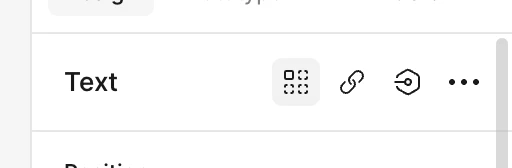
Option + Command + A is the only shortcut that doesn’t work on my Macbook Pro 2024 (Sequoia). Clicking on the button on the right-hand side panel works.
All other shortcuts involved the Option + Command + [any key] works though.