
Question
Export Disabled Problem
As an Owner of my Figma account, how can I enable exporting in my Figma files?. Now Export is disabled. Where is this option?
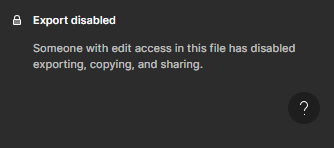

As an Owner of my Figma account, how can I enable exporting in my Figma files?. Now Export is disabled. Where is this option?
Enter your E-mail address. We'll send you an e-mail with instructions to reset your password.