

Olivia Riggs
New Member
Jan 15, 2025 4:55 PM UTC
Question

Facebook Banner

Hey everyone, 


I’m making a Facebook Group banner for a client. After using the Facebook banner frame, when I upload the banner it still appears blurry. I’ve tried exporting it as .png and .jpg, at 1x-4x, and changing the size of the frame while keeping the same aspect ratio (16:9).

From the research I’ve done, the reason this is happening is because the aspect ratio or size of the actual exported image is incorrect.

Has anybody been able to export a Facebook banner and get it to not appear blurry? Or will I have to use a different platform. 

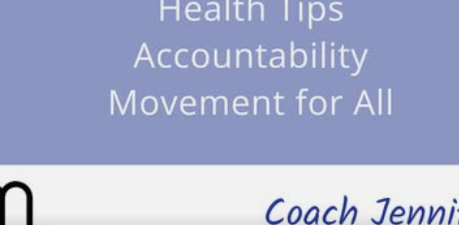
(Example of what the banner looks like. It could be worse, but it’s still unprofessional and I’d like it to be fixed.)
Thanks!

This topic has been closed for replies.

4 replies

portfelio
New Participant
Jan 16, 2025 10:49 AM UTC

Hi Jenny, are you placing images that were created in other software within the frame?

Olivia Riggs
New Member
Jan 16, 2025 1:48 PM UTC

I’m including a picture of the individual who runs the Facebook Group, but no other assets from different software.

Avokadomos
Figma Ambassador
Figma Ambassador
Jan 17, 2025 11:54 PM UTC

Are you exporting at full resolution, and not 0.75x or 0.5x?

Disclosure: I’m part of Figma’s Forum Ambassador program.
Olivia Riggs
New Member
Jan 19, 2025 5:44 PM UTC

Yes, I’ve tried exporting at everything from 1x to 4x with no changes to the resolution.