
Solved

A file disappeared from my account

  • July 16, 2024
  • 55 replies
  • 1711 views

Show first post
This topic has been closed for replies.

55 replies

Celine_
Figmate
  • Community Support
  • July 23, 2025

Hey ​@Shai Yitzchak , sorry to hear you are also having issue to get access to your file. We will need the URL of your file to try to locate it. If you can’t share it publicly, please reach out to our support team directly using this form. Make sure to include the URL of the missing file.

The support team can check on the backend to see if they’re able to locate it for you. Thanks!


Shai Yitzchak

hey ​@Celine_  I already have and this was the response i’ve got “Thanks for reaching out! It looks like you're contacting us from a Starter account. Customers on this plan receive support through our Community Support Forum and Help Center.” that is why i’m trying to look for help through the forum. if you could check if they can review my problem that  would be greatly appreciated!


Celine_
Figmate
  • Community Support
  • July 23, 2025

Thanks for the details! I’ve gone ahead and create a support ticket on your behalf to follow up your request. For reference, your support ticket is #1443118. Someone will reply you soon, thank you for your patience! 🙏🏼


Marcus Nordqvist

Hi,

I have lost an important file on Figma and I can’t find the file in any of my projects section or in the deleted section. It just disappeared completely and when I tried to access it through a past link, I am getting the following message:

You can’t access this resource Contact the owner, an admin, or support for assistance. (Screenshot attached).
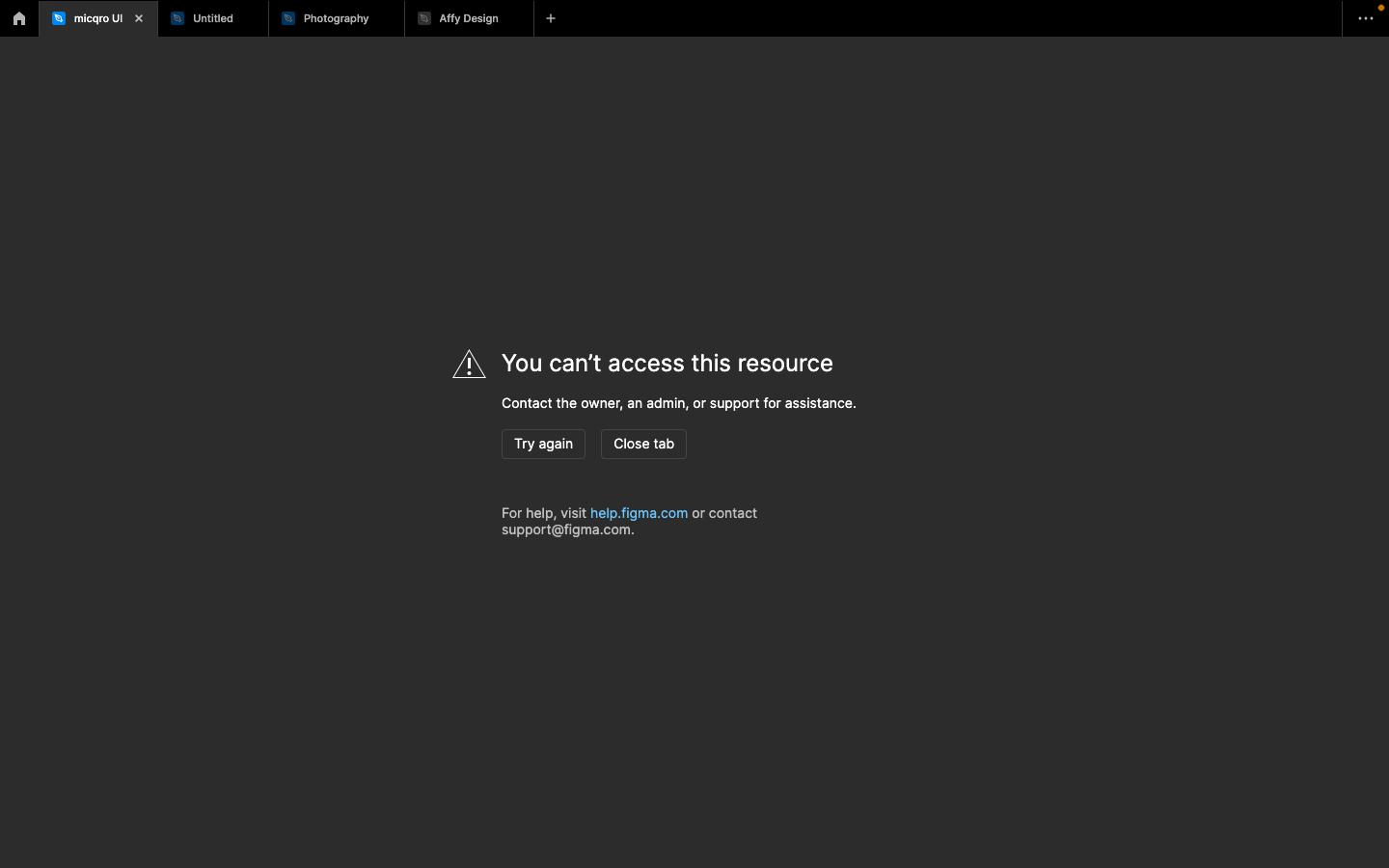


I have a ton of my work in it and the file is very important to my work. I hope you could help me retrieve it.

Thank you in advance,


Same thing happened to me… all my sales presentations were wiped for no apparent reason.


Celine_
Figmate
  • Community Support
  • Answer
  • August 26, 2025

Hey, Marcus, thanks for reaching out to the community! Glad to see from the backend that you were able to find a solution to the issue.

For anyone else experiencing trouble accessing their file: as mentioned, feel free to share the file URL so our team can help locate it. You can contact our support team directly through this form

I’ve gone ahead and closed this topic. Thanks again!