
July 16, 2024
Solved

A file disappeared from my account

  • July 16, 2024
  • 55 replies
  • 2701 views

Hi,

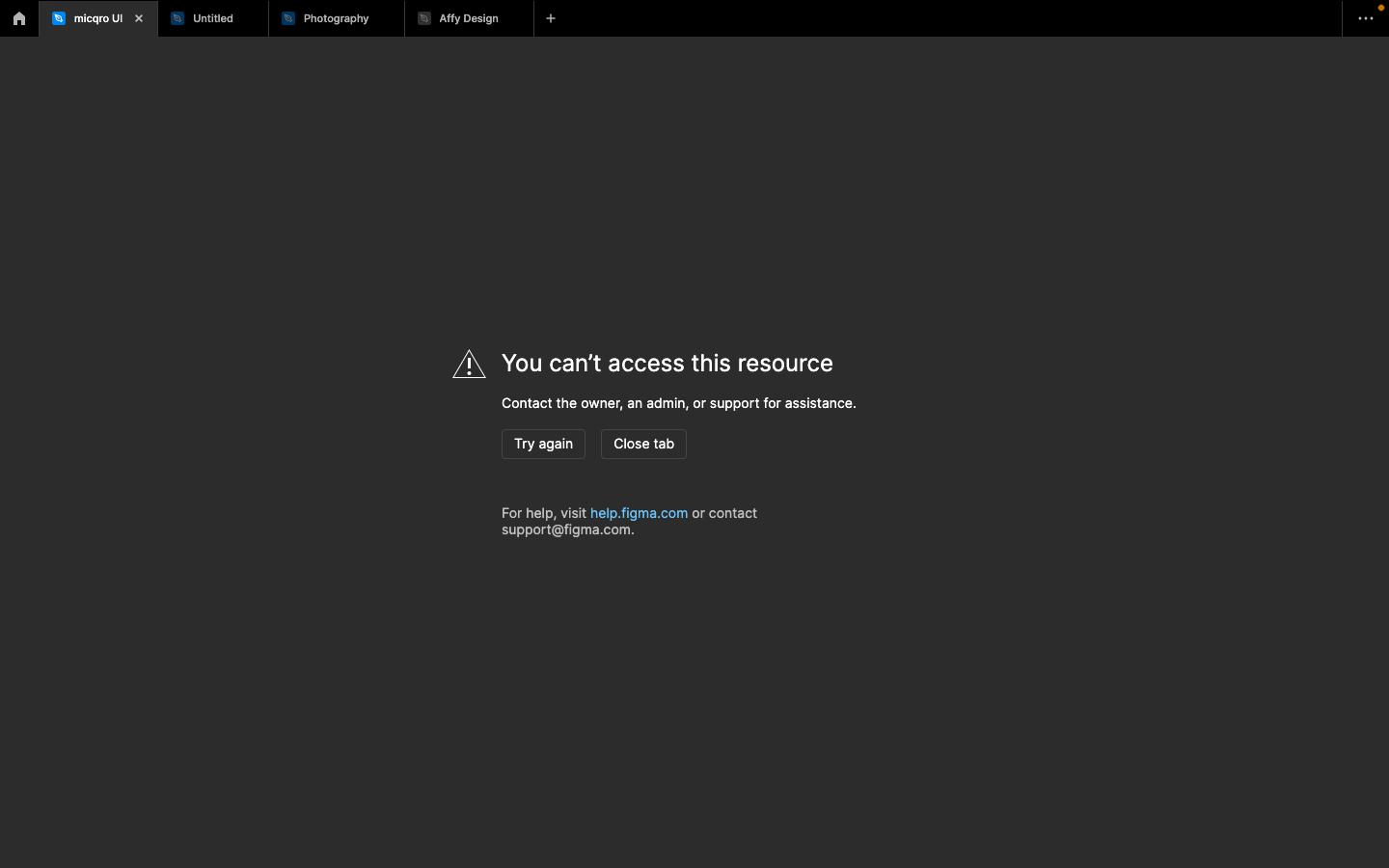
I have lost an important file on Figma and I can’t find the file in any of my projects section or in the deleted section. It just disappeared completely and when I tried to access it through a past link, I am getting the following message:

You can’t access this resource Contact the owner, an admin, or support for assistance. (Screenshot attached).
I have a ton of my work in it and the file is very important to my work. I hope you could help me retrieve it.

Thank you in advance,

This topic has been closed for replies.
Best answer by Celine_

Hey, Marcus, thanks for reaching out to the community! Glad to see from the backend that you were able to find a solution to the issue.

For anyone else experiencing trouble accessing their file: as mentioned, feel free to share the file URL so our team can help locate it. You can contact our support team directly through this form. 

I’ve gone ahead and closed this topic. Thanks again!

55 replies

Ameya_Mistry
November 5, 2024

Hey, @dvaliao Even I’m facing a similar issue with few of my important files, i havent deleted them for sure but i’m just unable to find those files, all i have is a name and share link to that file. Can you help with those files they are really really important.

djv
Figmate
Community Support
November 6, 2024

Hey @Ameya_Mistry, sorry to hear this!

Can you please provide the file name(s) and share link(s) that you have?

I’ll try to see if I can track down your files on the backend.

Ameya_Mistry
November 7, 2024

Is it possible to share the link and other details over the email if possible ?

djv
Figmate
Community Support
November 7, 2024

Of course, @Ameya_Mistry!

If you can’t share the link(s) publicly, please reach out to the support team directly via this form for help: https://help.figma.com/hc/en-us/requests/new

Be sure to use your Figma account email and include as many details as possible, so support can take a closer look.

natali.007lev
November 12, 2024

Добрый день, не открывается Figma, на рабочем столе компьютера, выдает ошибку. Установила на второй компьютер, тоже самое, как можно решить проблему?

yunju
November 12, 2024

Hey @dvaliao
I have the same issue.
All of my precious files suddenly disappeared and I really need to fix this problem.
In another inquiry, I found that people found lost files by setting the filter to Created by anyone in the Trash folder, so I did the same, but I still can’t see the files.
please help me.

djv
Figmate
Community Support
November 12, 2024

Hey @yunju, sorry to hear this happened!

Are you able to provide the file name(s) and/or share any link(s) that you have?

If you cannot share this information publicly, please reach out to the support team directly via this form for help: https://help.figma.com/hc/en-us/requests/new

Support can try to see if we can track down your files on the backend.

Konstantin_Ivanov1
December 26, 2024

Hello!

Have the same issue

Lost as minumum 2 files: “Unicon”, “Vonavikon”

djv
Figmate
Community Support
December 30, 2024

Hey @Konstantin_Ivanov1, sorry to hear this happened and apologies for the delayed reply!

Our team has been offline for the Winter Holiday. I took a look at your account on the backend with the email associated with your forum account, and it looks like you have a team called “Vonavikon”. I would ensure that you’ve selected the correct team from the file browser then try and locate your files.

From within the home/file browser, select the Team you wish to search using the down caret icon: ⌄
Here’s an example using my Team’s Figma and Denise’s Drafts:

Konstantin_Ivanov1
December 31, 2024

Thank you for informing me, @dvaliao

Unfortunately, I tried all possible attempts and didn’t find a solution. I am sure this is a problem with Figma Sync.

Have a nice holidays!

Regards