

richy
New Participant
July 9, 2021
Solved

Running into "File out of memory" while resolving conflicts

  • July 9, 2021
  • 45 replies
  • 6452 views

Hi! As of lately I run into memory usage issue when trying to update branches from main.

The resource usage overlay shows a number around 0.3 G, which is well below the 60% of 2.0 G threshold, so working with the file didn’t trigger any memory warnings so far. But when working in a branch and trying to update from main, I recently started to run into warnings while going through the “resolve conflicts” dialog. It starts with the yellow warning banner, with every resolved conflict the shown memory usage % increases, the banner becomes red and ultimately I get to see the “File out of memory” message and can’t continue.
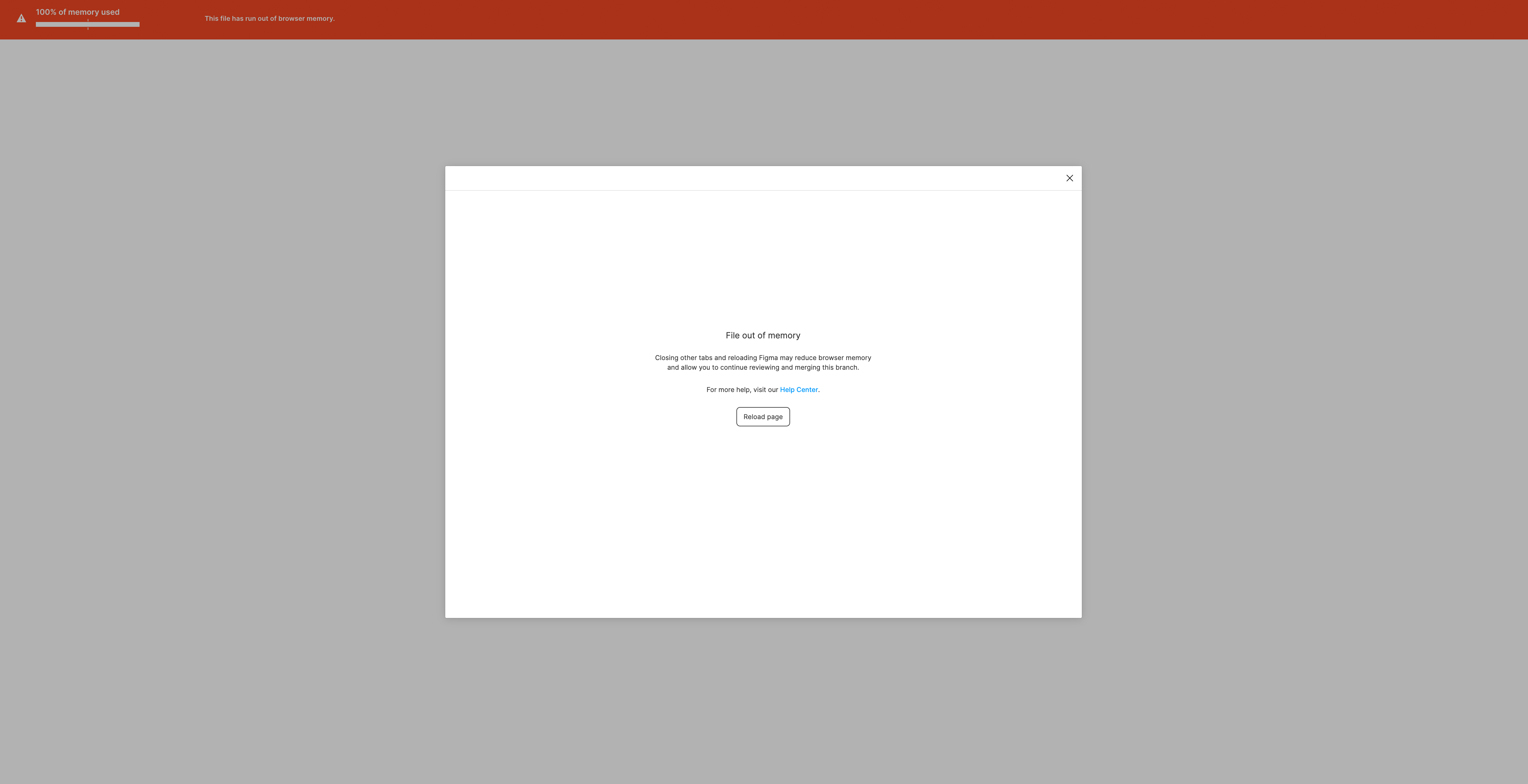
I wonder if this is just a temporary limitation/bug of the beta or if it would be advisable for the future to keep files well below the 0.3 G to use the branching feature.

Anyway, hope this helps, thank you!

This topic has been closed for replies.
Best answer by djv

Hey All,

Solutions will be case by case, depending on your file. The forum is primarily managed by the community, so please reach out to the support team directly via this form for help: https://help.figma.com/hc/en-us/requests/new

Be sure to use provide a link to your file and share it with support-share@figma.com.

45 replies

Olivier_Bubendorff
New Member
May 10, 2023

Hi all,

I found a method to get out of this rut that worked in my case (0.55GB file, cannot merge Branch because of too much modifications from the Main File):

  1. Be sure that all the Main File is correctly up to date with your latest needs
  2. Create a new branch
  3. Paste in this new Branch all edits from previous Branch
  4. With a smaller gap with Main File, the new Branch is ready to merge
  5. The first problematic Branch can now be archived or removed

This solution doesn’t need to lose Branch’s work or step backwards in the main file.

Hope this helps!

cstn.l
New Member
June 22, 2023

I can also confirm that this is a concerning issue for our enterprise Figma usage.
Besides that the previews in the conflict panel load painfully long, this memory error is a real blocker to us currently.

I was also disappointed to not hear about any improvements to branching on config.

Emil_Sjoberg
July 5, 2023

Experiencing this as well in our team. Terrifying when you have so many files depending on these libraries that won’t merge.

July 13, 2023

Also experiencing this and it’s super problematic. Makes Branching practically useless if we can’t reliably Branch without the risk of being locked out of Merging.

Smaller changes might be a solution but this invalidates the freedom of branching as well, giving it an artificial limitation that makes it far too much of a hassle to bother with.

MartinFujak
July 18, 2023

Same here, branching is useless! Moved all unnecesary pages, told all the devs to look into seprate file, and still getting the error 😦 needed to manually copy from branch to main file and fix all the issues.

Martin_Lewandowski
July 28, 2023

Same issue here. Feels almost pointless to have branches when you are not able to actually use them in the process…

Jullian_Claus
August 21, 2023

We also ran into this problem today. After a lot of trial and error I was able to merge the branch while taking the following steps…

  1. Open the file in your browser. I used Chrome and made sure all other tabs were closed and that in the browser settings the memory and power saving modes were disabled.
  2. Before merging I first updated the branch from the main file
  3. In the resolve conflicts screen it took a long time to load. Be patient… when the screen was fully loaded I resolved the conflicts all in one go, instead of resolving every individual conflict one at a time. I feel this did the trick in our situation as the memory usage warning didn’t reach 100% this time.
  4. Merged the branch into the main file with no remarkable problems, it was a bit slow though. After merging the branch the memory issue vanished.

Hope this helps ✌️

Jorge_Montero_GFT
New Member
September 4, 2023

Hello!
I think we all have the same problem, and the problem gets bigger when you have all the links already generated on other platforms.
When you merge, you have to wait decades in front of the computer, or just close the app.

In my case, with a document that only takes 157,9mb, linked to 6 component libraries, it is impossible for me to work with branches.

I wasted hours waiting, and after waiting, watching the screen go blank (in Figma grey), with nothing saved.
I’m going to write a report, but having to explain to a client that I’m going to let a third party see a confidential project, I don’t think he’s going to be amused, and he might not even let me do it. In this case, what should I do?

Duplicate an entire project by removing any reference to the client or the system used?
I have to justify those hours in terms of budgets.
How do I justify that with the amount of money we pay per year to Figma, I have to solve a problem generated by Figma?

Thank you for your patience @dvaliao

Alex_Lima
September 18, 2023

I’ve been having this problem for months, I’ve lost a few branches and merging them has been a nightmare. When I click on “update form main” Figma crashes right away.

I even divided my main file into two others to become smaller, but somehow it is worse now.

David_V
New Member
September 19, 2023

Yep, happens all the time, with every preview the memory usage creeps up by 1 or %2.
I managed to get the file up to 99% memory usage this morning, it literally feels like a ticking timebomb. No idea what happens after that but I didn’t wait to find out and had to restart. Not good Figma, especially when you are on a client call! 😤