

richy
New Participant
July 9, 2021
Solved

Running into "File out of memory" while resolving conflicts

  • July 9, 2021
  • 45 replies
  • 6452 views

Hi! As of lately I run into memory usage issue when trying to update branches from main.

The resource usage overlay shows a number around 0.3 G, which is well below the 60% of 2.0 G threshold, so working with the file didn’t trigger any memory warnings so far. But when working in a branch and trying to update from main, I recently started to run into warnings while going through the “resolve conflicts” dialog. It starts with the yellow warning banner, with every resolved conflict the shown memory usage % increases, the banner becomes red and ultimately I get to see the “File out of memory” message and can’t continue.
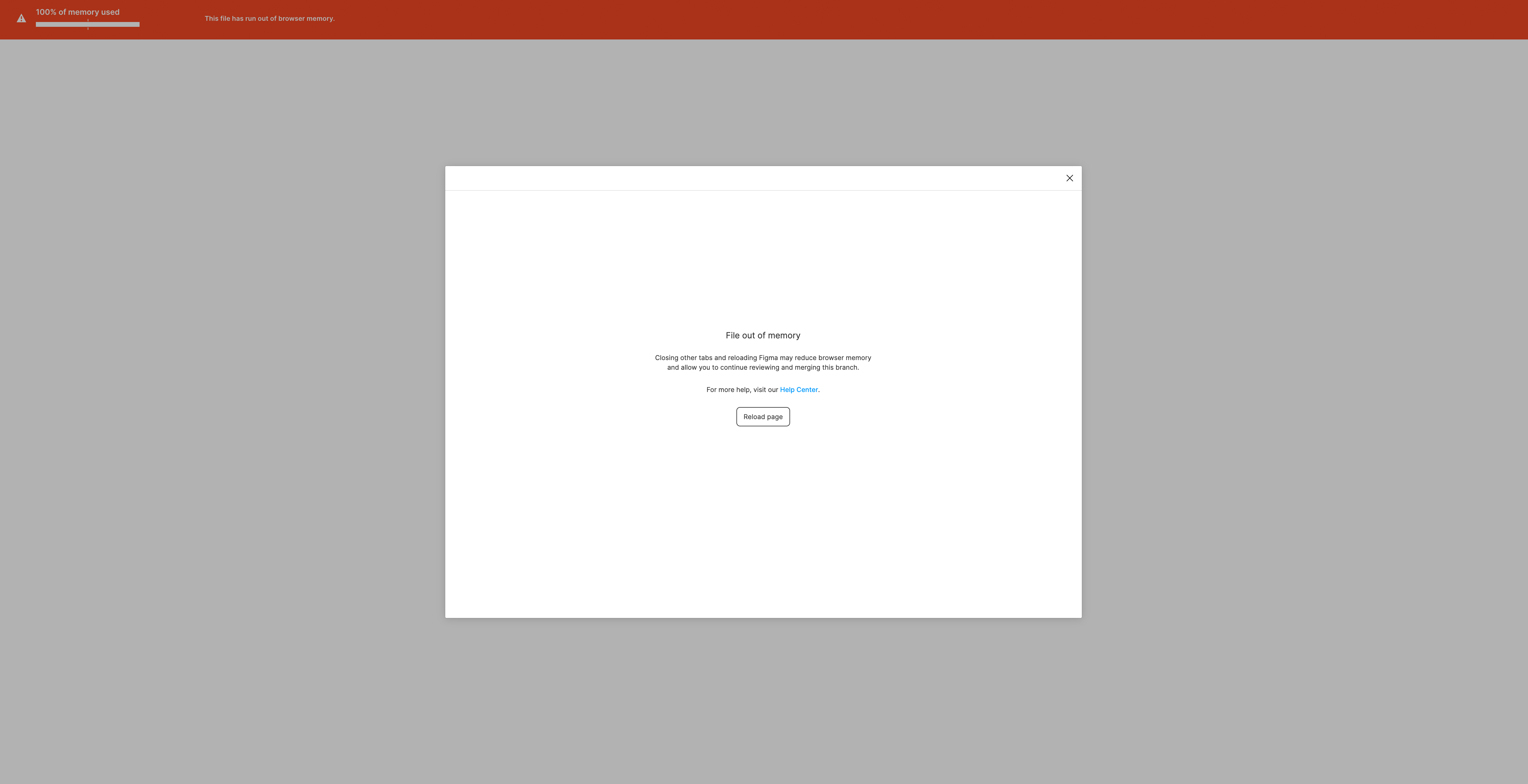
I wonder if this is just a temporary limitation/bug of the beta or if it would be advisable for the future to keep files well below the 0.3 G to use the branching feature.

Anyway, hope this helps, thank you!

This topic has been closed for replies.
Best answer by djv

Hey All,

Solutions will be case by case, depending on your file. The forum is primarily managed by the community, so please reach out to the support team directly via this form for help: https://help.figma.com/hc/en-us/requests/new

Be sure to use provide a link to your file and share it with support-share@figma.com.

45 replies

Shaun_McHugh1
New Member
October 13, 2023

This is a real problem. I think it stems from the fact that even on the desktop Figma runs in a browser. There seems to be approx 2gb RAM limit which is not enough for large design system files (which is where you really need branching).
Nightmare… please resolve

December 14, 2023

Same problem, since turning on Enterprise with branching enabled it has never succeeded in successfully updating from the master branch to the other branch, it has always been out of memory, even with only ten conflicts. I think such a feature is unusable, and it is a huge loss of confidence for enterprise users.

Kristaps_Stikuts
Active Member
January 2, 2024

I got a file with 17% percent memory usage, but when reviewing updates it skyrockets to above 80%.
The only thing I’ve been able to do is delete content of a branch and then copy from main file, but this may break components, so need to use external plugins to connect them, which might result in undesired consequences.

Please, Figma, fix.

Achille_Perrin
February 15, 2024

Same problem here.
I’m pretty concerned about the fact that this problem seems to happen regularly and there are no clear solutions or guidelines as to what can be done to avoid the issue. The initial comment was published in July 2021, I’m writing this in Feb 2024, and people seem to still be having issues with this…

Olivier_Boulais
March 8, 2024

Same problem file is too heavy to merge and can’t resolve conflicts because we’re running out of memory is there a temporary alt we can do while Figma team takes care of fixing this issue once it for all?