

richy
New Participant
July 9, 2021
Solved

Running into "File out of memory" while resolving conflicts

  • July 9, 2021
  • 45 replies
  • 6452 views

Hi! As of lately I run into memory usage issue when trying to update branches from main.

The resource usage overlay shows a number around 0.3 G, which is well below the 60% of 2.0 G threshold, so working with the file didn’t trigger any memory warnings so far. But when working in a branch and trying to update from main, I recently started to run into warnings while going through the “resolve conflicts” dialog. It starts with the yellow warning banner, with every resolved conflict the shown memory usage % increases, the banner becomes red and ultimately I get to see the “File out of memory” message and can’t continue.
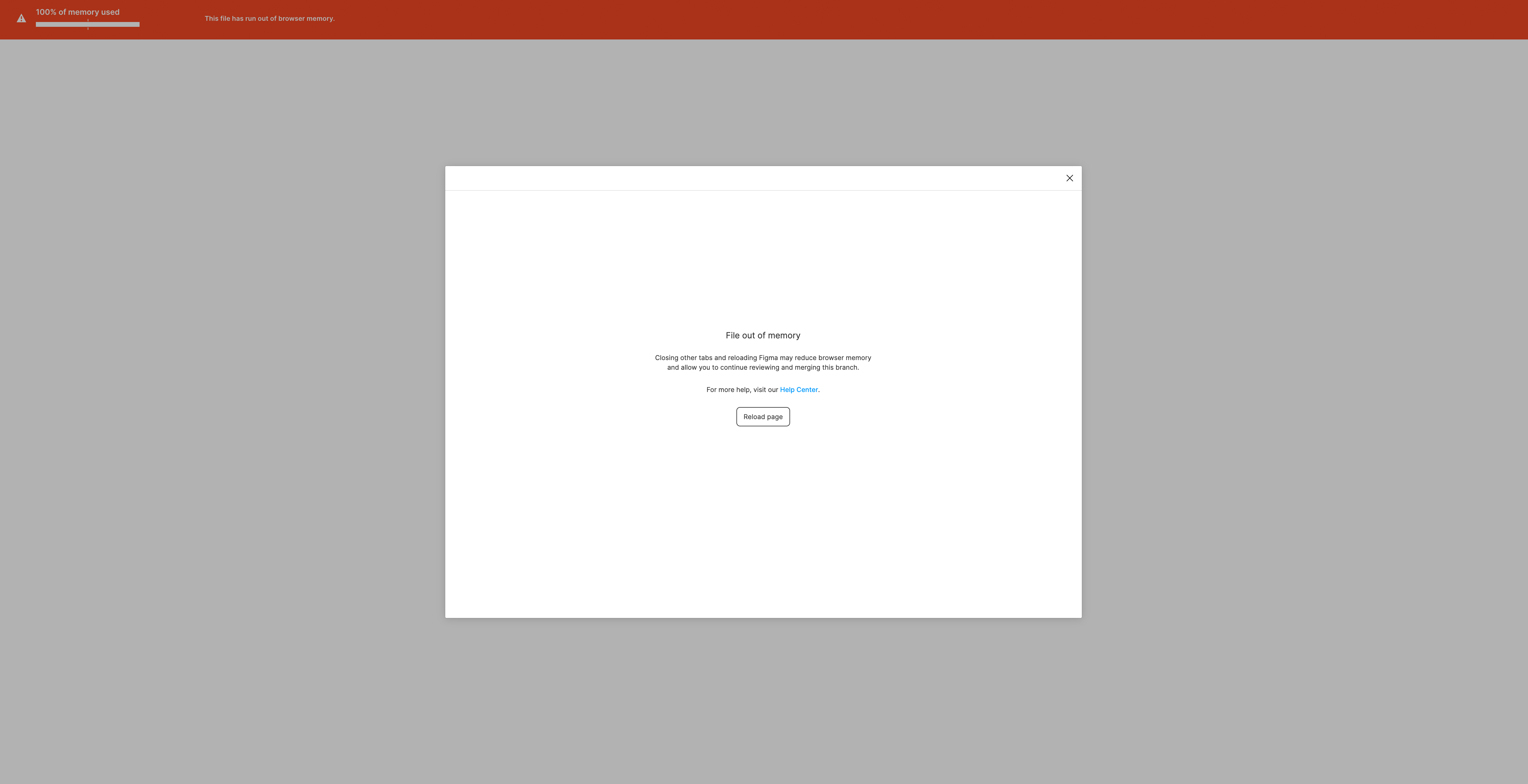
I wonder if this is just a temporary limitation/bug of the beta or if it would be advisable for the future to keep files well below the 0.3 G to use the branching feature.

Anyway, hope this helps, thank you!

This topic has been closed for replies.
Best answer by djv

Hey All,

Solutions will be case by case, depending on your file. The forum is primarily managed by the community, so please reach out to the support team directly via this form for help: https://help.figma.com/hc/en-us/requests/new

Be sure to use provide a link to your file and share it with support-share@figma.com.

45 replies

Daniel.Ito
New Member
January 18, 2023

Keeping this thread alive, I have been receiving team reports of this problem and would like to know how to proceed

Matt_Rea1
New Participant
January 18, 2023

Same here. I have a branch I’m trying to merge into the main file, and I keep getting this error message. Distributed teams all have the main file bookmarked and this is going to cause issues if they need to remap, lose comment history, etc.

Is there a workaround for getting my branch changes into the main file? Sounds like branches are not safe to use?

Kate20
January 19, 2023

This won’t work for every branching situation, but I was just able to get around an 80+ conflict merge that was throwing this memory error. Instead of going through each conflict individually, I hit the “Resolve All” option and picked one branch to use for all the changes. It merged quickly with no memory warnings.

Toby_Fitch_HE_HIM
New Member
January 26, 2023

+1 - been running into this issue for months at this point. Might have to resort to saving each version into a new branch. Can’t even merge to main.

Kolodziej_Ashley
Active Member
January 26, 2023

I just wanted to say I just ran into this too - I was able to find a way around it by identifying a page that needed to be deleted to get the file in sync with main, but both files were originally at 20-25% of usage, so having this come up during the merge was definitely a surprise.

Tyler_Nixon
February 17, 2023

Is Figma support watching this thread @raquino, and are there any suggestions? We recently upgraded to the organization plan and have run into this issue, and it’s a problem. The files are not even that big. It’s the process of merging that causes a memory spike and, ultimately, this error. Can someone please advise.

Emi_Rodriguez
March 8, 2023

+1 to this - Cleaned up the file and reduces the size and nothing…
A few days ago it was saying that there was an update from the main to the branch and was for “optimization” only, no real changes… that’s when it crashed for the first time and then this started happening where I can’t resolve conflicts nor merge the branch

Matt_Rea1
New Participant
March 8, 2023

This is exactly what happened to me - stuck in branch limbo unable to merge. I think main and feature branch were both smaller than 1GB. I can’t recall exactly how I resolved this (after backing up both files, and reverting back to earlier versions, I think I was able to get changes back into main with some manual updates)

After that ordeal (which came at end of sprint) I ended up breaking up my main file into separate files, and no longer use branching. It was a pain because we had to re-link lots of tickets from the old monolithic file to the new files, devs and other stakeholders needed to remap bookmarks, and had to keep the old file around with instructions on where to find the latest up to date designs. It was not a great look for me, our design team, or Figma as a tool.

Eliza_Jensen
April 3, 2023

I’m running into this several times too…any solutions yet? I haven’t found a pattern for when it happens and when it doesn’t.

djv
Figmate
djvAnswer
Community Support
April 3, 2023

Hey All,

Solutions will be case by case, depending on your file. The forum is primarily managed by the community, so please reach out to the support team directly via this form for help: https://help.figma.com/hc/en-us/requests/new

Be sure to use provide a link to your file and share it with support-share@figma.com.