Solved
This topic has been closed for replies.
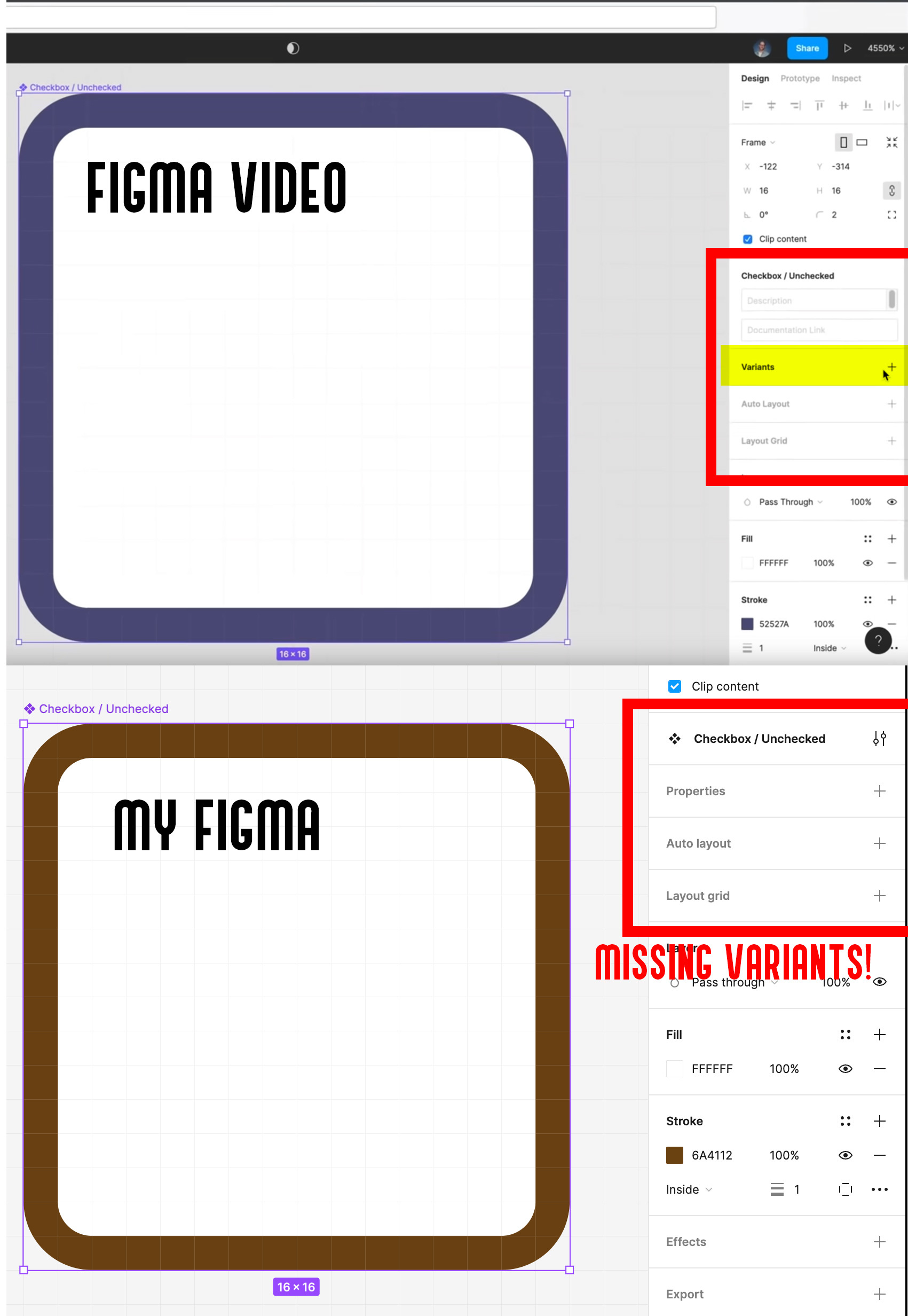
Hi @Tom_Dell_Aringa1, Thanks for reaching out about this. We’re glad to see you’re watching Figma Tutorial: Variants and I completely understand your confusion about the UI differences.
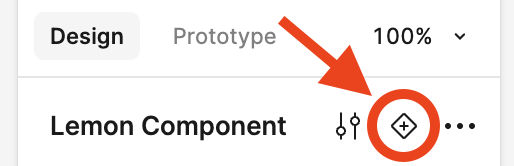
To create new variants, please go ahead and click the + icon in each of the locations mentioned for each UI below:
- UI2 : In the tool bar
- UI3 : In the right sidebar

There are a few other methods for creating new variants, and you can find more details here: Create and use variants > Create new variants
We hope this information is helpful to you.
Happy designing!
Enter your E-mail address. We'll send you an e-mail with instructions to reset your password.