

Angela Liu
New Participant
April 28, 2025
Question

Resize constraints for a union shape
  • April 28, 2025
  • 6 replies
  • 219 views


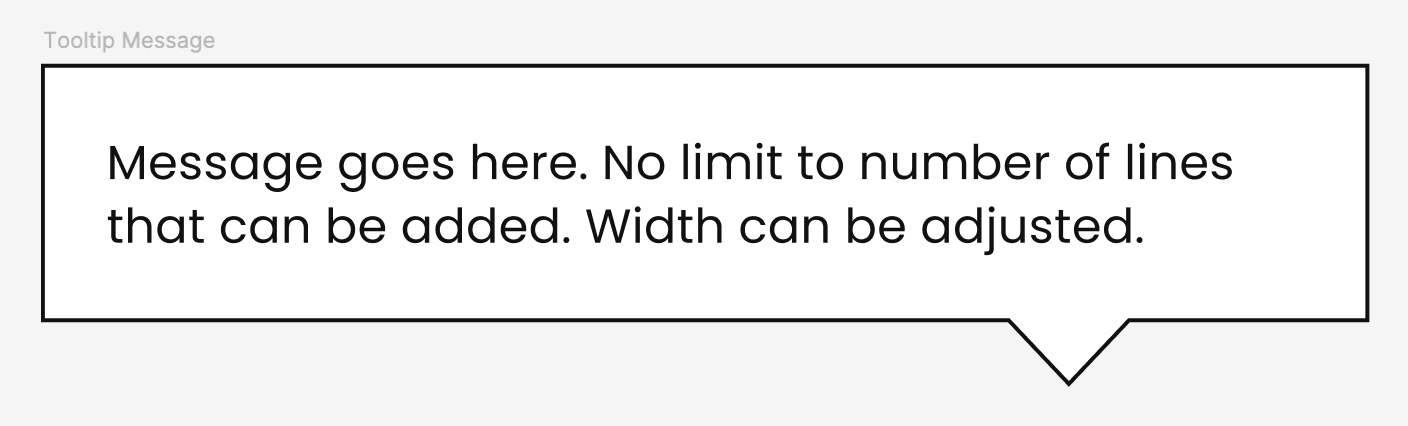
I created this tooltip box (union of a rectangle and triangle). It’s set so that the text width adjusts according to the width of the tooltip box. I also want the size of the box to be adjustable, but am coming across 2 issues:
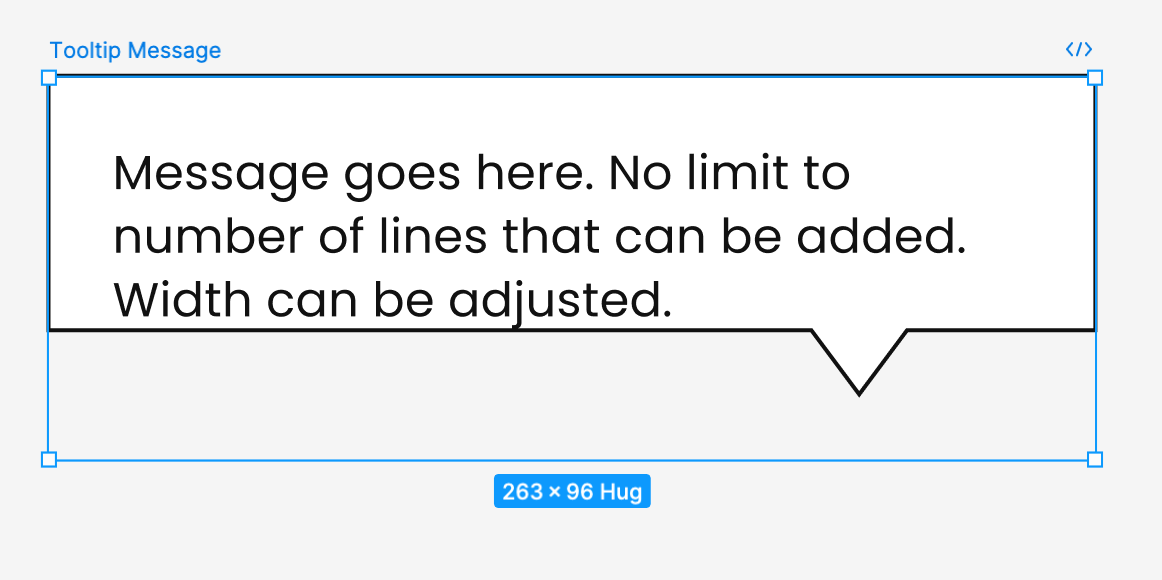
  • Box height isn’t changing to accommodate the text line number increasing
  • Triangle pointer doesn’t maintain same width 

I’m not sure what settings are needed to fix this. This is what I have currently:
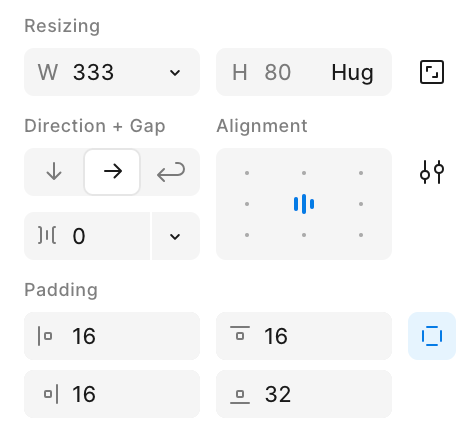
Autolayout of whole component. The text itself is set to fill/hug.

This topic has been closed for replies.

6 replies

Raphael_M
Power Member
April 29, 2025

Set the text layer’s height to hug, and also the container of tooltip to hug


Maybe your container is set to hug but the text height is fixed.

Angela Liu
New Participant
April 29, 2025

@Raphael_M the text layer height is already set to hug. Same with the height of the autolayout frame.


The union shape is fixed though. Figma isn’t giving me the option to change it to anything else

Raphael_M
Power Member
April 30, 2025

How did you do it? Can you show me your layers?

Angela Liu
New Participant
April 30, 2025


@Raphael_M 

Raphael_M
Power Member
May 2, 2025

Hmmm. I don’t think that’s going to be easy since you use a vector for your bg, but I guess it has something to do with the stroke.


Triangle pointer doesn’t maintain same width 

That’s because it’s being scaled together with the container.


Box height isn’t changing to accommodate the text line number increasing

Your vector’s dimension is fixed.


How about trying something like this? (attached)

Angela Liu
New Participant
May 9, 2025

@Raphael_M that worked, thank you! And I figured out a workaround for the stroke too