Solved
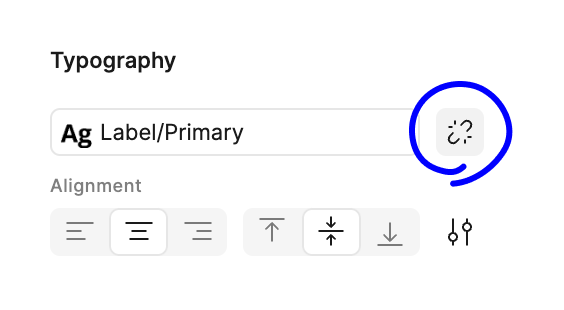
Font Section missing
I’ve recently added a text layer. The font section is missing in the right pane when the text layer is selected. I only see a typography section. How can I change the font?
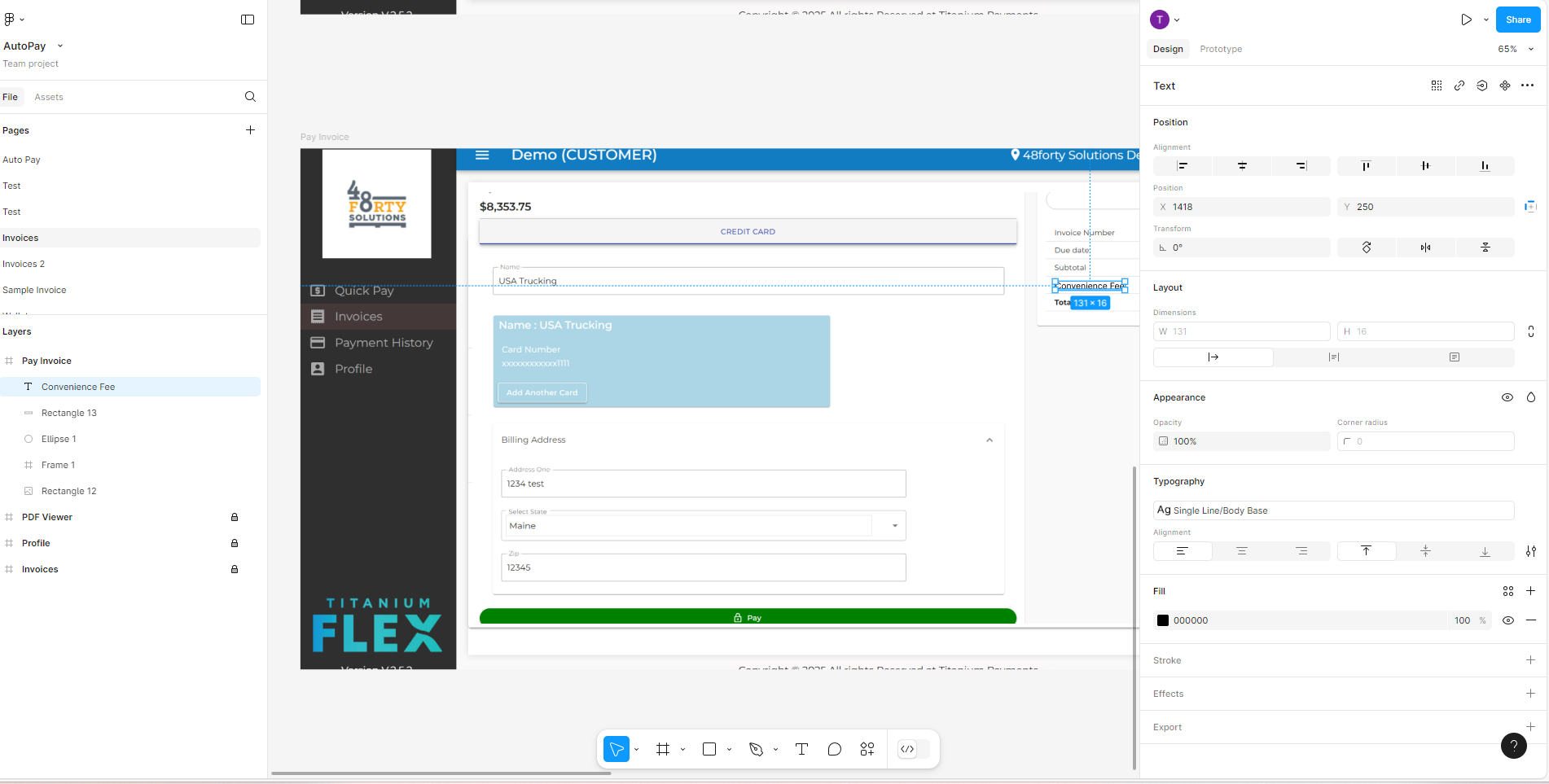

I’ve recently added a text layer. The font section is missing in the right pane when the text layer is selected. I only see a typography section. How can I change the font?
Enter your E-mail address. We'll send you an e-mail with instructions to reset your password.