Hi @Xristo, Thanks for reaching out about this.
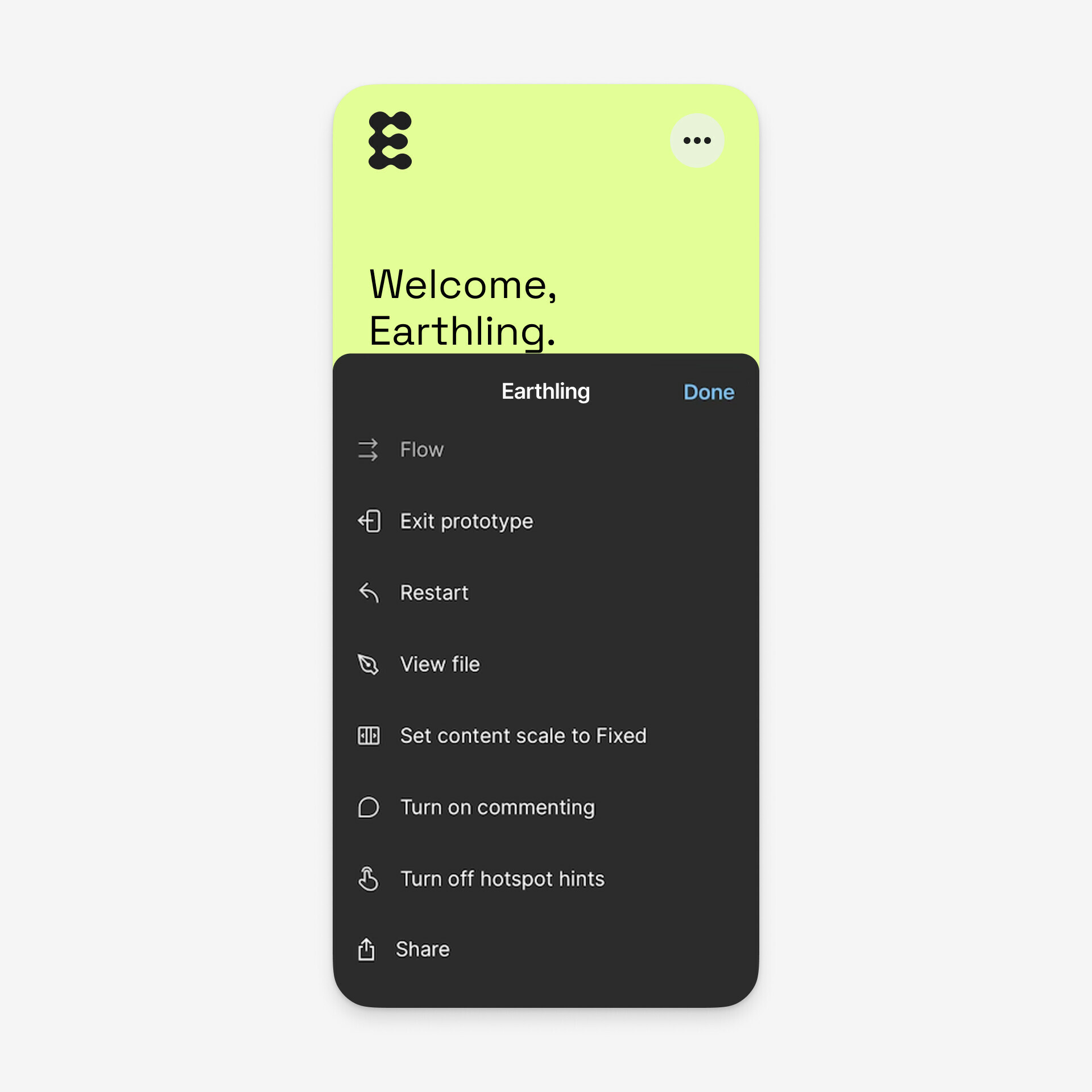
When using the Figma mobile app, prototypes have a hidden options menu bar. To access it, simply double tap and hold anywhere on the screen. This menu includes “Exit prototype ” as below.
For more details, you can visit the following link:
View prototypes on a mobile device - Prototype options
Additionally, you can also find the requirements for the Figma mobile app in the following guide: Guide to the Figma mobile app - Download the mobile app
I hope this information is helpful. If anyone in our community has additional suggestions, please feel free to share them here.
Thank you again for reaching out.