

Wolle
New Participant
June 28, 2024
Solved

Dropdown inherits shadow from parent element - which it should not

  • June 28, 2024
  • 6 replies
  • 421 views

Unfortunately I have not found a solution.

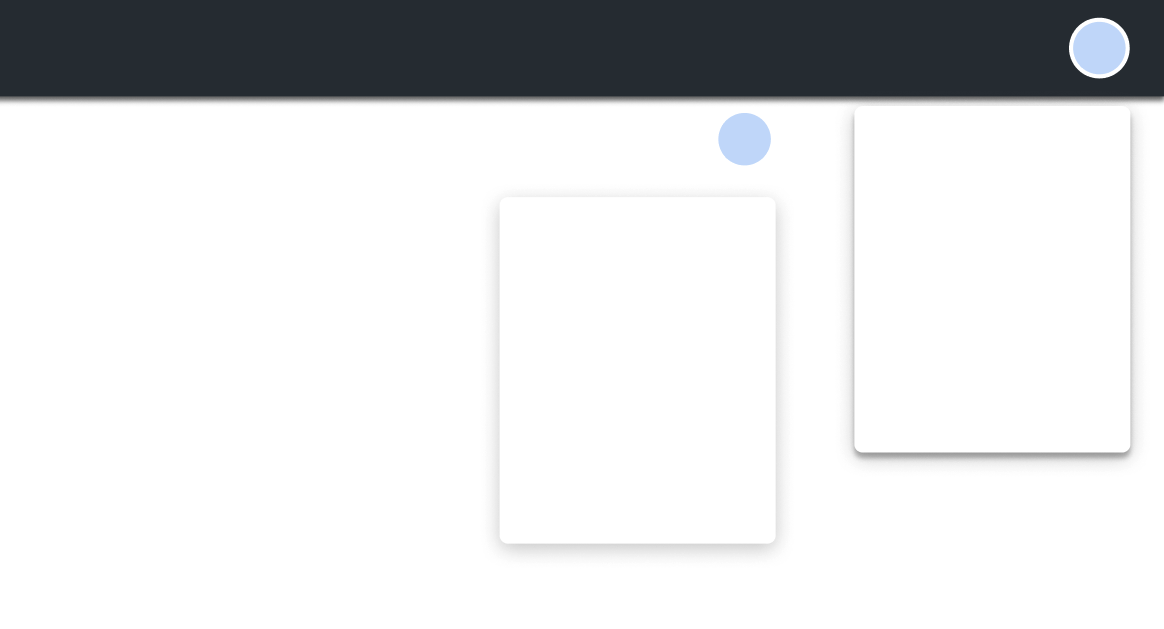
The following situation: I have a header box with a box-shadow. In this header box is a user avatar icon that opens a dropdown menu with further options for the user when clicked. This dropdown also has its OWN box shadow. But now the box-shadow is inherited from the header and the box-shadow of the dropdown looks horribly bad.

How can I prevent this WITHOUT positioning the dropdown absolutely and placing it outside the header box?

It seems to me to be a pretty standard case that there are dropdowns within boxes that also have a shadow. So I don’t understand why you can’t set this separately.

In the example shown here you can see that the shadow is displayed correctly if the user icon is placed outside the header box. Which of course cannot be a solution.
Thank you for your attention! 🙂
This topic has been closed for replies.
Best answer by Toby_Magrath1

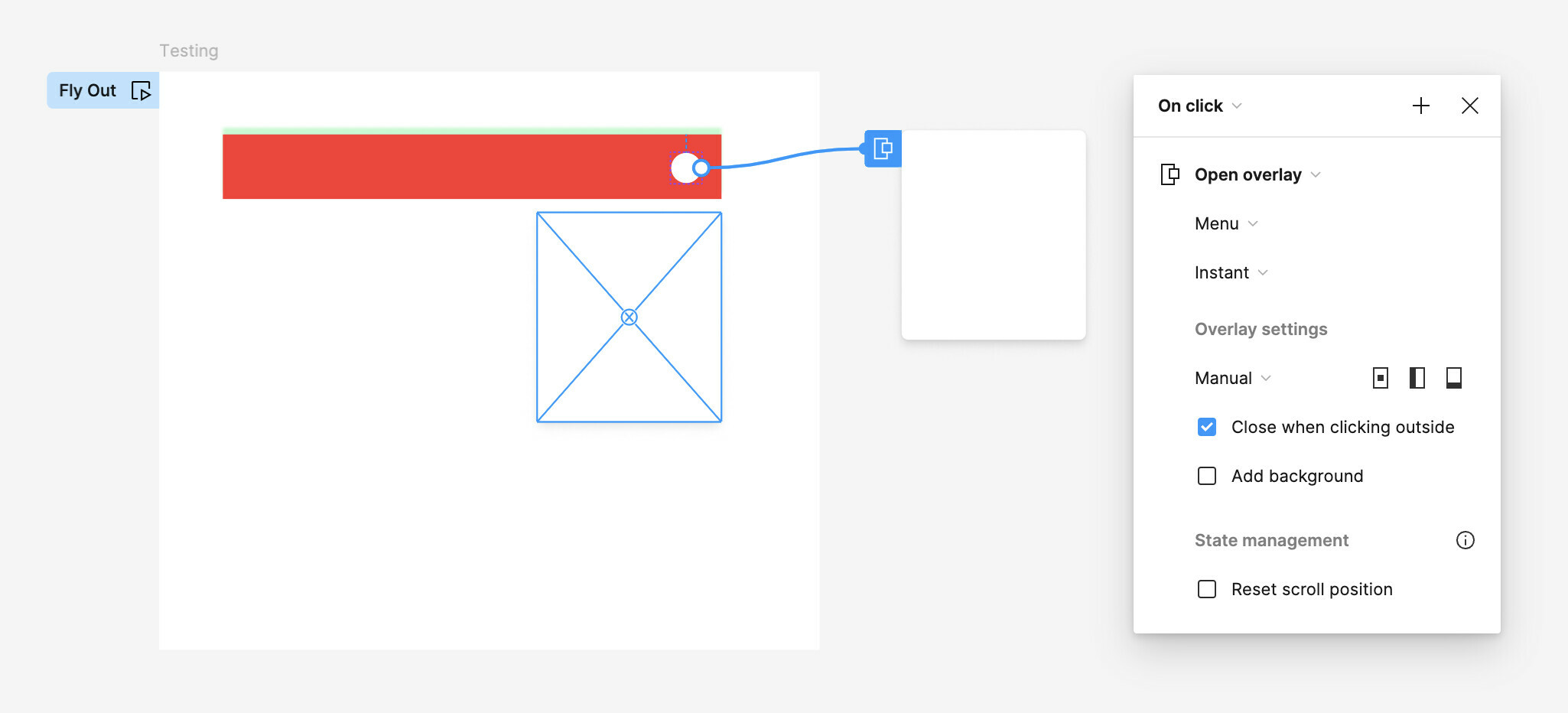
Is this for making a prototype? If so I wouldn’t build the flyout into the header component but keep the flyout it’s own component that can be opened via the OnClick > Open Overlay and Manually position the flyout menu VS nesting in a component.

6 replies

Marian_Brchan
June 28, 2024

The easiest solution for you is to use a separate layer that works as a background and shadow for the header.

If you’re using autolayout, you can apply absolute positioning just to this BG element and keep everything else the same.

Wolle
WolleAuthor
New Participant
June 28, 2024

Thank you! I already had this solution, but I was hoping that I could do without such a workaround. 😀

Toby_Magrath1
June 29, 2024

Is this for making a prototype? If so I wouldn’t build the flyout into the header component but keep the flyout it’s own component that can be opened via the OnClick > Open Overlay and Manually position the flyout menu VS nesting in a component.

Wolle
WolleAuthor
New Participant
June 29, 2024

Thank you very much!

In this case, this is a solid solution. But what do you do with forms with lots of dropdowns? Normally the dropdown box is part of the component because otherwise you would have to permanently maintain many external boxes.

Toby_Magrath1
July 10, 2024

When I build components for library use I don’t usually include a shadow on the shell element but on the flyout that would appear in an open state of that variant. So a shadow can exist on a nest element and not on the parent. Like this:

Wolle
WolleAuthor
New Participant
July 10, 2024

Yes, I think this is the usual procedure. In my case, however, the dropdown is in a box that must already have a shadow. It would therefore be good to be able to control such effects separately.