Solved

Dashed Line

  • September 23, 2023
  • 2 replies
  • 652 views

I am working on the ‘Dashed Line’
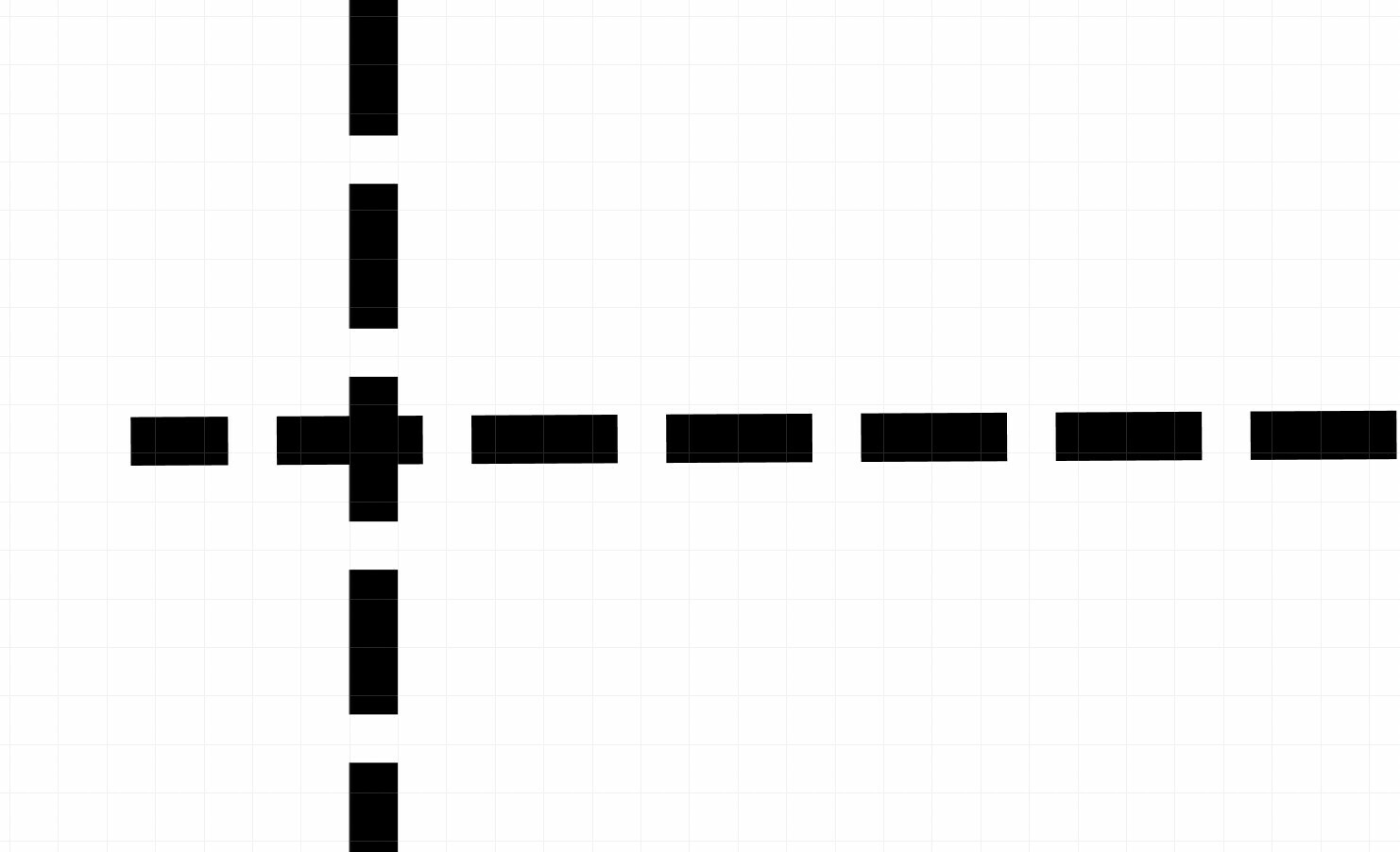
At the intersection of two dashed lines, I want to achieve a perfect ‘+’ plus sign
How to achieve that ?
I also tried shifting the line Left/Right or Up/Down (using by default feature i.e. through ➡️ on the keyboard) but it didn’t solve my issue - the line goes to extreme positions always
Please help
Best answer by Celine_

Hi Satyam!
Here the tips:

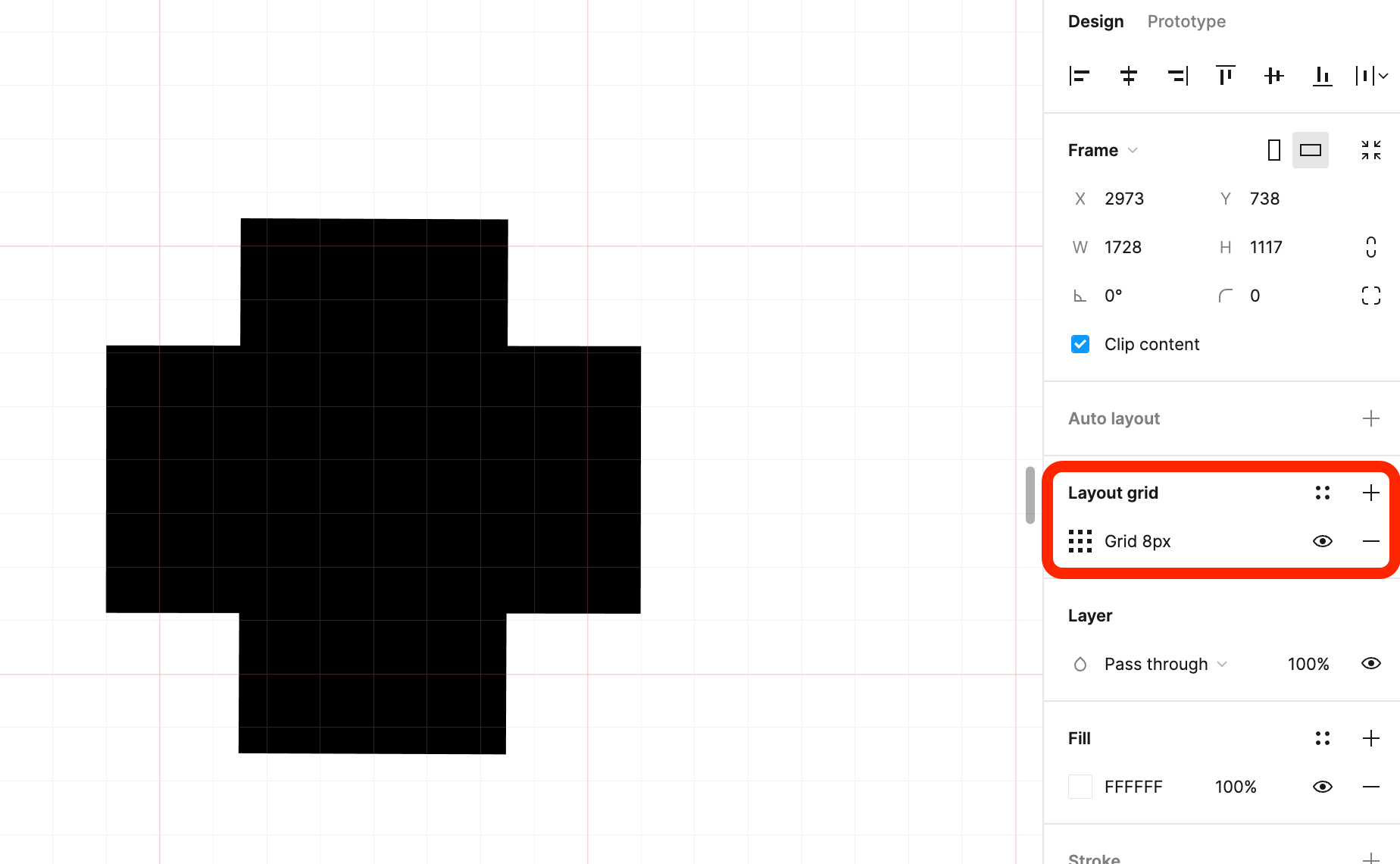
  • Please zoom in and adjust the layout grid to 8px

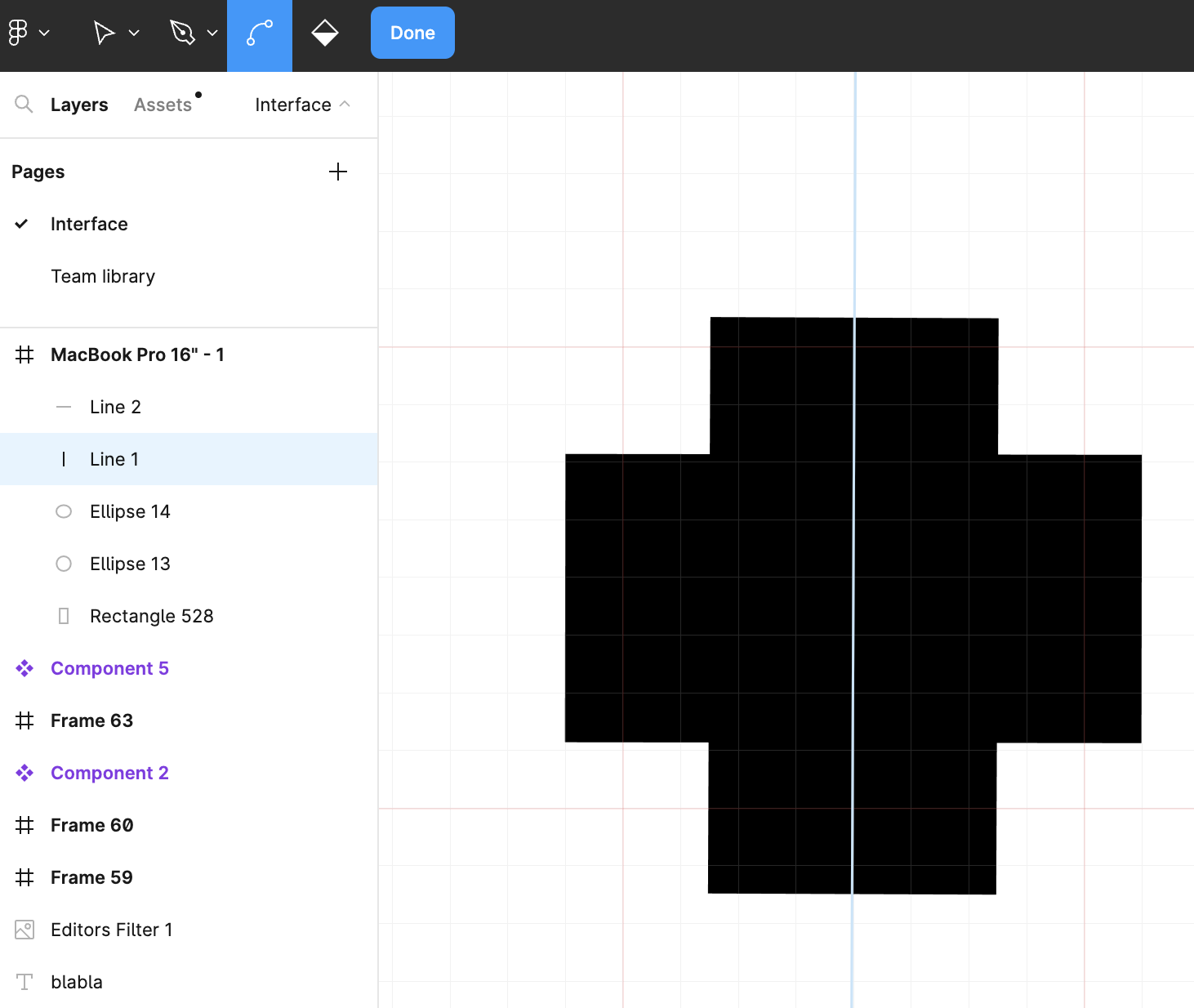
  • Then, double click to your dashed line and position it to the center, to get a perfect ‘+’ plus sign, and click in the blue button ‘Done’.

Hope it helps!

This topic has been closed for replies.

2 replies

Celine_
Figmate
  • Community Support
  • Answer
  • September 26, 2023

Hi Satyam!
Here the tips:

  • Please zoom in and adjust the layout grid to 8px

  • Then, double click to your dashed line and position it to the center, to get a perfect ‘+’ plus sign, and click in the blue button ‘Done’.

Hope it helps!


Thank you so much, Céline Doan
🙂
Your input will help me for sure