Hi @Marko_Vukotic
There are multiple way of doing such a things, here are two of them
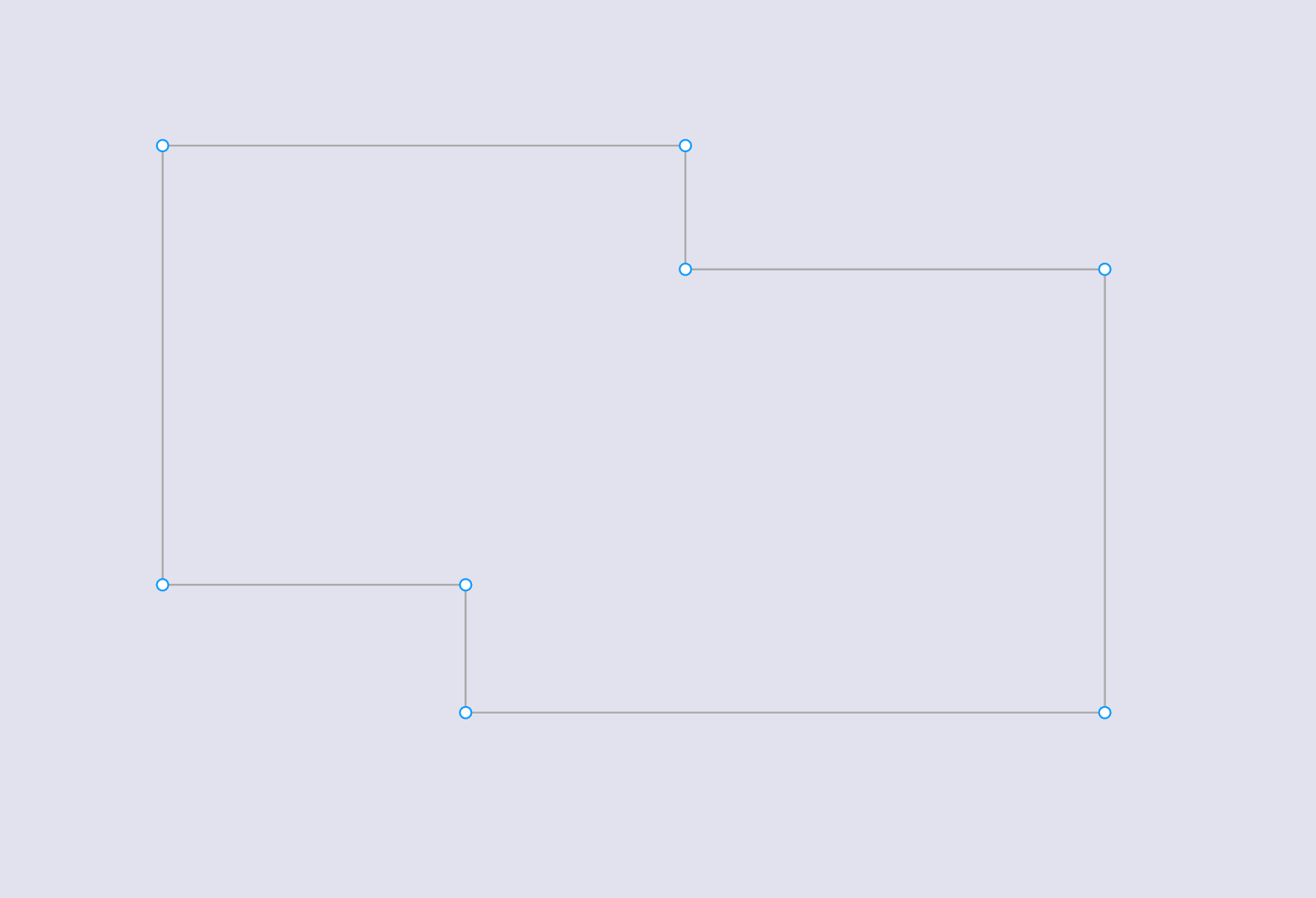
Using the Pen
You can use the Pen P to trace the global shape, Then add a fill color and smooth the angle thanks to the corner radius
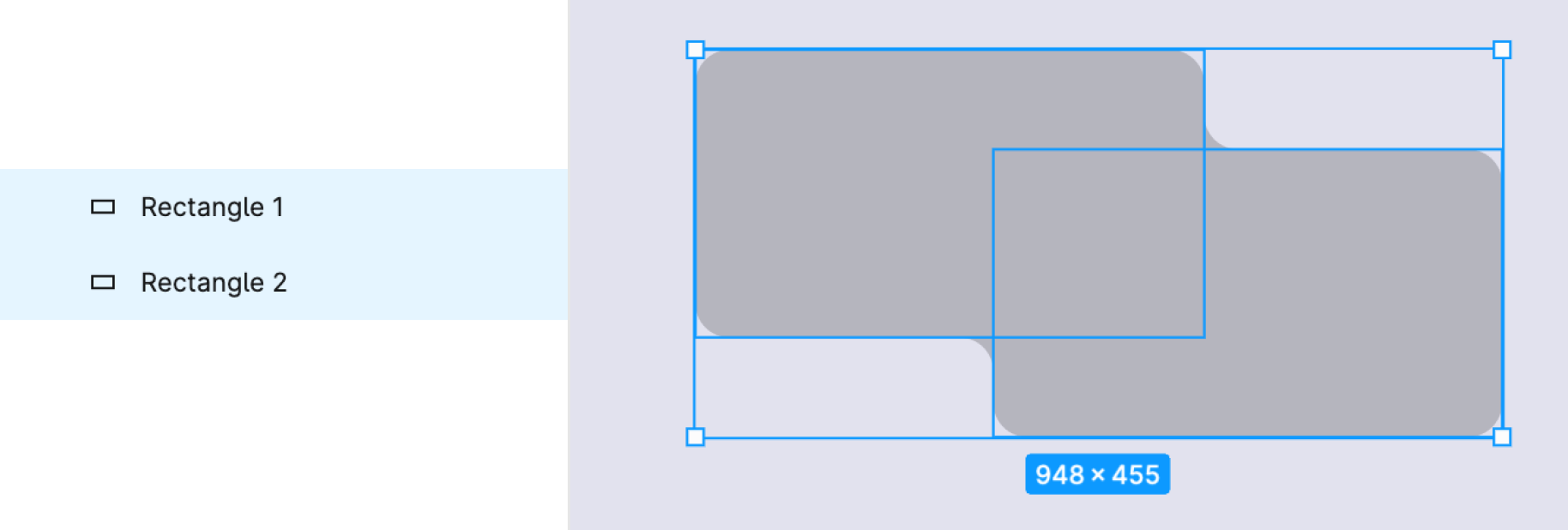
Using two rectangles
- Draw two rectangles R and place them above each other (as shown in your reference image).
- Use the boolean operations > Union selection.
- Then adjust corner-radius to smooth the angle
Hope it’ll help