January 30, 2024
Solved

Button to different variants

trying to click the buttons to change the right side image to their number i have put them in a component to switch them in variants, but it doesnt work stays on image 1
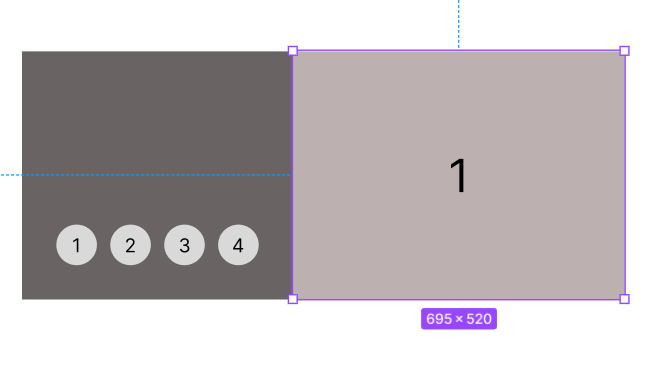
Capture

This topic has been closed for replies.
Geoffrey_Menissier
Active Member
January 30, 2024

I think this one is exactly what you are trying to achieve :

5 replies

Raphael_M
Power Member
January 30, 2024

Hi, Marc.

Is it possible for you to share the file so I can check it?

Thanks!

Marc_TanAuthor
January 30, 2024

sure raphael here’s the link

Figma – 30 Jan 24
Raphael_M
Power Member
January 30, 2024

Hi, Marc.

Upon checking your file, you set all the scroll to to the same frame.

You need to set the buttons to the specific frame they should go to inside the frame.
image

btn 1 should scroll to Frame 1, btn2 to Frame 2…

I put a sample on your drafts. I did the same implementation you are trying to do among the many ways of doing a carousel.

If you have other questions, just let me know.

Thanks!

Geoffrey_Menissier
Active Member
January 30, 2024

I think this one is exactly what you are trying to achieve :

Marc_TanAuthor
January 30, 2024

Thank you so much its clearer now