

Solved
Arrow Up/Down to select style from auto-complete has stopped working
Hi community!
This is tricky to explain. But sometimes the arrow up/down seem to simply move the Caret Position in the input field to the beginning or the end, instead of changing the selected item in the list. If I hover the list, the up and down selection starts to work again.
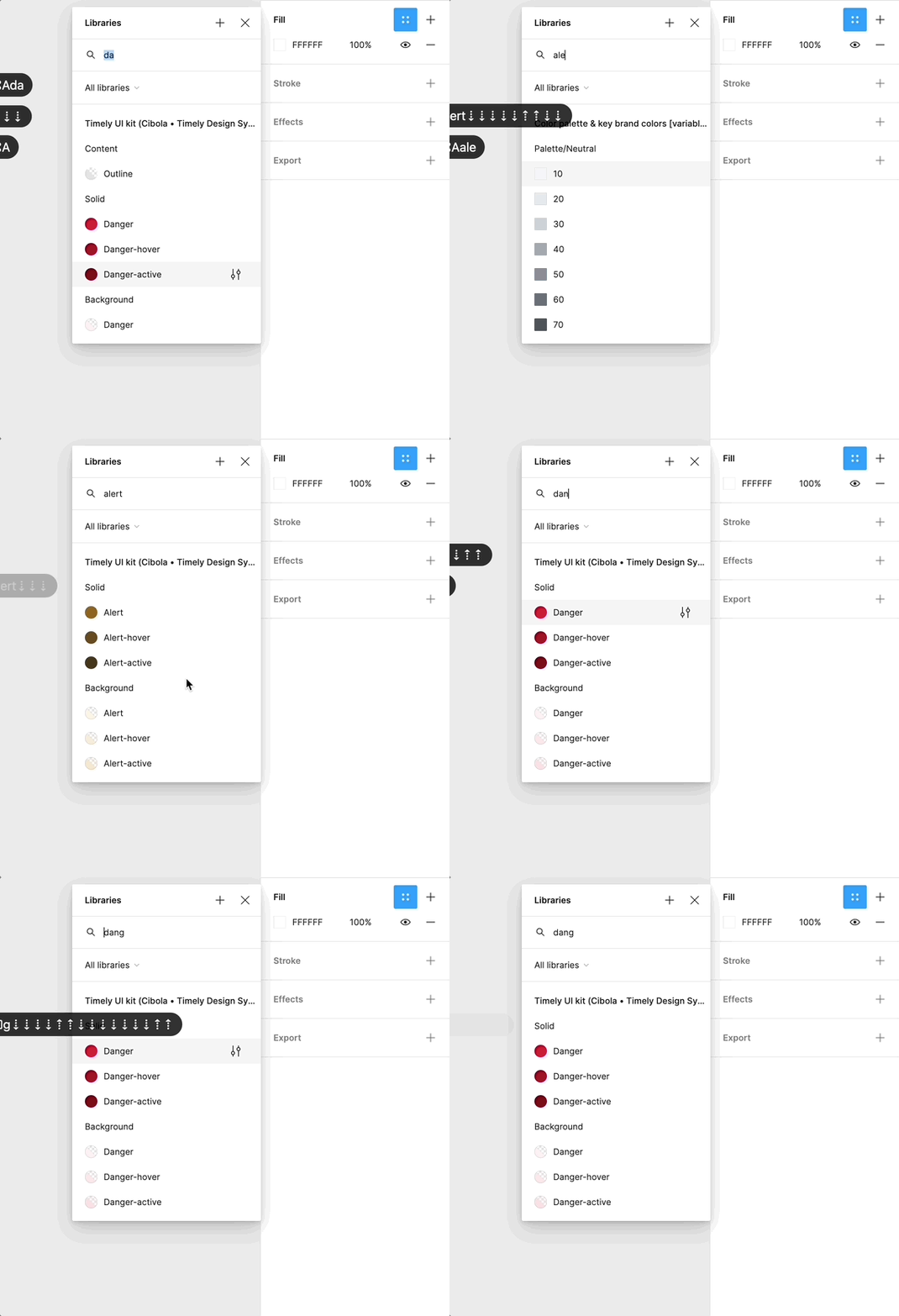
Using arrow down to select from all auto-complete searching is deep in my muscle memory, as I’m sure many of yours as well, so this issue has become somewhat if a nuisance to me. I never realized how many times per minute I searched and selected a style or variable before this started not to work.
Could this be something with my trackpad, keyboard, computer etc. Or is it something anyone else also has experience?
