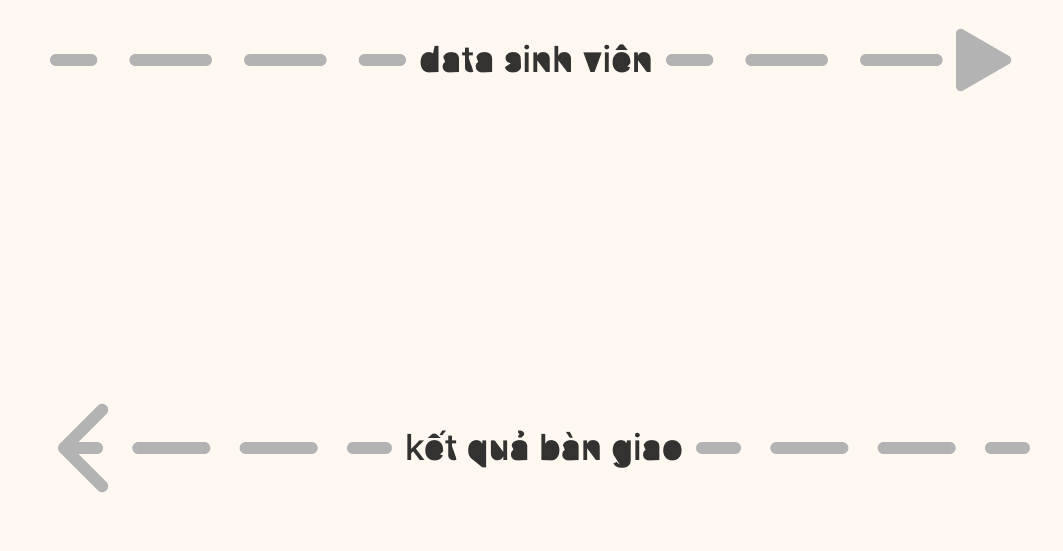
Thanks for the post! I’m trying to reproduce on my end, but it seems it’s difficult. Please let me ask some questions to understand more.
Could you share the text that you’re using? Do you know if this issue is happening only on your end or on other environment too? Does this happen in Figma design files as well?
Try updating the GPU driver or try running Chrome or Figma desktop app with the flags from this post:
UX/UI designer. Figma expert. Creator and developer of plugins and widgets for Figma and FigJam. Check out my resources in Figma Community: figma.com/@tank
The error occurs with any text I type in the help text over arrow objects, either English or Vietnamese (Unicode typing). In the specific image I attached, it is “data sinh viên” and “kết quả bàn giao.”
I have noticed that this issue only happens on my work computer. Both my mobile device and my home desk display the same design file perfectly.
Although I am not very experienced with Figma, I have reviewed some recent designs by my teammate and did not encounter any text glitches.
Let me know if I can provide any further infomation. Thank you.