Answer

Slider Adjustment Not Working

  • November 20, 2024
  • 9 replies
  • 207 views

ThaC

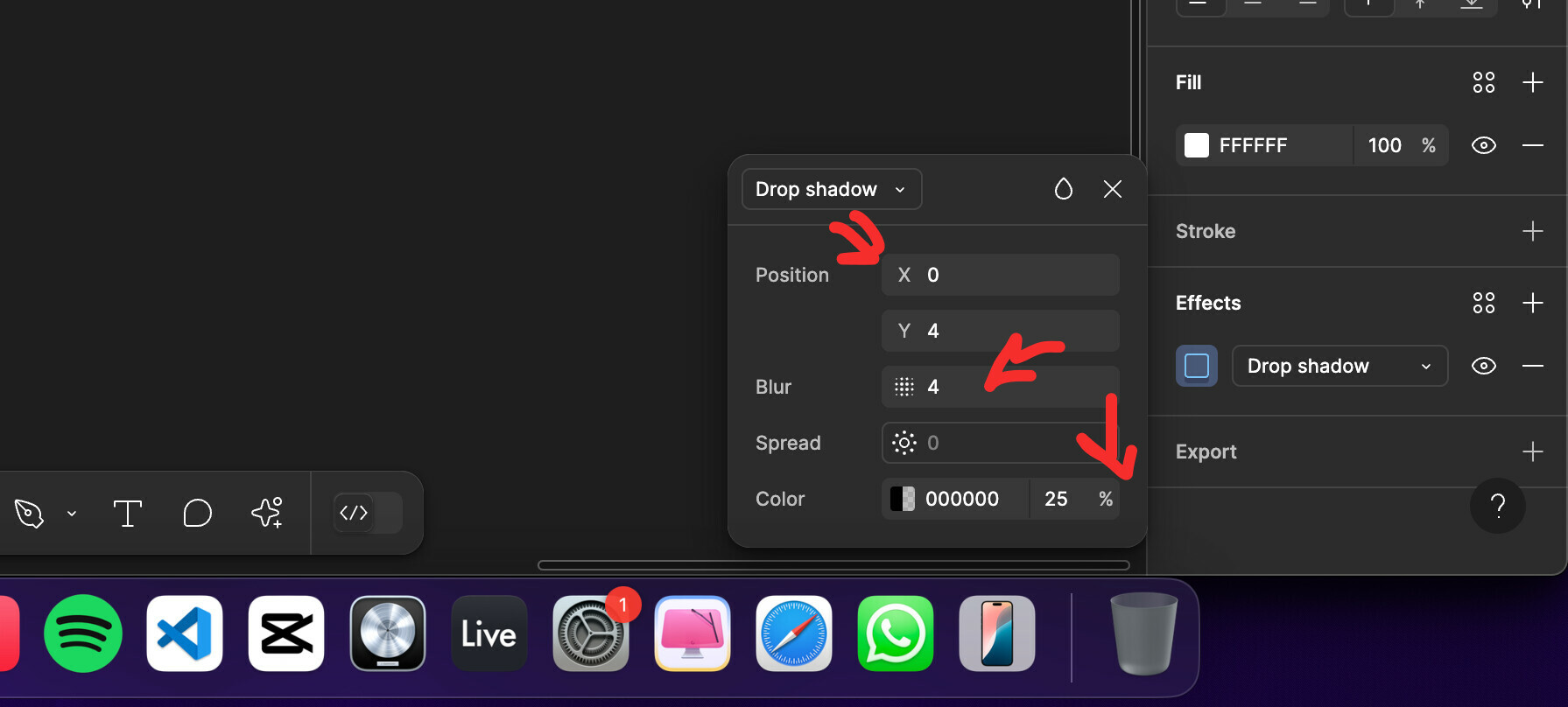
On my new projects i cant adjust these sliders with touchpad or mouse. Am i the only one who is facing this issue. And is not also effects panel. Same issues are in the linear gradient color wheel sliders RGBA sliders etc.

Best answer by djv

Hey @ThaC, thanks for your patience!

Our team just launched the fix. Please refresh your tabs and let us know if you run into any further issues.

This topic has been closed for replies.

9 replies

danil_yeremeyev


Jeffrey_Hawkins

Same here! Must be a bug since I updated, reinstalled and cleared cache.


y_toku
Figmate
  • Community Support
  • November 21, 2024

Hi there,

Update! We were able to reproduce the issue in the browser app, so our internal team has reported this bug. We’ll keep you posted with any updates we can share.

Also, please let us merge this into the existing topic:

Thanks for your patience!
Toku


ThaC
  • Author
  • November 21, 2024

Any updates on this matter ? I really cant work and got some deadlines on my projects.


djv
Figmate
  • Community Support
  • Answer
  • November 21, 2024

Hey @ThaC, thanks for your patience!

Our team just launched the fix. Please refresh your tabs and let us know if you run into any further issues.


Zuzanna
  • New Member
  • November 27, 2024

Hi, Im still getting this problem with colours


djv
Figmate
  • Community Support
  • November 27, 2024

Hi @Zuzanna,

When was the last time you refreshed your tabs, or if you’re using the desktop app, closed your app and restarted?

Our team is unable to reproduce this issue and confirmed that this should be fixed.


Zuzanna
  • New Member
  • November 28, 2024

Hi! Im using the desktop app and I restarted it 3 hours ago or so.


GadoGadoGue
  • New Member
  • January 28, 2025

still finding this issue, i cant adjust my rounded corner with slider… restarted the application, even the computer. anything else like width, height, etc can be adjusted with slider tho..