

rzmota
April 21, 2021

Sort variants alphabetically (ascending/descending)

  • April 21, 2021
  • 49 replies
  • 16334 views

Hi,

Is there any option to automatically sort the items/components in the variants menu? Seems like I can drag them and drop but while having lots of elements it’s quite hard to keep things in the correct order.

I know there are plugins to sort items in the layers menu (like SortIt) but would be great if there is an option to make the same (A->Z, Z->A) for the variants.

It will make life easier.
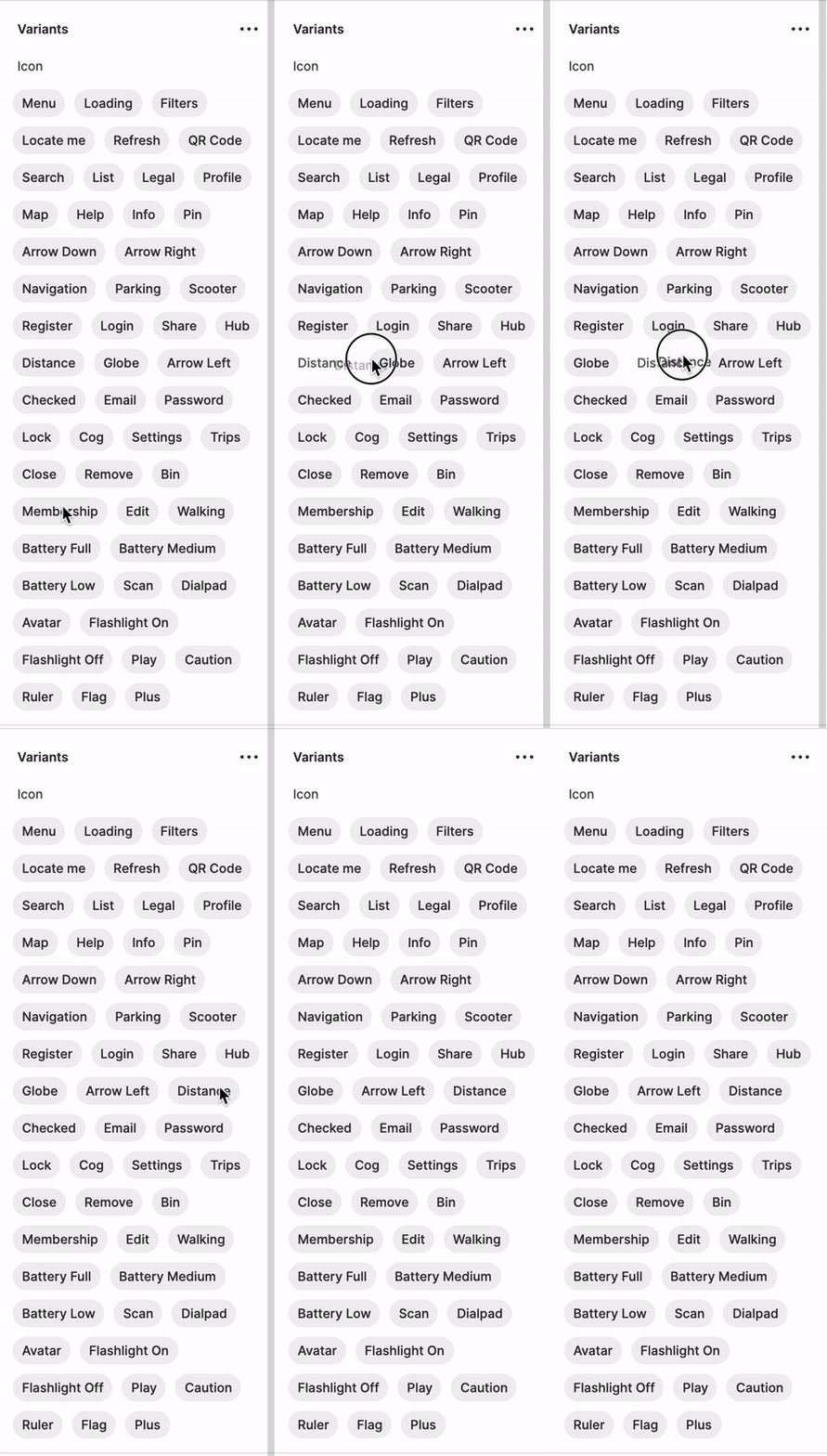
Kapture 2021-04-21 at 13.42.37

49 replies

April 21, 2023

So we are still waiting for a solution to this? I have to add new icons and it is a mess, unless I do it manually which is time consuming. 😦

S_e_b_a_s_t_i_a_n
New Participant
May 4, 2023

I’m desperate. I need this feature!

Pavel_Kiselev
Power Member
May 5, 2023

The worst way to make flags mate

S_e_b_a_s_t_i_a_n
New Participant
May 7, 2023

Ok, do you have a better idea?

Pavel_Kiselev
Power Member
May 8, 2023

I’d make each one of them as a single component. This way my users will be able to lookup an asset they need. And this is the best practice from Figma itself, fairly obvious though 🤣

S_e_b_a_s_t_i_a_n
New Participant
May 15, 2023

The problem with single components here is, to hold additional meta data like in my case, ISO codes. So far there is no reasonable solution for this in Figma.

My current solution for it looks like this:

image
I’m not happy with that.

Stephane_Popout
May 18, 2023

I think I found the hack 🙂

If you rename a variant field two times in a row, the values are reordered.
It worked on figma desktop on my mac (did not check into the browser)

@S_e_b_a_s_t_i_a_n @Rebekka_Karrengarn you just need to rename Country into Country2 and then name it back to Country

Normaly this is safe and should not break anything too, right @Ilya_Ivanov ?

Andres11
May 19, 2023

It works Stephane, you are a genius! thanks.

Stephane_Popout
May 19, 2023

You’re welcome 💪🏽

May 23, 2023

@Stephane_Popout
This doesn’t work for me, can you upload some images or a gif to show how you do it?
Thanks