

rzmota
April 21, 2021

Sort variants alphabetically (ascending/descending)

  • April 21, 2021
  • 49 replies
  • 16334 views

Hi,

Is there any option to automatically sort the items/components in the variants menu? Seems like I can drag them and drop but while having lots of elements it’s quite hard to keep things in the correct order.

I know there are plugins to sort items in the layers menu (like SortIt) but would be great if there is an option to make the same (A->Z, Z->A) for the variants.

It will make life easier.
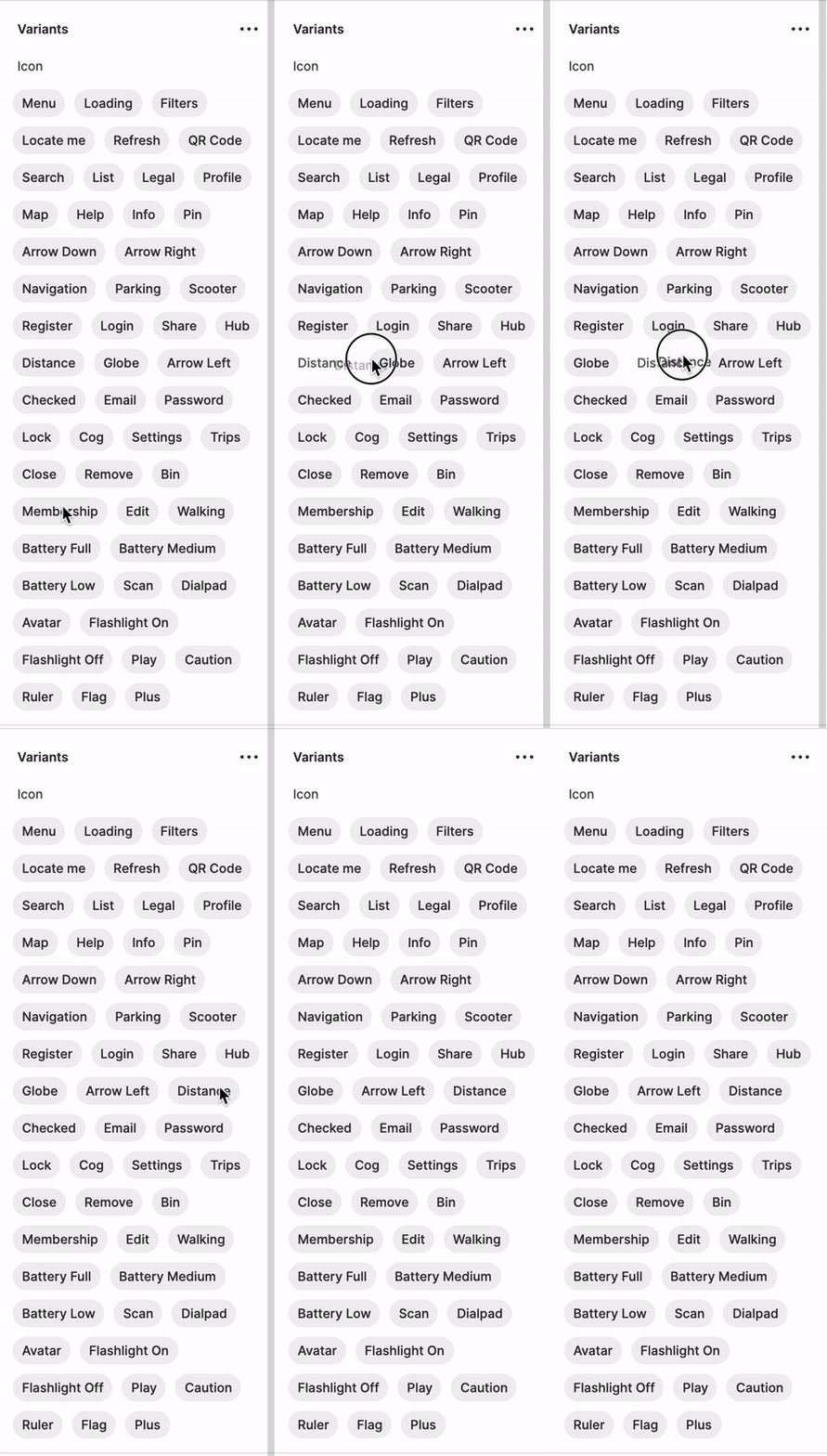
Kapture 2021-04-21 at 13.42.37

49 replies

Wigley_Shashi
February 24, 2022

I’m creating variants of online merchants logos and need a effective way to organize them alphabetically (not removing them from the variant and adding them back in order - that would be time consuming). These variants are linked to several projects, so the library will constantly need updating. See screenshots

Screen Shot 2022-02-24 at 12.57.03 PM

Does anyone have a solution for this - plugin, figma update etc? Thanks in advance!

Alyssa_Maac
April 5, 2022

But the issue with this is if the components are already being using on another file then if we do break and combine the components again, we’ll have to replace everything or double-check it all over again.

Rebekka_Karrengarn
May 24, 2022

We need this feature for organizing a design system!

Sophie_Price
New Member
May 24, 2022

This would be super useful! I’m spending a fair bit of time ordering them manually at the moment, and then as I add new variants I have to go reshuffle it all.

legnaleama
June 15, 2022

Thank you good sir.

Facem_Graphics
New Participant
June 29, 2022

Anyone else missing the powerful sorting from the old variants panel?
Sorting values in the new variant property panel is an irritating pain compared to this and takes forever. Was hoping that it will get noticed and fixed/reverted by now, but hey.
Such productivity!

Sam_Tamiosso
July 28, 2022

hi guys!!

any news?

Natti
New Participant
August 19, 2022

Running into this frequently and honestly all they’d have to do is make the order match the variant order that’s already in the component.
Screen Shot 2022-08-19 at 3.23.11 PM

There are plenty of plugins to auto sort layers but for whatever reason the variant menu is different, requiring a manual reorder.

Screen Shot 2022-08-19 at 3.23.03 PM

Screen Shot 2022-08-19 at 3.23.42 PM

Which is mostly fine for smaller components but annoying to say the least to have to do every time and not feasible for larger more complex variant sets.

I also don’t count breaking the component to get it resorted as a “solution” since I’d literally have to re link all of the instances.

Timothy_Sullivan
September 23, 2022

I’ve tried this and it does not work unfortunately.

Hoang_Anh_Le
September 29, 2022

I’ve created a plugin to search variant by name.
Yet, the plugin is under reviewing by Figma team and I hope it will be approved to publish soon
Screen record of the plugin