

megaroeny
Active Member
August 19, 2021

Finding Missing Library components/styles

  • August 19, 2021
  • 91 replies
  • 25524 views

First off, I’m loving the new Swap Library feature!

Problem

Today, it actually helped me discover some “rogue” styles and components that were leftover from an old library! Now I can try to locate those and finally get rid of them in our current library!

But wait - what if I don’t actually know where these are in the file? Or even further, what if I can’t get Figma to find a match?
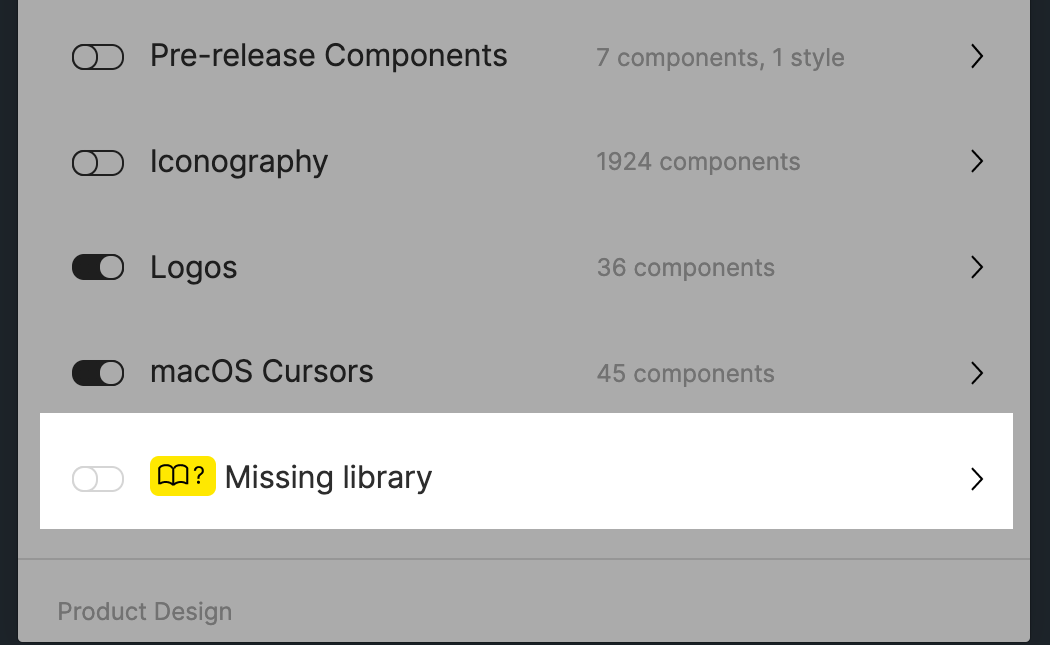
Suggestions:

  1. The one thing I wish this feature could do is to help me actually locate those rogue styles or components. I tried using the Instance Finder plugin but it still didn’t help because I have to actually locate them on the canvas/file first. ☹
  2. What if the dialog let us force a new style or component match, instead of us running into a dead-end with the None found message. Currently, it tries to match using the name. But that might not always work (like in this case.)
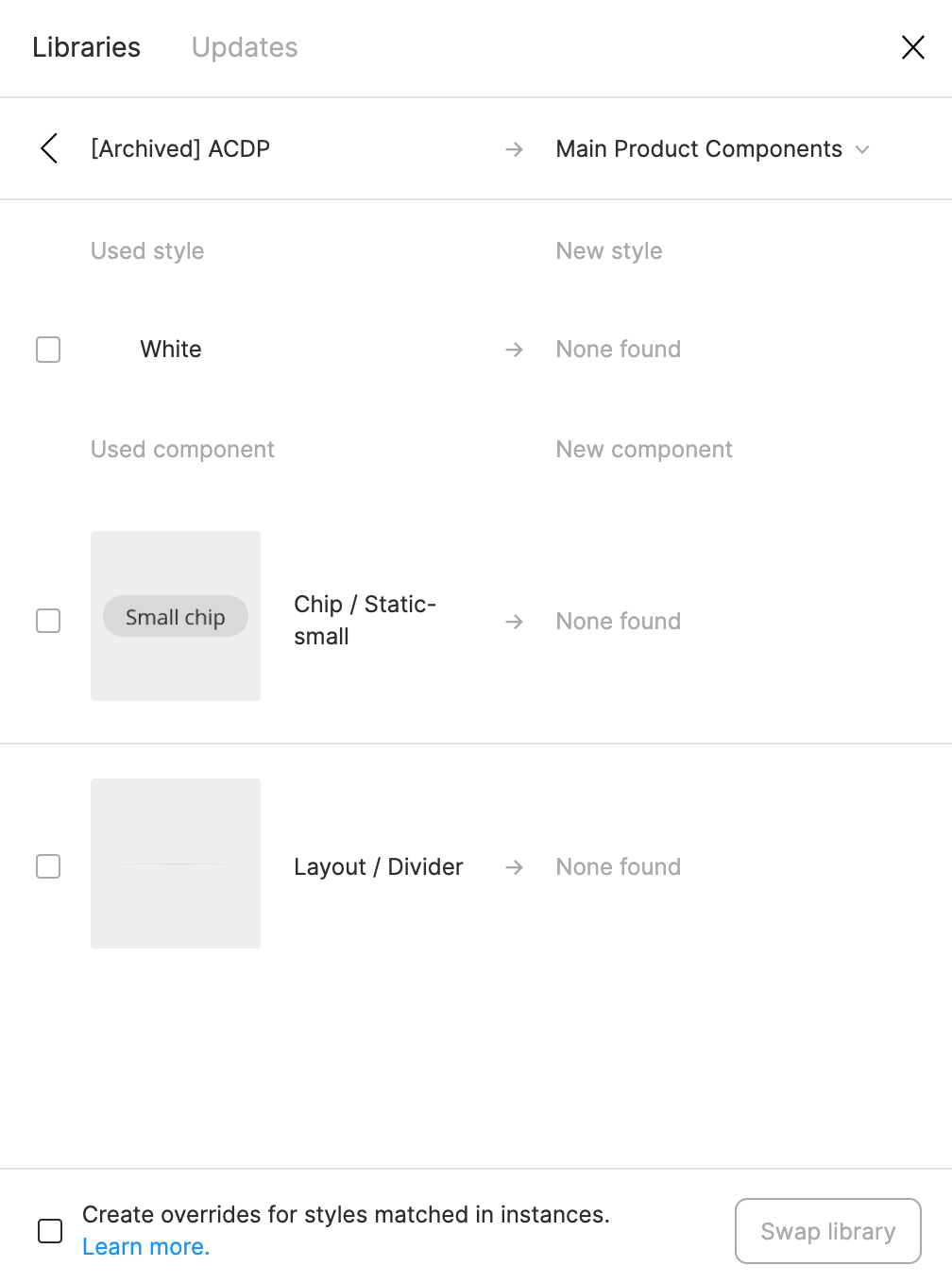
Any ideas are appreciated. Otherwise, wanted to pass this suggestion on to the Figma team. Thanks!

91 replies

Jason_Post
August 9, 2022

Hi @Jesse_S , I’m not much of a coder myself either, sorry!

Margaret_Hogg
August 17, 2022

Replying to keep this thread alive and also to thank everyone for the thoughtful workarounds.

I’d also like to be able to go to the missing components and styles in the project from the Library Swap panel, but as a quick fix it would be nice to have an “Detach component/style” option or even a “Create local component/style” option to set the missing items to. Or even an “Ignore/detach library” button on the top level that just unlinked everything from that library.

ahmadfawaid
New Participant
August 29, 2022

I’m replying too to keep this thread alive. Hope Figma fixed this issue.

Axel5
September 11, 2022

Still, we hope Figma will finally acknowlege that there is something they need to improve…

Margaret_Hogg
September 15, 2022

Yup, still hoping for even just an “ignore” button.

megaroeny
megaroenyAuthor
Active Member
September 15, 2022

Oh, yeah! Great idea.💡 Didn’t think of it from that angle too.

October 15, 2022

This topic was automatically closed 30 days after the last reply. New replies are no longer allowed.

Graham_Dobie
April 13, 2023

This worked for me too. Thanks! Those rogue styles were driving me crazy.

Tara_Price
July 13, 2023

Why is this still not implemented? Even if there was a break link to component option, that would be so much better.

I fixed names between library versions, and need a map to a new name style.

Tara_Price
July 13, 2023

OK. I might have found a really terrible work around until Figma can figure out a find and replace or detach option. Considering it’s been 2 years, not holding my breath.

  1. Create a new temporary library.
  2. Create missing styles with the new name.
  3. Relink to this new library
  4. Once everything is synced. Update the naming to the proper name.
  5. Cut the styles from the temp library
  6. Paste them into the new library
  7. Relink to the new library
  8. Sync and then delete them.

You’ll still have a bunch of orphaned styles, but you’ll stop seeing missing styles.

I’m also using a temp file while I migrate old to new updated variables version. So I’m copying things over to a temp doc to swap libraries before I move the components or layouts into my new document.