

megaroeny
Active Member
August 19, 2021

Finding Missing Library components/styles

  • August 19, 2021
  • 91 replies
  • 25524 views

First off, I’m loving the new Swap Library feature!

Problem

Today, it actually helped me discover some “rogue” styles and components that were leftover from an old library! Now I can try to locate those and finally get rid of them in our current library!

But wait - what if I don’t actually know where these are in the file? Or even further, what if I can’t get Figma to find a match?
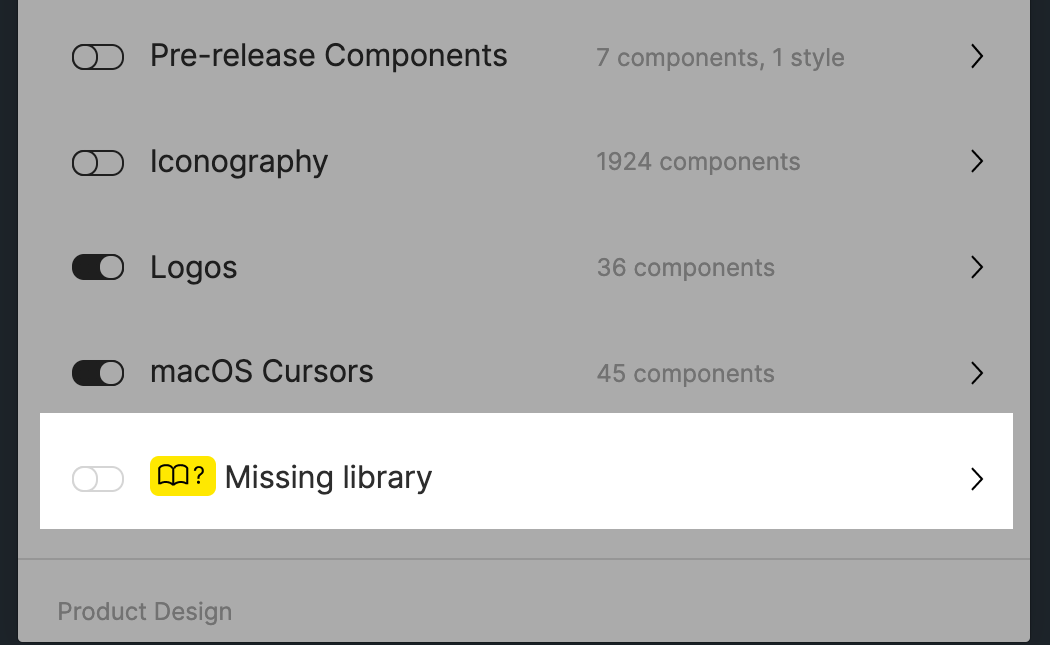
Suggestions:

  1. The one thing I wish this feature could do is to help me actually locate those rogue styles or components. I tried using the Instance Finder plugin but it still didn’t help because I have to actually locate them on the canvas/file first. ☹
  2. What if the dialog let us force a new style or component match, instead of us running into a dead-end with the None found message. Currently, it tries to match using the name. But that might not always work (like in this case.)
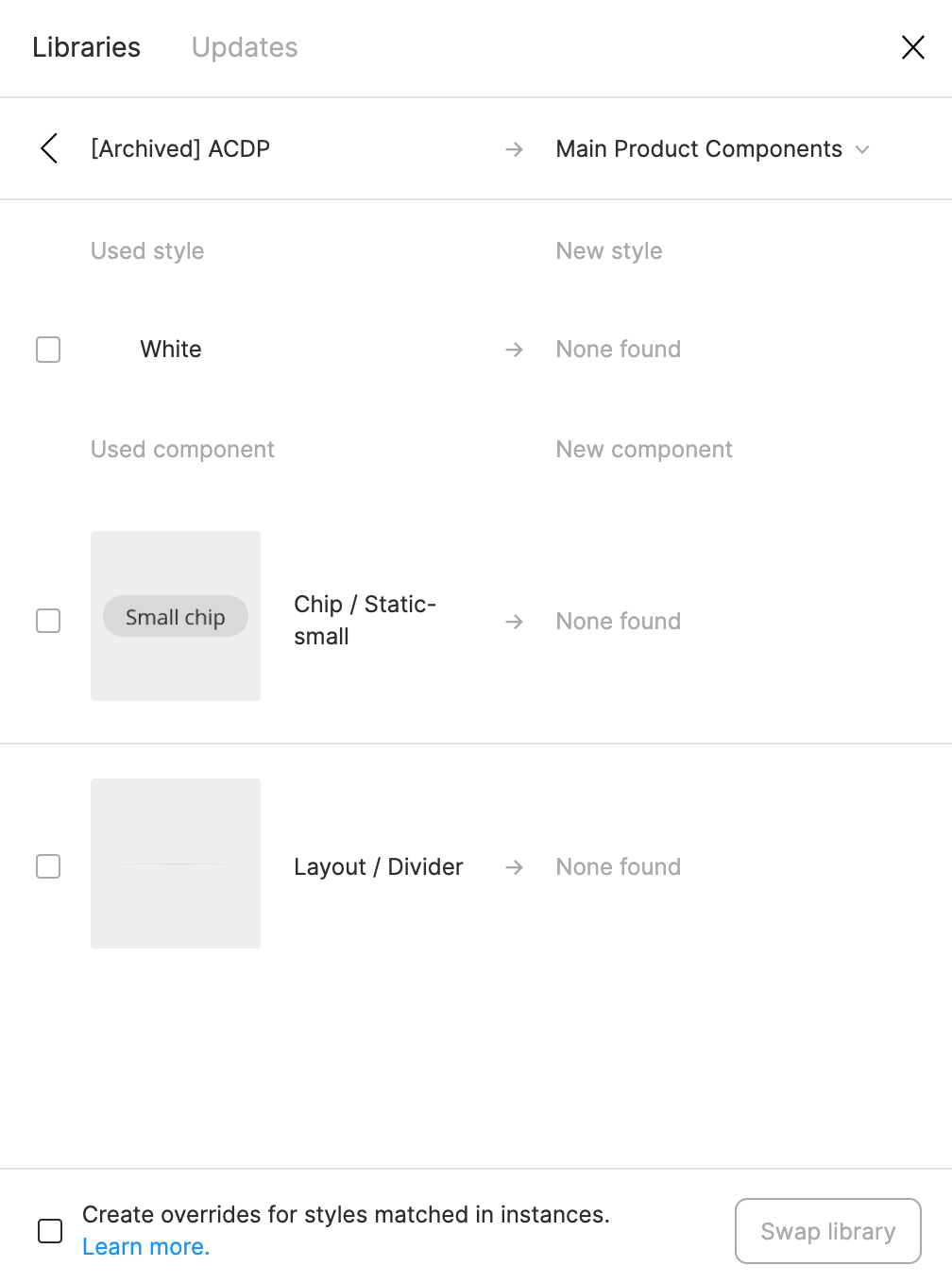
Any ideas are appreciated. Otherwise, wanted to pass this suggestion on to the Figma team. Thanks!

91 replies

Kenneth_Kammersgaard
February 15, 2022

It actually worked for me, to create a new style with the same name and then publish that style. Then I could swap that style in the Missing Library window and then delete it afterwards. Then just do it with all styles missing. Problem fixed 🙂

AsbjornatTryg
March 3, 2022

I believe Components can be found using the plugin instance finder or library analytics for figma enterprice. I reallt need styles as well or the possibility to swap/overwrite with a new style without the name having to match.

Rory_Pyatt
March 18, 2022

I had the same issue with text styles, but read a post about creating the exact same name style locally and then using the library swap to replace the missing remote style with the local style I just created. After it was swapped I just then deleted the local style and it worked great. I found that the missing style was caused by having two text styles in the same text box, and the missing style was a soft return! So even when you highlighted the text the missing style didn’t show up, only the other two text styles if that makes sense?

dennsi
Active Member
April 12, 2022

I have the issue effect styles used by a missing library.
With colors you could check every document page but selecting all objects and using “Show selection colors” to track them down. But with effect styles this doesn’t work…
Can we at least consider having something like “Showing selection effect styles”?

Chris_Kerr1
New Participant
April 20, 2022

This worked a treat, thanks @Irene_Nelson

Andrew16
Active Member
April 25, 2022

Bump here. Let’s keep this thread alive. In case if anyone is wondering, I am not bumping this intentionally to hassle. But this is a big issue, and legitimate one at that.

What or how is it so difficult for Figma to just implement a manual relink feature? I’ve just upgraded to professional plan and I’m not so happy to be slapped with this problem… this thread has been nearing a year old…

AndyGonzalez
May 19, 2022

Bumping again. As our company’s DS person, this has been a major headache for me. Figma already has the great ‘crosshair’ tool that lets you zoom to/highlight components. It would be great to have this feature carried over to missing/ghost/orphan elements and styles.

I’m currently going through old files I didn’t make, trying to clean them up. There are so many hanging or broken connections…

Piotr_Stanislawski
New Participant
May 30, 2022

Same. Definately need a way to manually select swappable items. We tend to change names frequently when switching between themes and projects and not being able to swap Button + Icon to Button+Icon is quite a headache for us.

Alexandre_Istrasoft
May 30, 2022

Same here.

So far the best solution and plugin I found to deal with this is the “Find in page” after trying many different ones. This one actually finds everything from layer names, component names, style names and such, and most importantly allows to search in the whole document in one go !!! (i’m not the creator of the plugin, but many thanks to him! )

Figma
Sam_Walsh
May 31, 2022

Incase it helps anyone else, I discovered that the missing style was on a completely different page. So in order to search all pages instead of just the current page, you just need to make one small tweak to the above code snippet — change figma.currentPage. to be figma.root..