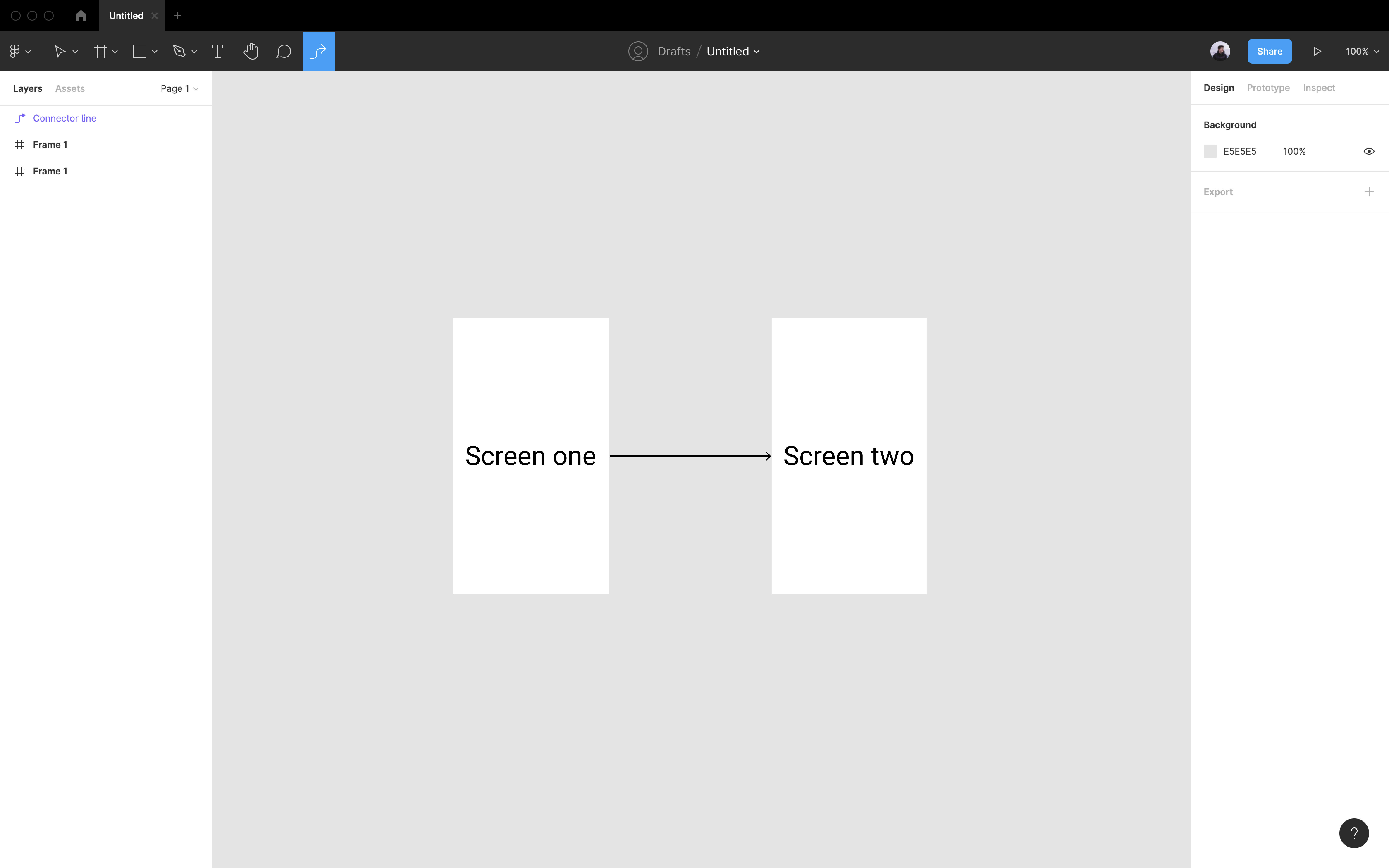
FigJam connectors in Figma

  • April 21, 2021
  • 159 replies
  • 17131 views

Show first post

159 replies

Anton_Andrianov2

@miggi Maybe, you know, when we can see connectors in Figma ?)


Kacie_Guthrie

The amount of time I spend fussing with copy and pasting Figjam connectors into Figma is silly - not to mention that you can’t even option+drag to duplicate them. I use these in every single design file and I always dread the moment I have to put in all my arrows because it’s such a time suck.


Briston
  • New Member
  • August 31, 2025

I built FlowConnect, a Figma plugin that brings FigJam-style connectors into your design files.
You can link frames in seconds, and the connectors auto-adjust as you move things around. It’s super easy to customize arrows, labels, and styles.

Link : https://www.figma.com/community/plugin/1497662430674423590/flowconnect-figjam-connectors-in-figma

Features it has :
- Can connect any nodes in figma
- Live Preview of the selection
- Customise connector type, colors, arrows and size

- Ability to save style settings as presets
- and more..

How to use : 

You can copy the connector based on your customised style, Select two frames or nodes , Press Cmd+v on your canvas to connect them with figjam connectors.

A mini demo :


Anton_Andrianov2

@Briston Thank you)


But in the future, I hope that Figma will make native connectors. It is inconvenient to use any widgets or plug-ins.


Hana DELANGE
  • New Member
  • October 1, 2025

Please ? 


SQ9999
  • New Member
  • November 21, 2025

Ping


Vera12
  • New Participant
  • November 25, 2025

+1


Tiziano
  • Active Member
  • December 2, 2025

Customize Label Radius!


Anthony_I
  • New Member
  • February 14, 2026

https://www.figma.com/community/plugin/1572233244252526192/figjam-connector

You still need to copy paste connector, but after you can use is just by selection objects.