

Petr_Chutny
May 27, 2021
Solved

When using an interactive component in a prototype, "Click" doesn't execute

  • May 27, 2021
  • 44 replies
  • 24998 views

Hello,

I have created a “Button” component with a hover state. It uses “mouse enter” in order to “change to” its hover variant.

When I use such button in my design and add “click” prototype interaction to show an overlay, nothing happens on click:
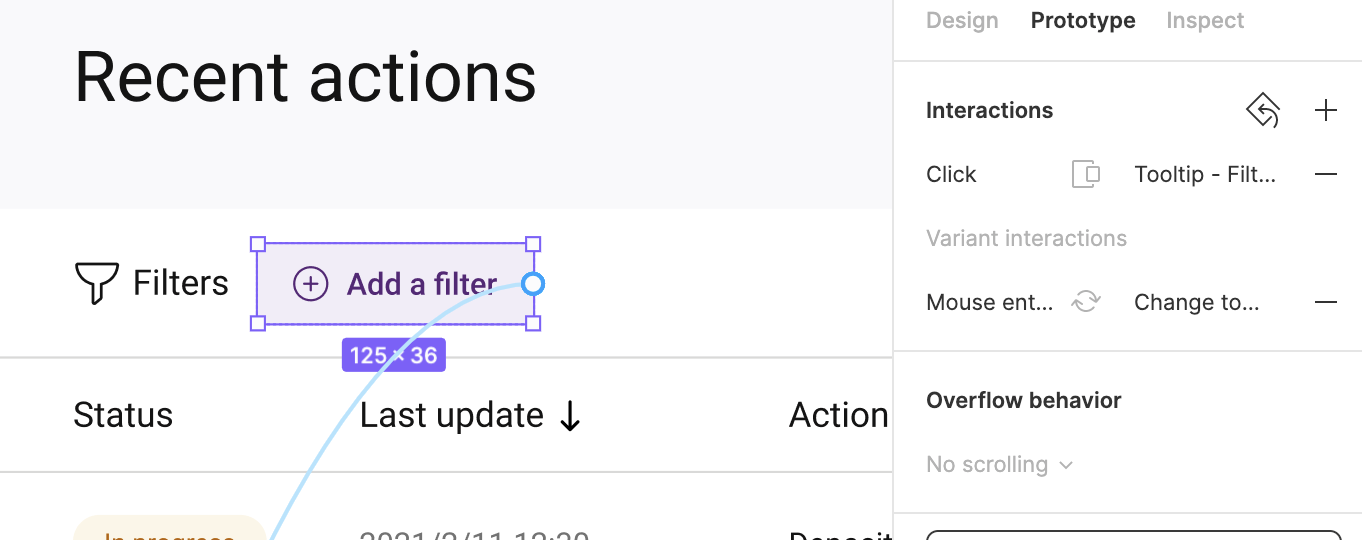
Prototype:
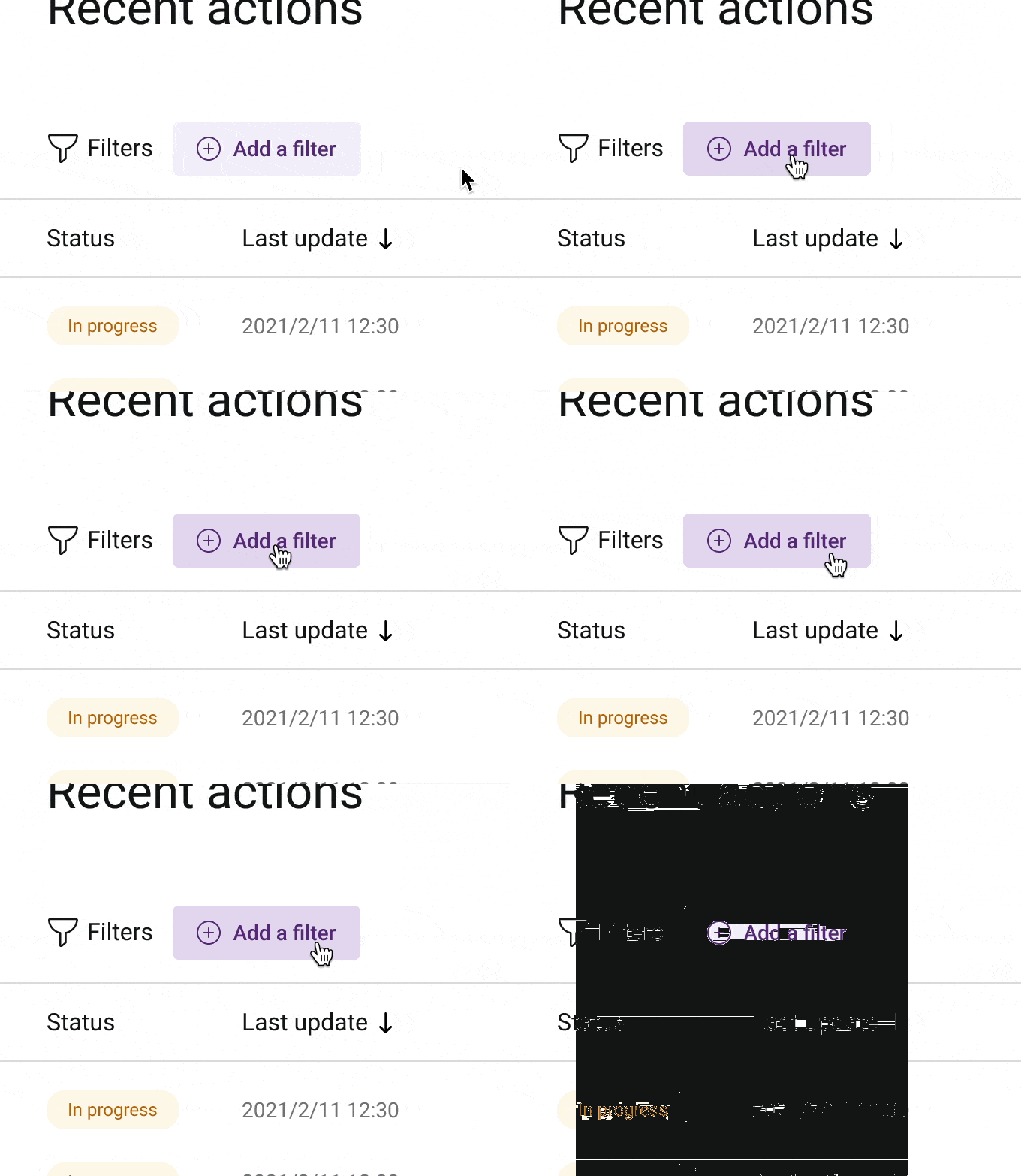
CleanShot 2021-05-27 at 14.36.29

After deleting the variant interaction from this instance, the good old “click” actually works:
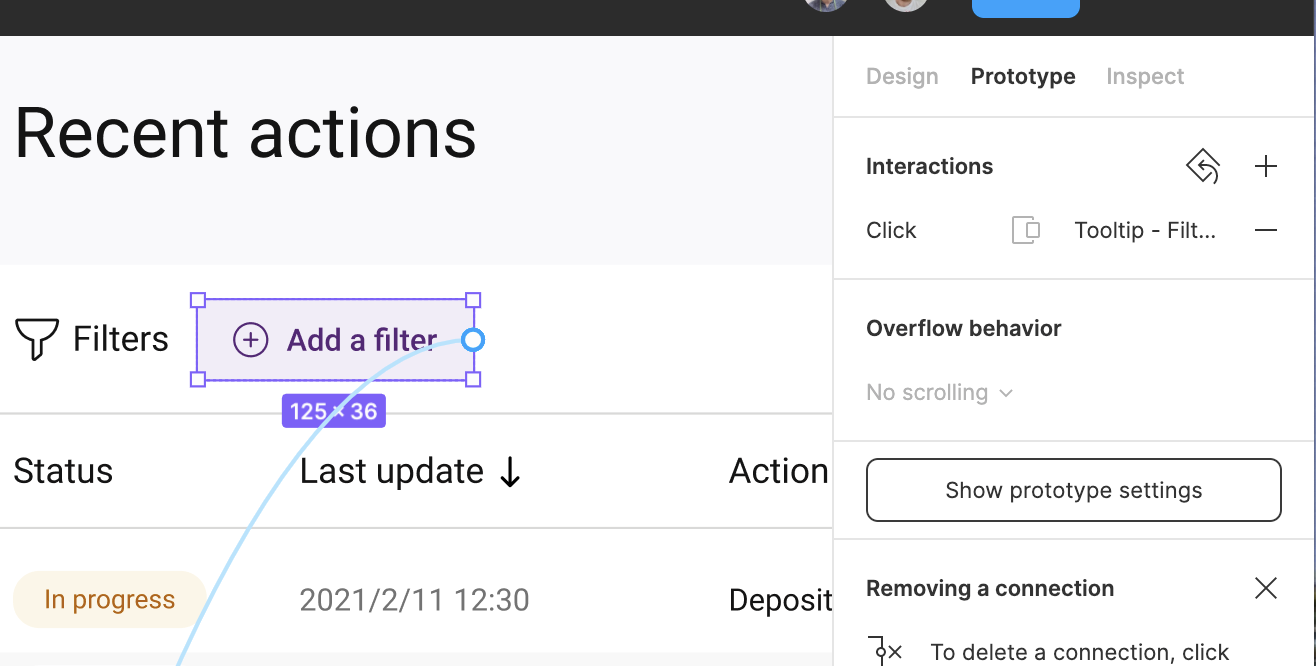
Prototype:
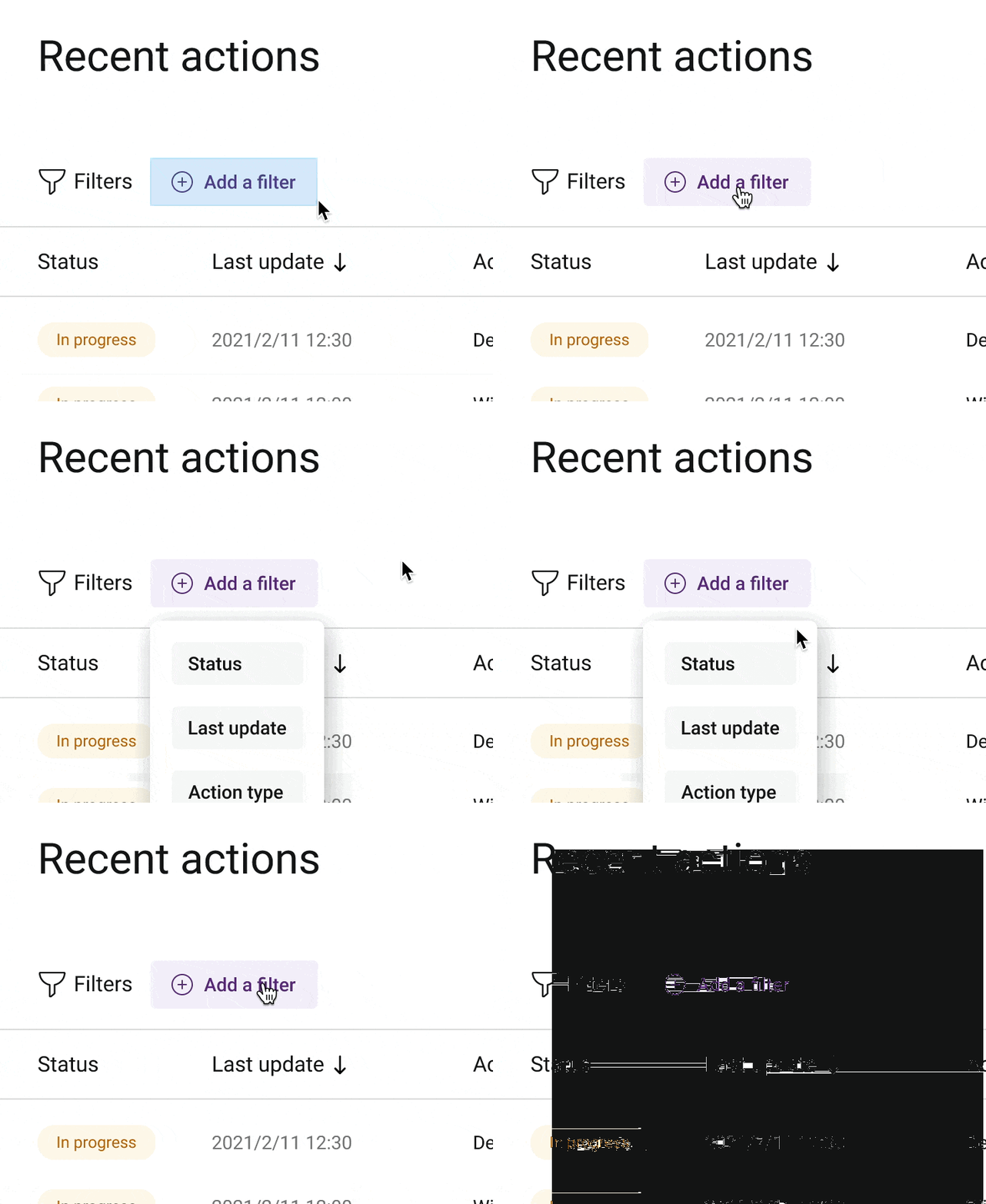

CleanShot 2021-05-27 at 14.37.04

This topic has been closed for replies.
Best answer by Andrew_Chan

Hi @Jorge_Lozano_Cerrato @Su1 this actually sounds like a big bug. Can you DM me your file or let support know that we’d like to escalate this? You can cc achan@figma.com and invite the same email to the file to make sure I have access. This’ll help us figure it out faster.

Thanks!

44 replies

May 25, 2023

Same problem, now over 2 years later. Figma’s silence on this is astounding @Figma_Support

Lorem-Possum
Active Member
June 23, 2023

The issue is still here.
Reproduce:

  1. Create a button component with 3 variants: Normal, Hover, Active
  2. Create variant interaction from Normal to Hover: While hovering → Change to → Smart animate
  3. Create variant interaction from Hover to Normal: Mouse leave → Change to → Smart animate
  4. Create variant interaction from Active to Normal: Mouse leave → Change to → Smart animate
  5. Create variant interaction from Hover to Active: Mouse down → Change to → Instant
  6. Create variant interaction from Active to Hover: Mouse up → Change to → Instant
  7. Create interaction on instance of this button component: Click → Open overlay → Dissolve

No overlay on button click 👎
As mentioned above, the Click is hijacked by the Hover variant. So at this moment you are not allowed to have a button Hover state and button Click event at the same time.

Workaround

Use Mouse up event on the button instance instead of Click event . In this case your clicks works.

Abrar_alhadi
New Member
June 26, 2023

I had the same problem! I used “Mouse enter” instead of “On Click

“on click” interaction not working while component prototype is on hovering

I hope there is a solution soon

Naresh_Ugaonkar
September 14, 2023

Yes this worked for me finally.

November 6, 2023

I realized that not only were interactive component click events not working, but the page-level delayed events were acting up too. Here’s what I observed:

  1. This problem was only happening on mobile devices.
  2. Sometimes, for some mysterious reason, these events would start working after a while.
  3. While I was trying to debug, I noticed that some files were loading.

I had a hunch that it might be related to a network connection issue. So, I decided to disconnect my Wi-Fi (the one I use at work/corp) and switched to LTE for testing. To my surprise, after making this switch, everything, all different events, started working properly.

KennLucas
November 24, 2023

Holy cow @Lorem-Possum ! How did you figure that one out? That is HUGE! Thank you.

Only thing for me is that I am trying to use a variant to show an overlay.

Imagine this:

  1. hover a pagination page number.
  2. the hover state changes per the variant.
  3. click to show an overlay.
  4. the hover state becomes now the pressed state, per set in the variant. And the overlay is showing.
  5. You can click outside of the overlay to close it.

Problem: The initial pagination number…is now stuck in the pressed state and will not revert to the base state.

I was trying to do this with a click interaction, but your suggestion of on mouseup, made it work! But still unfortunately nothing will let me reset the “…” to the base state. It stays in the pressed state.

(I deleted the sample prototype that I had posted. Need to move past this. I just got rid of trying to do the interaction states and took off the state change.)

Lorem-Possum
Active Member
November 27, 2023

Hi, have you tried the “Reset component state” checkbox in the interaction popup?
Снимок экрана_2023-11-27_15-25-49

KennLucas
December 10, 2023

That has no affect. The issue is that the interactions within the variant are isolated. The component state that needs to be reset lives in the component variant. Not on the container component as in your example.

The variant interactions do not have the option to reset component state. Thanks Figma!

December 26, 2023

Seem like I got a solution. I also had a same situation like a lot of people in this comment section. My solution is I also give the same prototype property to variant which is the stage that my main component is in when the press prototype property is working. I hope you get the point. I’m not very fluent in English.

Feiyang_Coco
January 3, 2024

This solved my problem! Thank you