

Petr_Chutny
May 27, 2021 12:37 PM UTC
Solved

When using an interactive component in a prototype, "Click" doesn't execute

Hello,

I have created a “Button” component with a hover state. It uses “mouse enter” in order to “change to” its hover variant.

When I use such button in my design and add “click” prototype interaction to show an overlay, nothing happens on click:
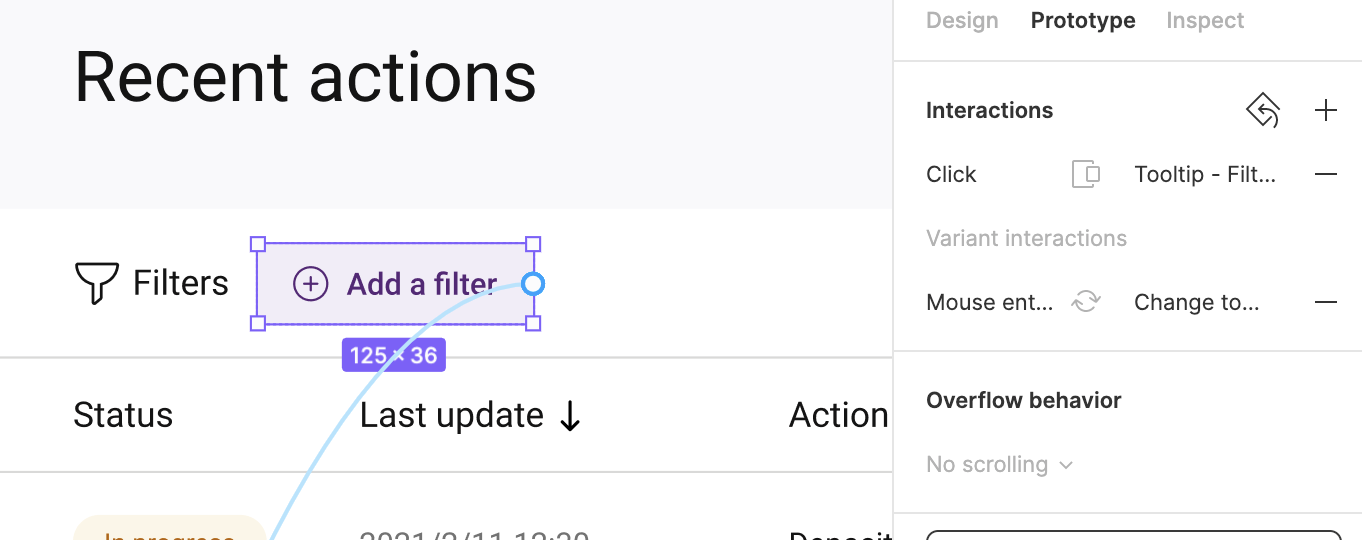
Prototype:
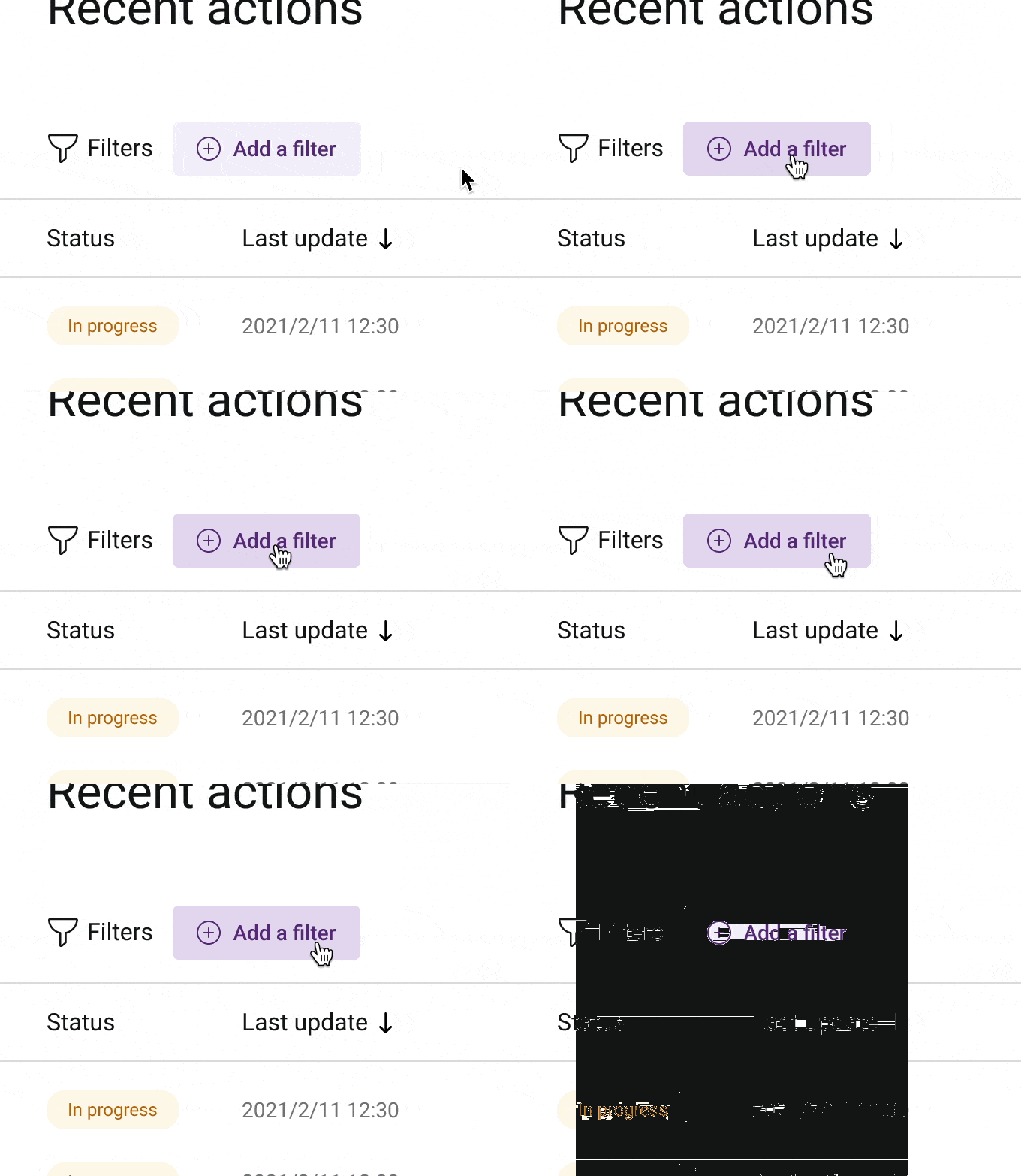
CleanShot 2021-05-27 at 14.36.29

After deleting the variant interaction from this instance, the good old “click” actually works:
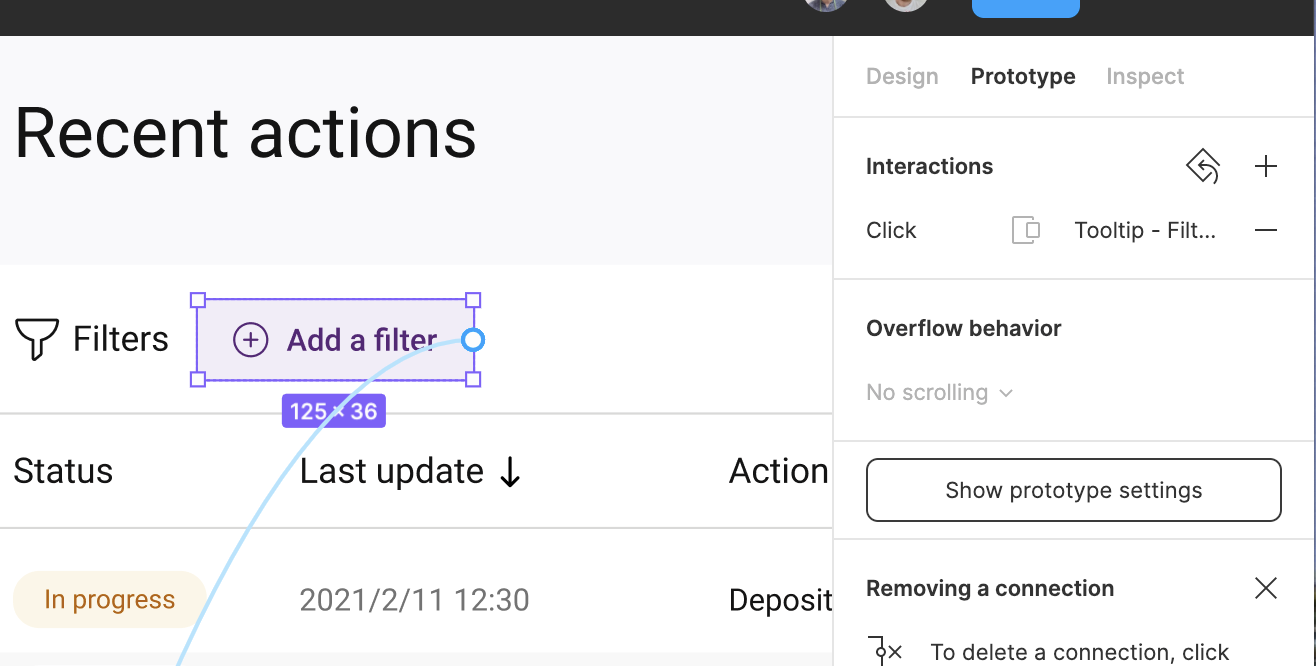
Prototype:
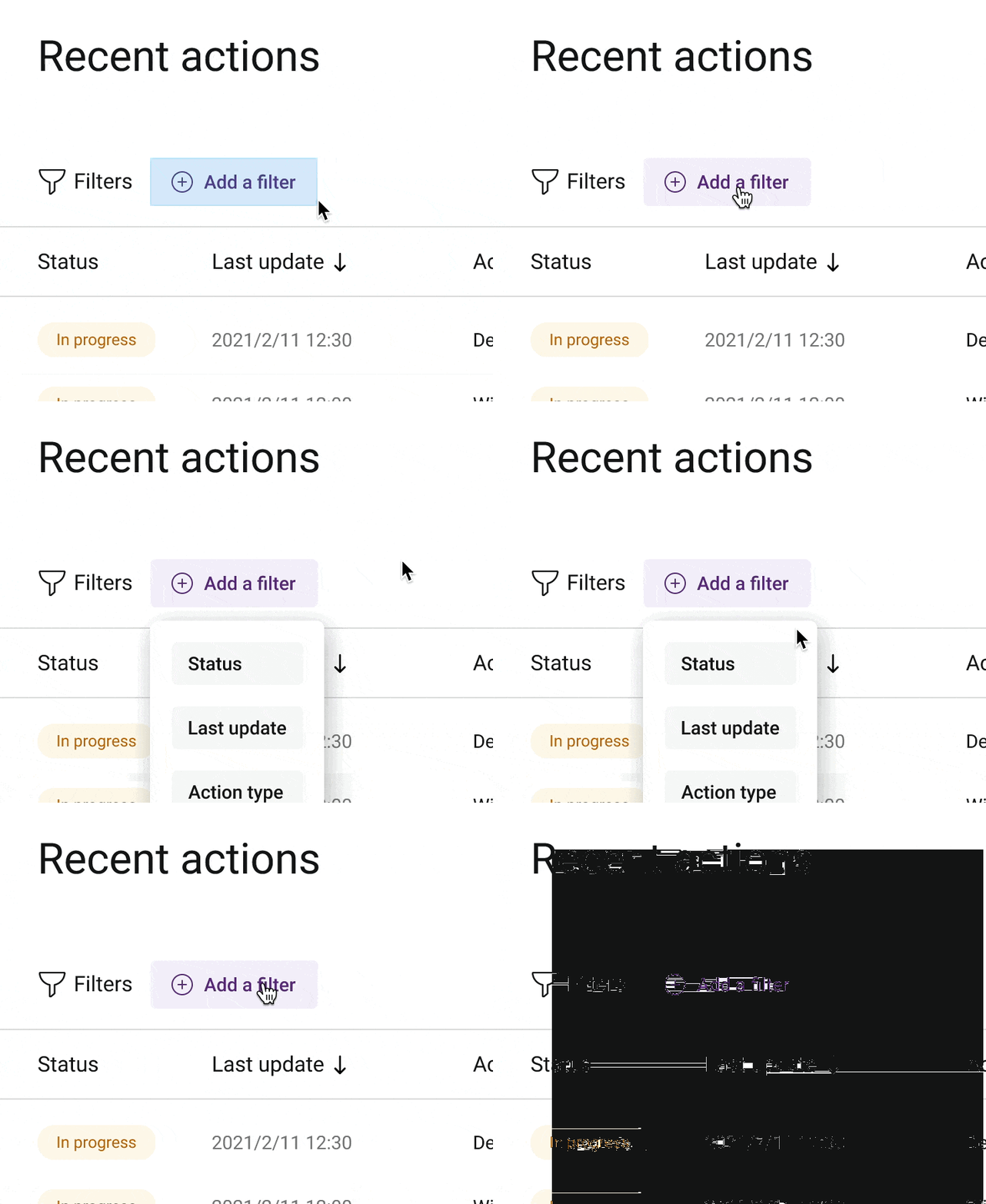

CleanShot 2021-05-27 at 14.37.04

This topic has been closed for replies.
Andrew_Chan
Andrew_ChanSolution
Figmate
Oct 19, 2021 8:11 PM UTC

Hi @Jorge_Lozano_Cerrato @Su1 this actually sounds like a big bug. Can you DM me your file or let support know that we’d like to escalate this? You can cc achan@figma.com and invite the same email to the file to make sure I have access. This’ll help us figure it out faster.

Thanks!

44 replies

Steve_Lindgren1
Mar 29, 2022 6:06 PM UTC

Figma refuses to fix this bug … It always ruins my workflow before a big presentation

Patrick25
May 25, 2022 3:48 PM UTC

I’m experiencing this same problem right now. Makes interactive components useless for me. Will there be a solution to this?

Yash_Gupta
Jun 28, 2022 5:16 PM UTC

Still running into issues with this ‘click’ interaction and having to resort to use ‘mouse up’ instead. Please fix this figma.

Capo
New Member
Aug 1, 2022 8:37 PM UTC

I run into this constantly, but realized why it’s happening; if you make a variant for the hover state of your interactive component, that variant is the new component present in your main scene. So linking a click from the default component won’t work. You must link from the hover variant to the new target frame.

Sorta defeats the purpose of keeping tidy components independent of the main artboards, but whatever. Still hoping Figma will fix this someday soon so you can hover and click from the same component.

Artem-Moskovskikh
Nov 9, 2022 8:37 AM UTC

Any news? I have the same problem…

y_yc
New Member
Feb 1, 2023 10:27 AM UTC

+1 I have the same problem…

KimiArtspace
Mar 1, 2023 2:27 AM UTC

Seems like no solution to this yet as I’m currently having the same problem.

Mouse up or down or while pressing doesn’t work at all. IT STILL ignores the “on click” interaction.

KimiArtspace
Mar 1, 2023 3:47 AM UTC

Seems like duplicating the text or button inside the hover component is the solution for me.

I used the sub-menu asset to apply the Mouse Enter and On click interaction to my page.

Farzona
May 15, 2023 2:24 PM UTC

Can not still properly use interactive component triggers and prototype triggers. Any solution? @Figma_Support

May 15, 2023 10:12 PM UTC

On top of this, I’m having an issue where interaction targets are disappearing when clicking through component variants. Like an arrow to expand a menu; the arrow is part of a nested component that services the encompassing component, and if you change through variants in prototype mode, sometimes the button just stops recognizing inputs.

I’ve triple checked that all layer names and layer structures are identical to facilitate this component but it still keep breaking.