

Petr_Chutny
May 27, 2021
Solved

When using an interactive component in a prototype, "Click" doesn't execute

  • May 27, 2021
  • 44 replies
  • 24998 views

Hello,

I have created a “Button” component with a hover state. It uses “mouse enter” in order to “change to” its hover variant.

When I use such button in my design and add “click” prototype interaction to show an overlay, nothing happens on click:
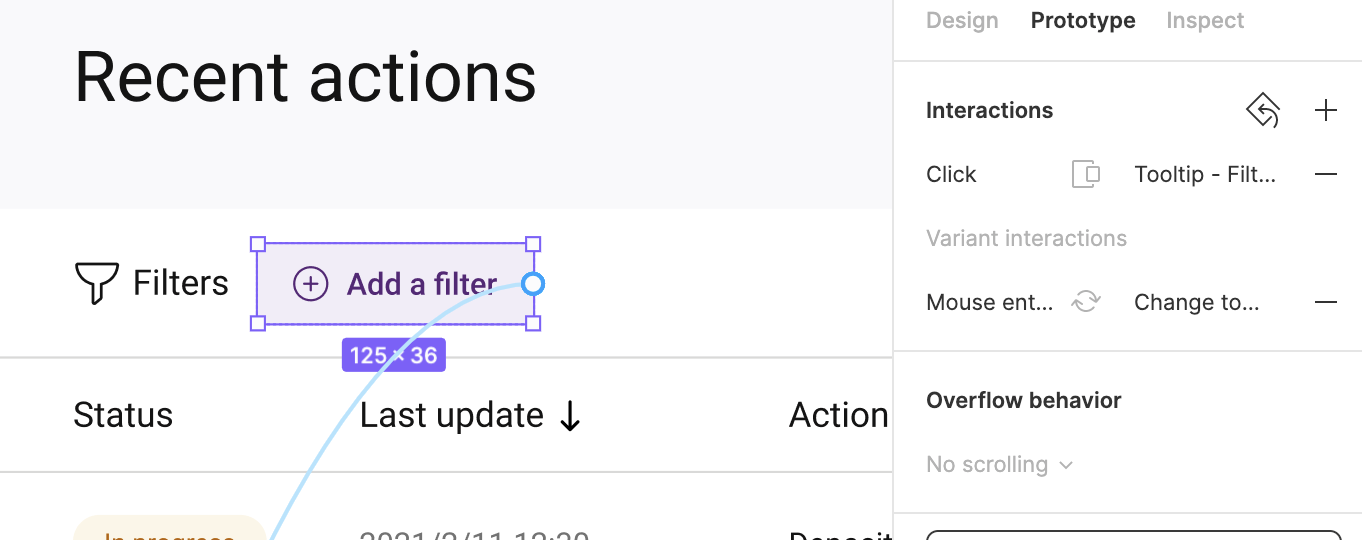
Prototype:
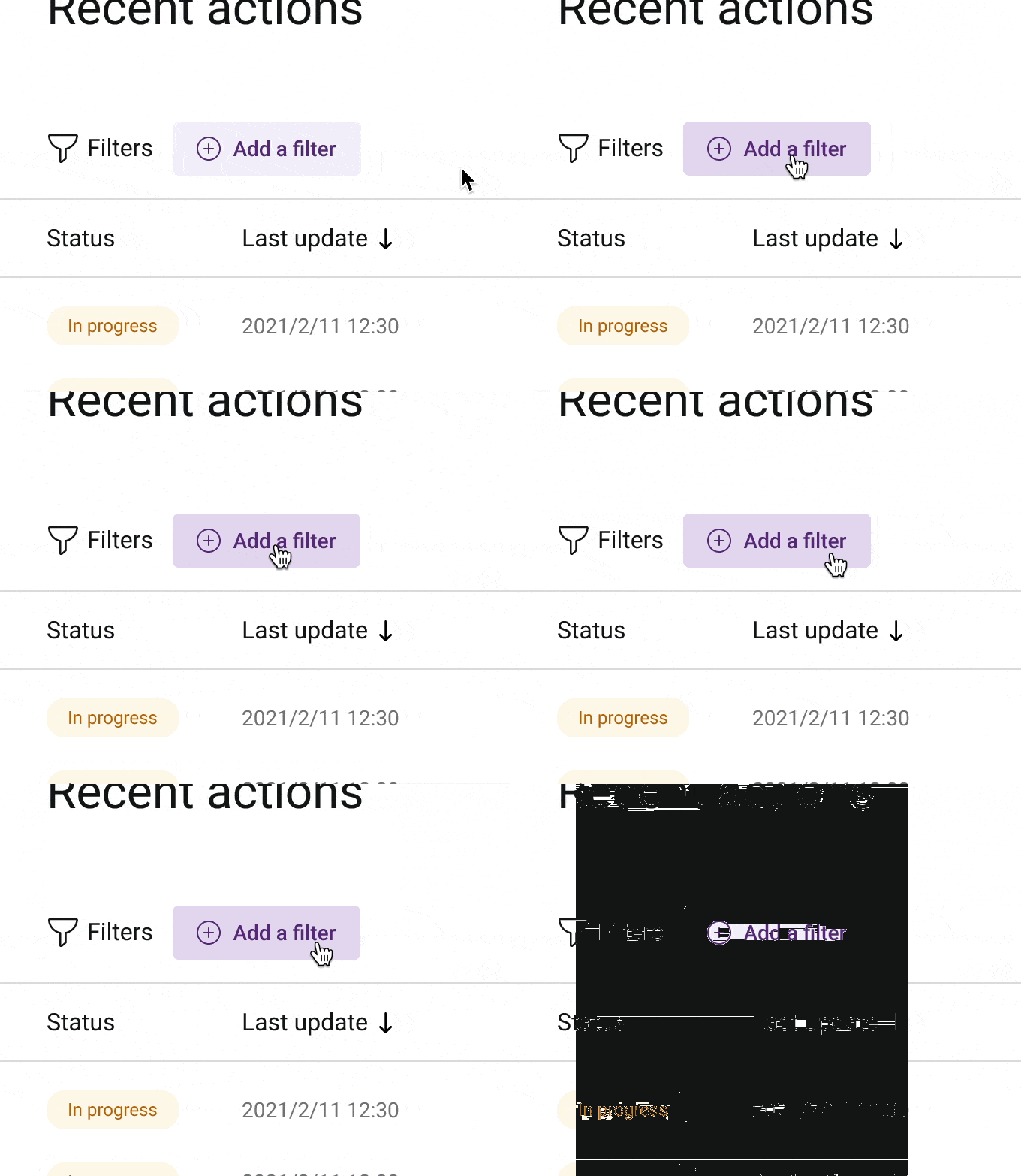
CleanShot 2021-05-27 at 14.36.29

After deleting the variant interaction from this instance, the good old “click” actually works:
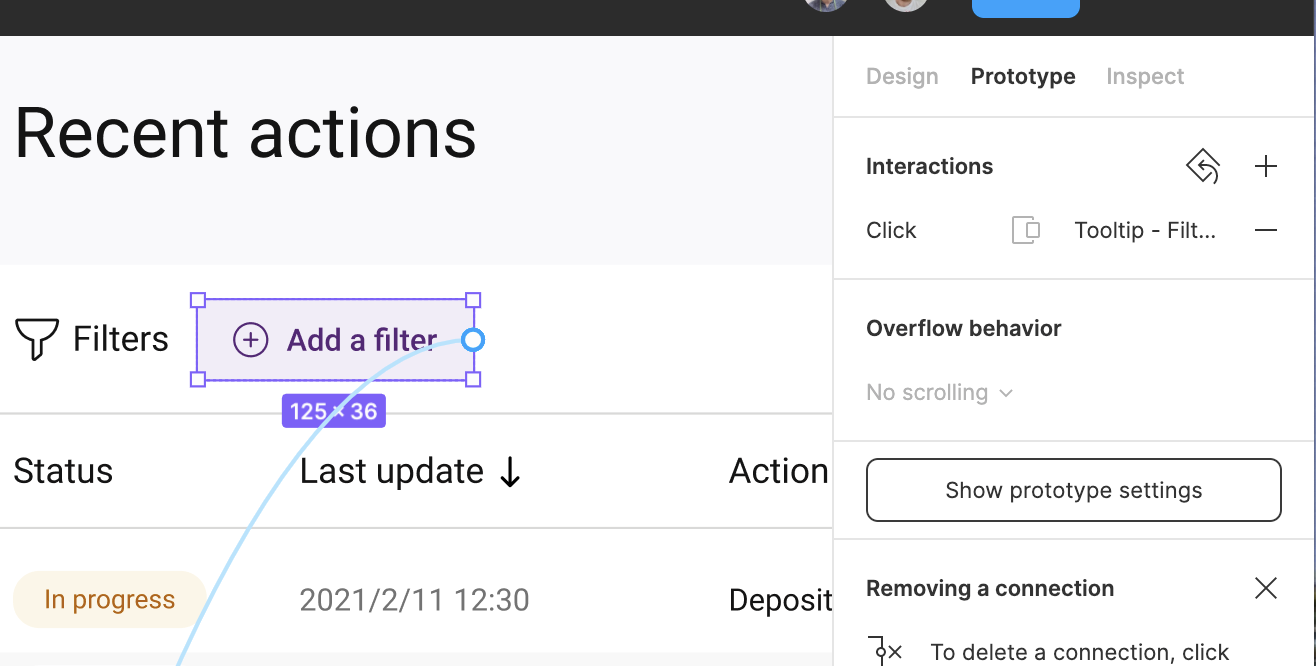
Prototype:
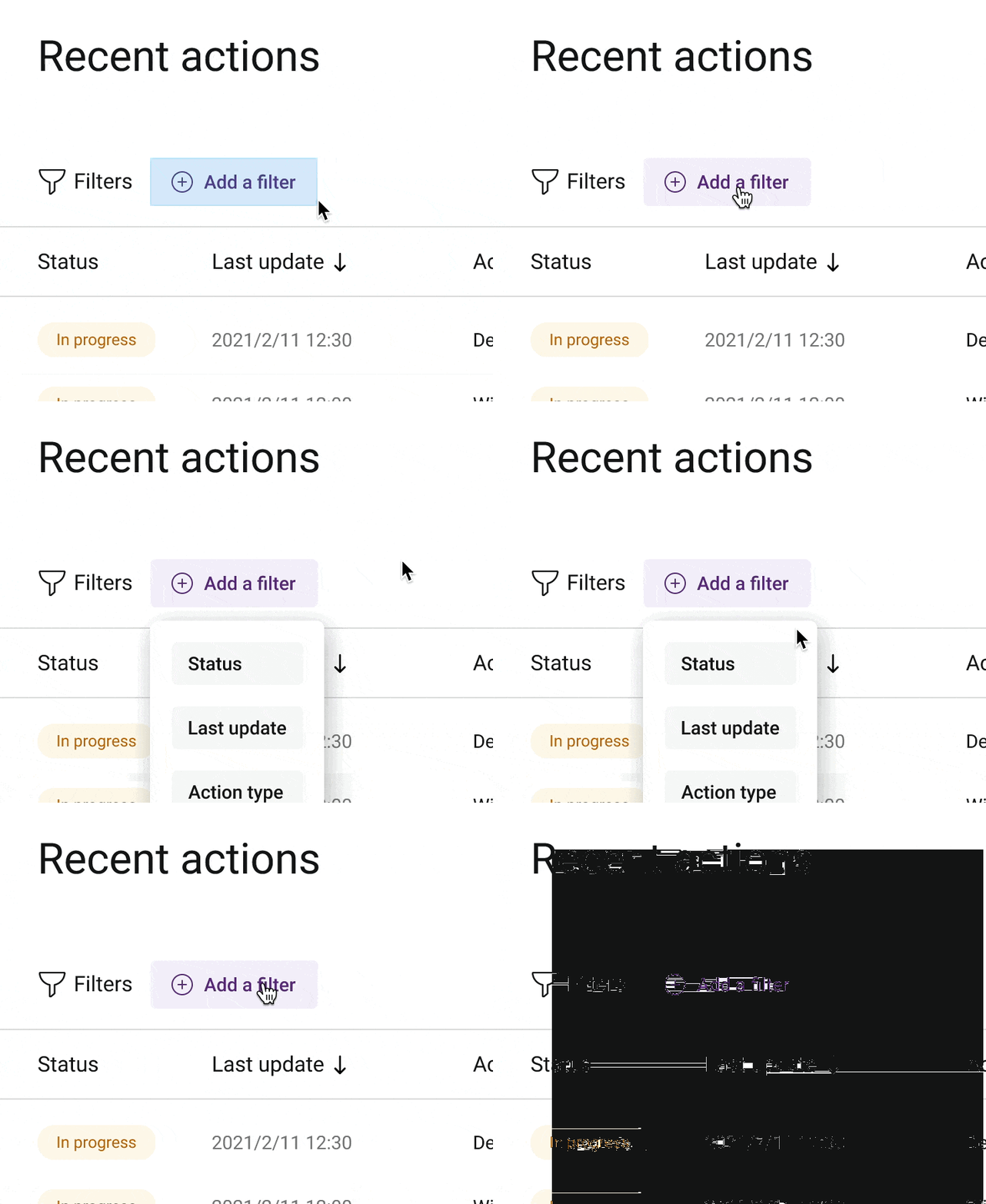

CleanShot 2021-05-27 at 14.37.04

This topic has been closed for replies.
Best answer by Andrew_Chan

Hi @Jorge_Lozano_Cerrato @Su1 this actually sounds like a big bug. Can you DM me your file or let support know that we’d like to escalate this? You can cc achan@figma.com and invite the same email to the file to make sure I have access. This’ll help us figure it out faster.

Thanks!

44 replies

Artem-Moskovskikh
January 19, 2024

@Feiyang_Coco can you explain this “method” in other words pls?)

joshmillgate
February 2, 2024

C’mon Figma what the heck

Thalles_Kaick
May 21, 2024

When you use while hovering you have 2 states, the standard version and the one that would be mouse hovering, the trick is to place the on click action in the second state, which would be while hovering, because when we press the button we are pressing the second state

Constantine_Zuev
October 7, 2024

It’s October 2024 and the problem is still there in new Figma UI. Did anyone actually managed to get Click working?