

Answer

Remove Figjam Annual Editor Seats

  • June 12, 2023
  • 9 replies
  • 3960 views

Linh_Ho

Hi,

As my team member accidentally moved her personal FigJam file into our team project, I tried to remove editor seats but inadvertently added 3 annual FigJam editor seats with no way to remove them.

Do you guys know how can I remove those 3 seats or the only way is to wait for Figma support?
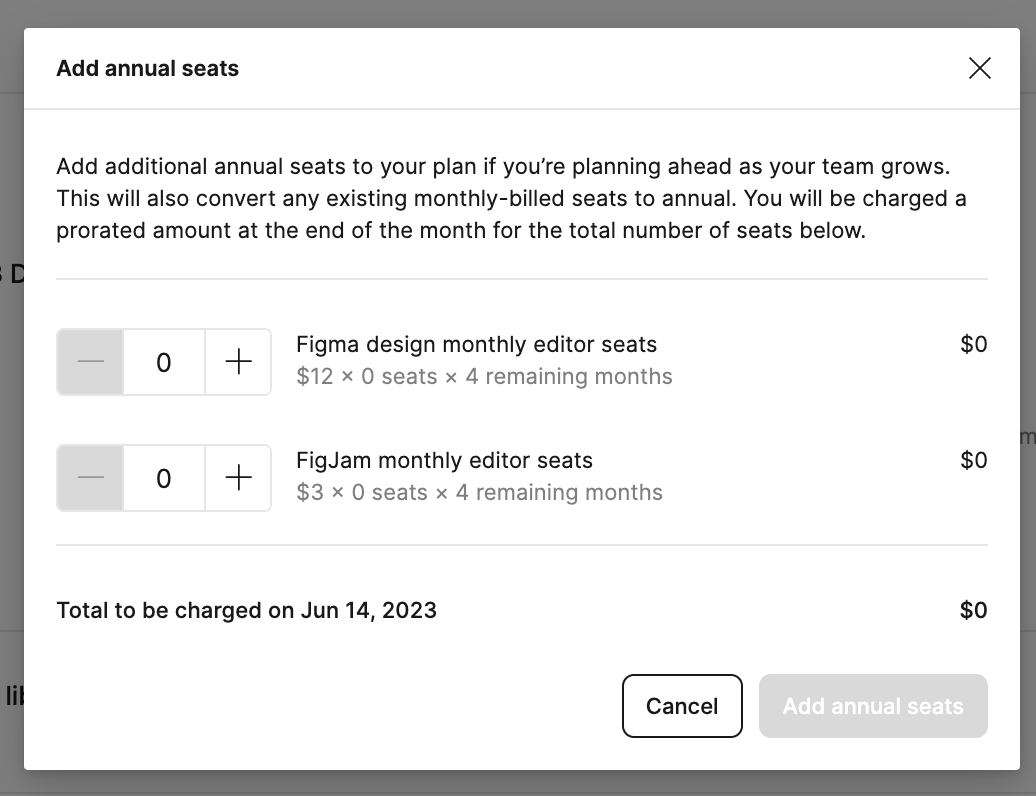
I think it’s related to this topic:

Best answer by Linh_Ho

No, my problem is the annual roles, that I added by mistake, not the monthly added roles. I find no place to remove it by myself.

So I had to contact support and go through with them to remove it. It’s a bit strange UX in my opinion though.

Figma is go to app of designer but they fail to recognised they miss a critical piece in their user flow.

This topic has been closed for replies.

9 replies

Celine_
Figmate
  • Community Support
  • June 13, 2023

Hi @Linh_Ho ,
While it’s not possible to remove FigJam as a feature completely, you can restrict your current team’s usage of it by downgrading team members’ roles to “Viewer - restricted.” This would keep users from editing or creating new FigJam files in the team.

Moving a member from Editor to viewer-restricted would remove them from the billing.

For more information, please check out these Help Center articles:

Hope it helps!


Linh_Ho
  • Author
  • Answer
  • June 14, 2023

No, my problem is the annual roles, that I added by mistake, not the monthly added roles. I find no place to remove it by myself.

So I had to contact support and go through with them to remove it. It’s a bit strange UX in my opinion though.

Figma is go to app of designer but they fail to recognised they miss a critical piece in their user flow.


Celine_
Figmate
  • Community Support
  • June 14, 2023

Glad to heard it’s been fixed! Thanks for your feedback.


  • June 23, 2023

@Linh_Ho I got the same issue. I originally have 2 editor accounts and I wanna add 3 more. Then I click 3 additional seats. End up they charge me for 7 and shows 7 editor seats in total in ‘Billing’ page. May I know where to contact support? I click the help button and it’s auto reply with some article suggested.


Linh_Ho
  • Author
  • June 23, 2023

I just go and choose contact support in the help widget. The Articles is not helpful too


  • June 23, 2023

They will email reply you and manual reduce the total editor seats in their side?


Linh_Ho
  • Author
  • June 23, 2023

Yes sir, the customer support agent is quite helpful indeed.


Geffen_Yaka_Spectrum

The same problem! The Figma team must fix it 🤯


Cyparta_company

i have the same problem i want to remove my annual Figma seat