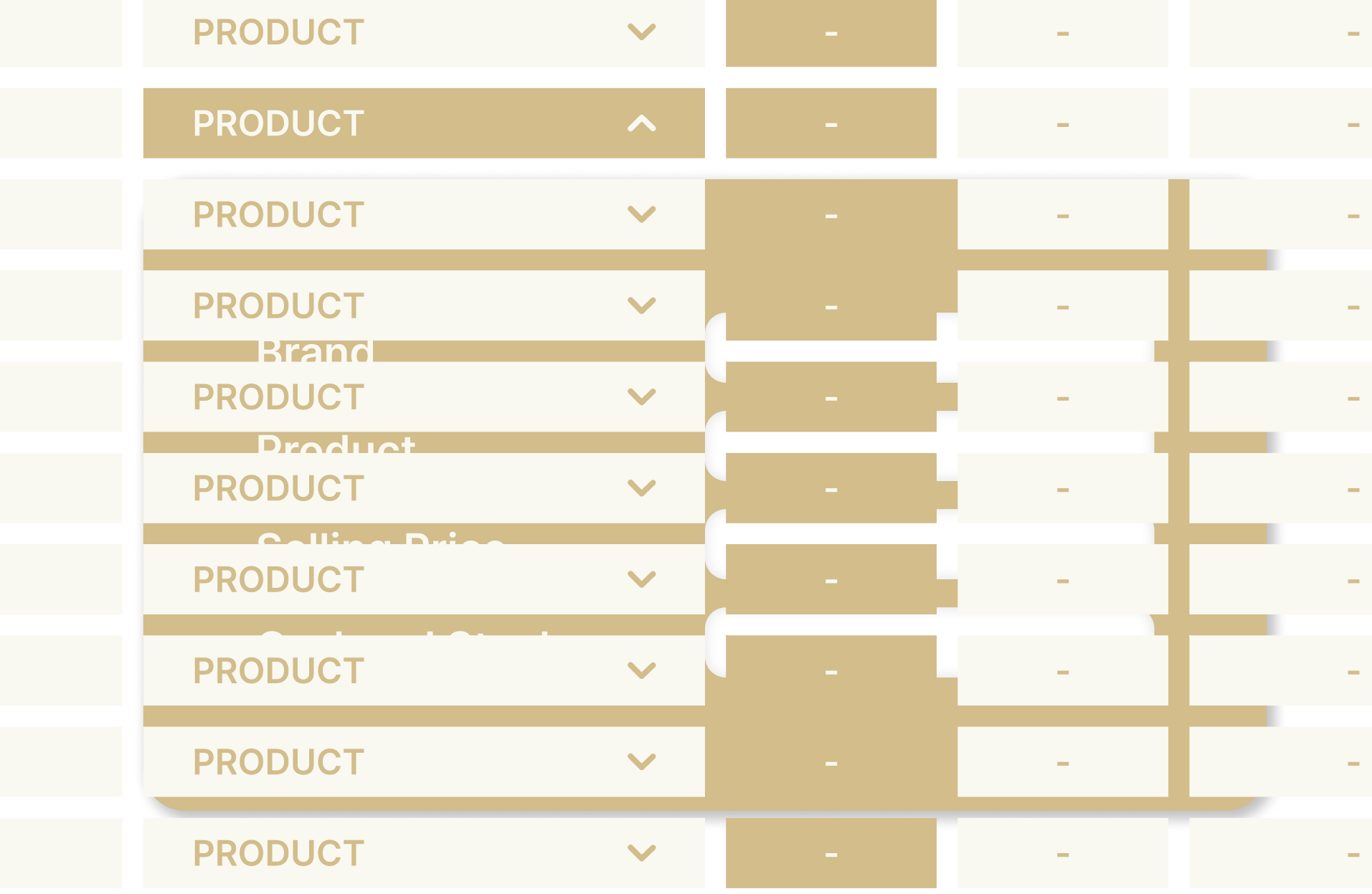
Hi @mungbean
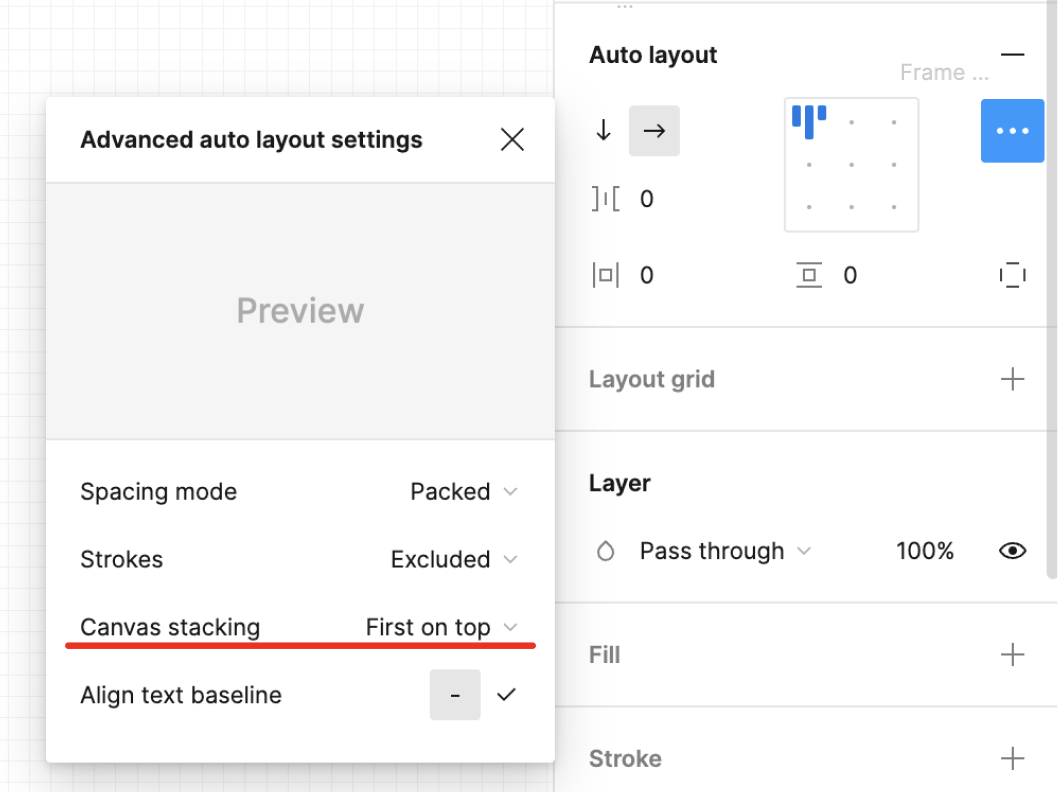
I’m assuming that your are using an auto-layout frame to vertically space the row of your table. If you select this frame, on the right panel, auto-layout section you may click on the context menu, and then change the Canvas stacking for “First on top” (as shown below) so your dropdown will always be above the one below
If you are not using an auto-layout frame, well I suggest you do, then just change the order of your element on the left panel, so the line at the top of the table, is placed at the top of the layer panel
Disclosure: I’m part of Figma’s Forum Ambassador program.