

Aryan_Singh1
April 3, 2024
Solved

Figma desktop app not working

  • April 3, 2024
  • 24 replies
  • 10292 views

Why has my Figma desktop app suddenly stopped working over the past week?
I opened the app one morning and to my surprise, the files kept on loading and loading. Even Figma home doesn’t load. Not a single file is loading and once I shift to Figma home, I am unable to shift back to my files.

Attaching screenshots for reference.
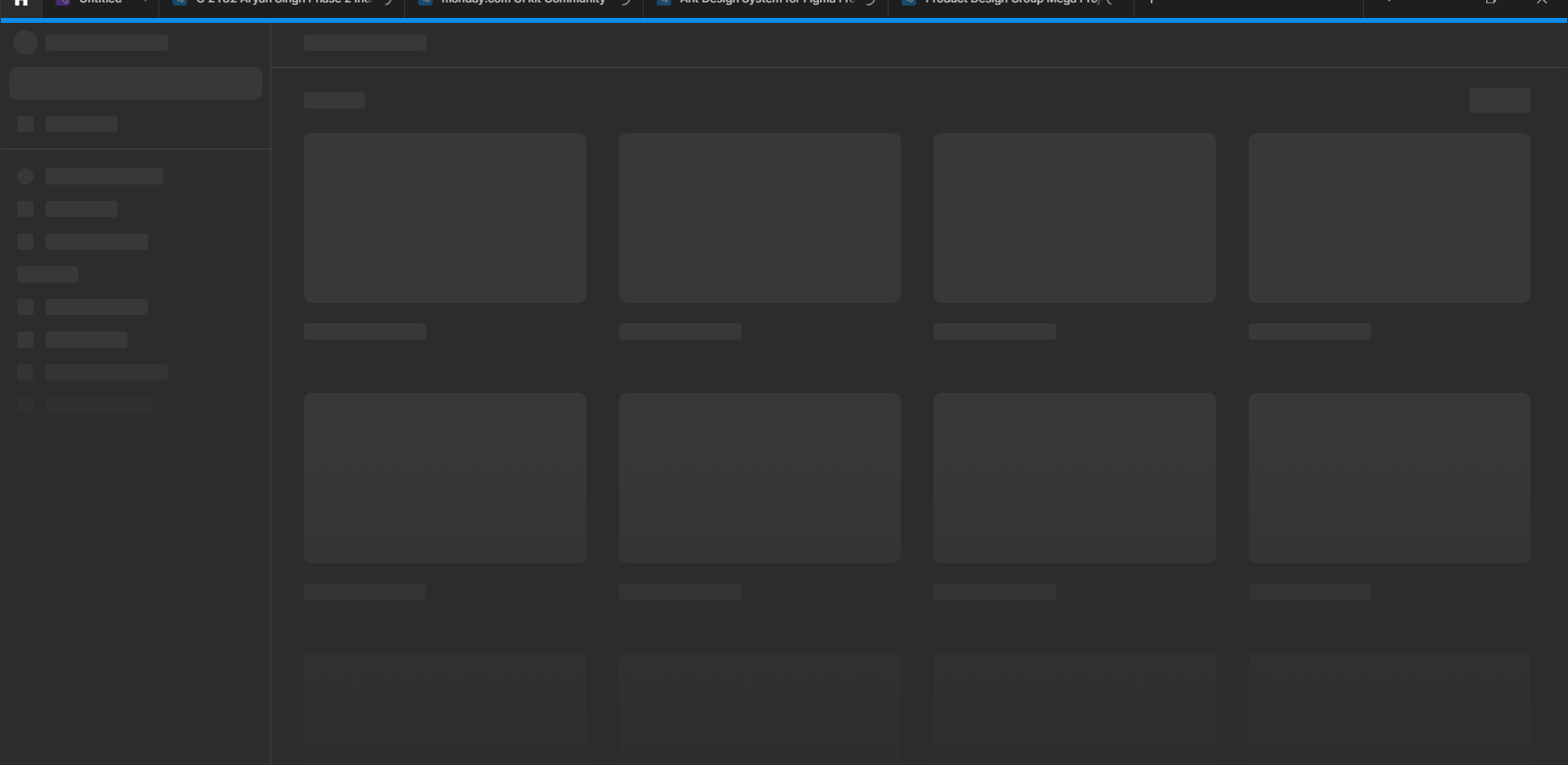

It works on the browser but the app isn’t functioning at all. Please help.

This topic has been closed for replies.
Best answer by Vishal_Ramawat

Seems you are using Windows system.
There could be different reasons for it. You’ll have to isolate the issue.

  • Try clearing the Cache, Temp Files.
  • See if your Firewall / AntiVirus is blocking it. Sometimes an existing app too gets blocked.
  • If your system has updated recently, try a fresh install of Figma.
  • Reach out to Figma Support if nothing works.

24 replies

Syful_islam
December 20, 2024

please help me , what can i do,

by this pc am not i able to use Figma ?

Celine_
Figmate
Community Support
December 20, 2024

Hey @Syful_islam , yes, you must be running macOS 11 or later to use the Desktop app. You’d need to update your version of macOS here.

And, if you are using Figma in the browser, the minimum browser requirements are:

  • Chrome 99 or later
  • Firefox 101 or later
  • Safari 16 or later
  • Microsoft Edge 121 or later

You can find all the details in this article ‘What are the system requirements for Figma?’:

Figma Learn - Help Center
Sahil_Suri
December 27, 2024

This worked for me. Thank you!

emmarichard380
New Member
December 30, 2024

Hi there,

I had a similar issue recently. First, check your internet connection, as Figma needs a stable connection to work properly. If that’s fine, try clearing the app cache or reinstalling the app to ensure it’s updated.

If it still doesn’t work, switching to the browser version might help while troubleshooting.

Hope this helps!

vewixe5479
New Member
June 7, 2025

Hello everyone, I recently had the problem that my Figma app did not work and every time I pressed the button it did not redirect to the website, the solution was to uninstall Google Chrome and install the Opera browser and it worked. It is the browser that is blocking the redirection of the Figma app to the Figma website.

Chris Allen
New Member
June 11, 2025

Seems you are using Windows system.
There could be different reasons for it. You’ll have to isolate the issue.

  • Try clearing the Cache, Temp Files.
  • See if your Firewall / AntiVirus is blocking it. Sometimes an existing app too gets blocked.
  • If your system has updated recently, try a fresh install of Figma.
  • Reach out to Figma Support if nothing works.

Worked!!!

shashik
New Member
July 1, 2025

Here’s what worked for me. I think it should work on Windows or Mac

  1. Click the toggle arrow in the top toolbar
  2. Go to Help > Troubleshooting > Clear Cache and Restart

This works for me. Thanks

UNEED
New Member
October 2, 2025

This worked for me, but the steps changed a little:

  • Click the toggle arrow in the top toolbar.
  • Go to Help > Troubleshooting > Reset Figma and Restart.
  • Log again and this should solve the issue.
Vikasjaat
New Member
October 9, 2025

Why has my Figma desktop app suddenly stopped working over the past week?
I opened the app one morning and to my surprise, the files kept on loading and loading. Even Figma home doesn’t load. Not a single file is loading and once I shift to Figma home, I am unable to shift back to my files.

Attaching screenshots for reference.


It works on the browser but the app isn’t functioning at all. Please help.


  • Click the toggle arrow in the top toolbar.
  • Go to Help > Troubleshooting > Reset Figma and Restart.
  • Log again and this should solve the issue.


Fabian Jaramillo
New Member
October 15, 2025


How to slove this problem anyone plz not going through from this.


I'm having the same issue and I've already tried all the suggestions I've seen on this forum. (Resetting Figma and restarting, the key in Terminal.app, etc.) And I still can't link the browser to the app to log in. Does anyone have any other suggestions? Thanks.