

Aryan_Singh1
April 3, 2024
Solved

Figma desktop app not working

  • April 3, 2024
  • 24 replies
  • 10292 views

Why has my Figma desktop app suddenly stopped working over the past week?
I opened the app one morning and to my surprise, the files kept on loading and loading. Even Figma home doesn’t load. Not a single file is loading and once I shift to Figma home, I am unable to shift back to my files.

Attaching screenshots for reference.
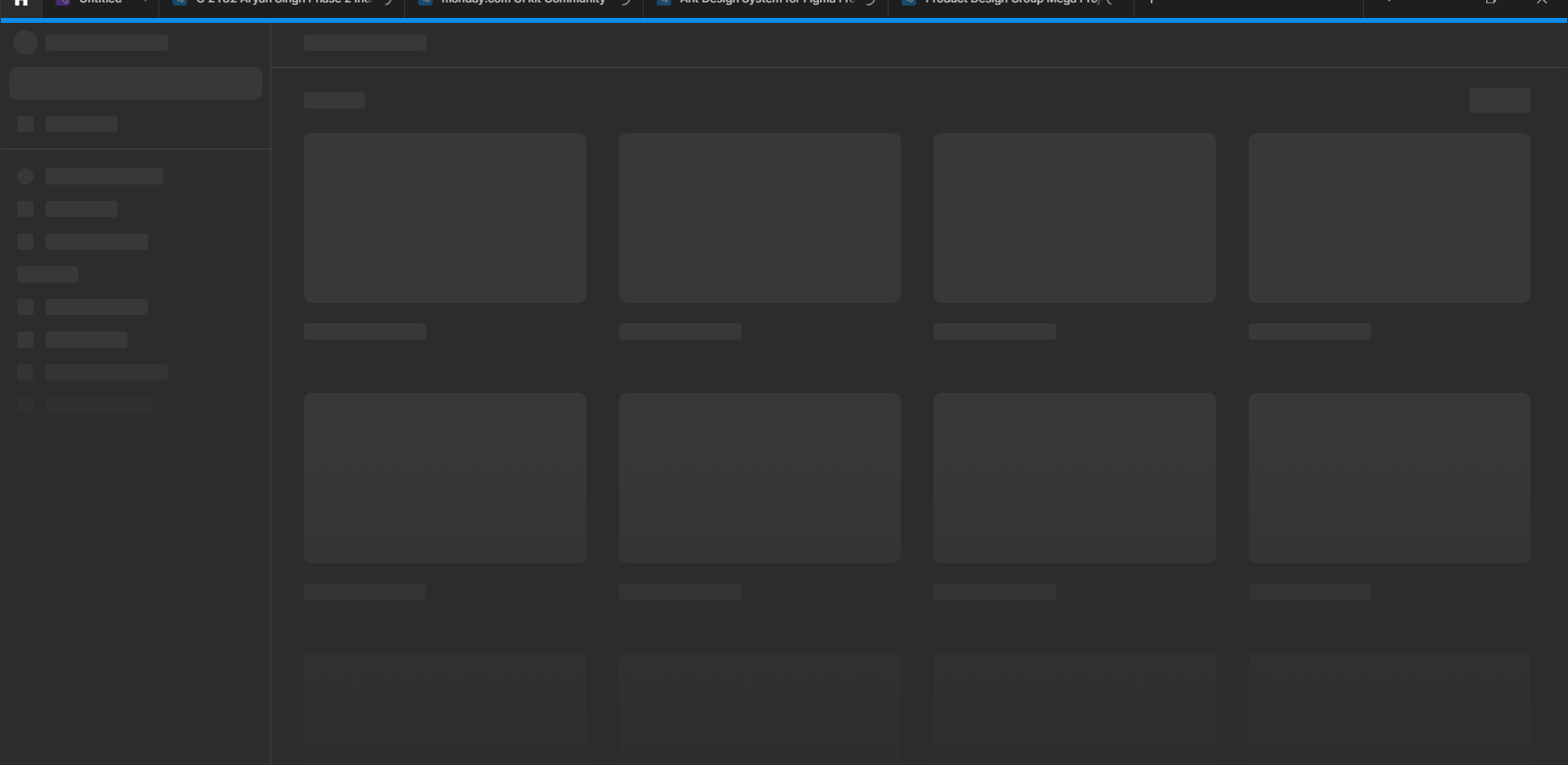

It works on the browser but the app isn’t functioning at all. Please help.

This topic has been closed for replies.
Best answer by Vishal_Ramawat

Seems you are using Windows system.
There could be different reasons for it. You’ll have to isolate the issue.

  • Try clearing the Cache, Temp Files.
  • See if your Firewall / AntiVirus is blocking it. Sometimes an existing app too gets blocked.
  • If your system has updated recently, try a fresh install of Figma.
  • Reach out to Figma Support if nothing works.

24 replies

Vishal_Ramawat
April 3, 2024

Seems you are using Windows system.
There could be different reasons for it. You’ll have to isolate the issue.

  • Try clearing the Cache, Temp Files.
  • See if your Firewall / AntiVirus is blocking it. Sometimes an existing app too gets blocked.
  • If your system has updated recently, try a fresh install of Figma.
  • Reach out to Figma Support if nothing works.
Aryan_Singh1
April 3, 2024

Thanks Vishal.

Vishal_Ramawat
April 3, 2024

No problem Aryan, can you let us know which step actually fixed it?

May 15, 2024

Here’s what worked for me. I think it should work on Windows or Mac

  1. Click the toggle arrow in the top toolbar
  2. Go to Help > Troubleshooting > Clear Cache and Restart
June 25, 2024

I had this problem today and this solution worked for me too!

August 8, 2024

Worked…Thank you Chris!

Rohan_shrestha
November 25, 2024


How to slove this problem anyone plz not going through from this.

Celine_
Figmate
Community Support
November 25, 2024

Hey @Rohan_shrestha , welcome to the community!
As a workaround, please first clear out the desktop app cache.
Then, make sure that you’re completely logged out of Figma in the browser app, restart both your browser and desktop app, and then try logging in again.

If you are still running into issues, please reach out directly to our support team with your Figma email account, and mention the steps you did so they can check in our backend the issue here. Thank you!

Rohan_shrestha
November 25, 2024

its show like this…

Celine_
Figmate
Community Support
November 25, 2024

Thanks for the additional detail! I see you in the backend you have reached out to the support team. For your reference, your ticket number is: #1185104.

(I’ve also shared your screenshot to our internal team. Thanks for your patience in the meantime 🙏 )

Update: Our technical quality specialist is waiting for your response. Please check your inbox!