

Aryan_Singh1
April 3, 2024
Solved

Figma desktop app not working

  • April 3, 2024
  • 24 replies
  • 10292 views

Why has my Figma desktop app suddenly stopped working over the past week?
I opened the app one morning and to my surprise, the files kept on loading and loading. Even Figma home doesn’t load. Not a single file is loading and once I shift to Figma home, I am unable to shift back to my files.

Attaching screenshots for reference.
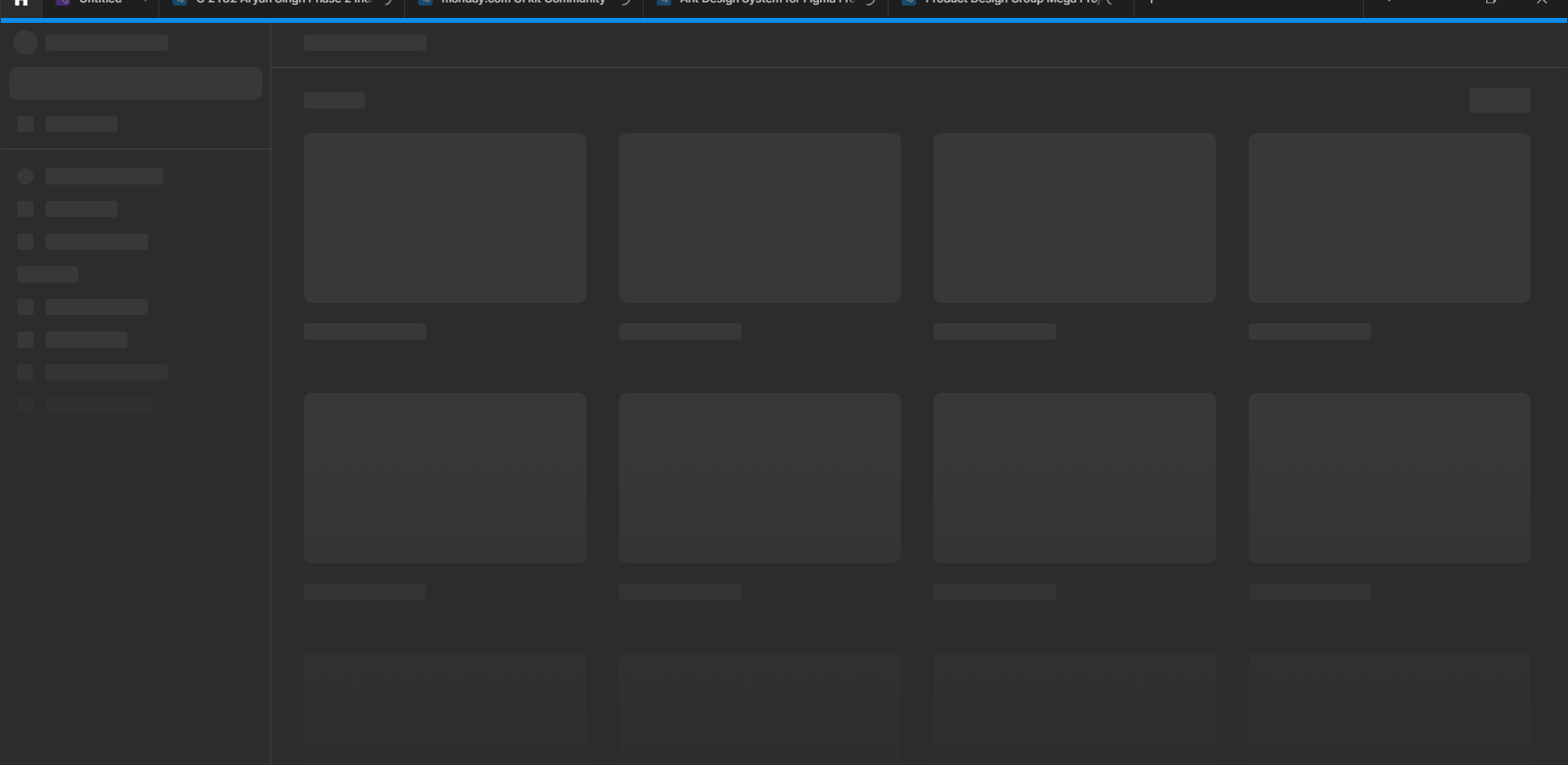

It works on the browser but the app isn’t functioning at all. Please help.

This topic has been closed for replies.
Best answer by Vishal_Ramawat

Seems you are using Windows system.
There could be different reasons for it. You’ll have to isolate the issue.

  • Try clearing the Cache, Temp Files.
  • See if your Firewall / AntiVirus is blocking it. Sometimes an existing app too gets blocked.
  • If your system has updated recently, try a fresh install of Figma.
  • Reach out to Figma Support if nothing works.

24 replies

Fabian Jaramillo
New Member
October 15, 2025

I've already tried all the suggestions I've seen on this forum. (Resetting Figma and restarting, the key in Terminal.app, etc.) And I still can't link the browser to the app to log in. Does anyone have any other suggestions? Thanks.

AngryChuck1211
New Member
February 27, 2026

Seems you are using Windows system.
There could be different reasons for it. You’ll have to isolate the issue.

  • Try clearing the Cache, Temp Files.
  • See if your Firewall / AntiVirus is blocking it. Sometimes an existing app too gets blocked.
  • If your system has updated recently, try a fresh install of Figma.
  • Reach out to Figma Support if nothing works.

this isnt working for me

Tanushree Sudheer
New Member
July 1, 2026

These suggestions didn’t work for me, I’ve tried updating figma, restarting figma, restarting my device and reinstalling figma— the browser version is stuck on this too.

figma browser
​​​


fgima desktop

I love this app, please help me get it back.

Celine_
Figmate
Community Support
July 1, 2026

Hey everyone, Celine from the Figma Community Support team again here.

For others who may still running into issues, please submit a bug report so our team can investigate directly your case. To do that: Go to the Support Hub / Type “Report a bug” / Click Start a chat , select Enter and follow the prompts.
 In the form, include the URL of the file and grant "Can View" access with support-share@figma.com This allows us to reproduce the issue and investigate.

@Tanushree Sudheer : I replied you here:


As the issue has been addressed in this Forum topic, I’ve gone ahead and closed the topic here. For others, feel free to open a new topic, thank you!