

Just_A_Umbreon
May 8, 2021
Question

Can't Login on desktop app

  • May 8, 2021
  • 33 replies
  • 21589 views

I’m new on figma, I’ve used like two times figma on my web explorer and then I download the desktop app, I started the application, it says I need to login on my explorer
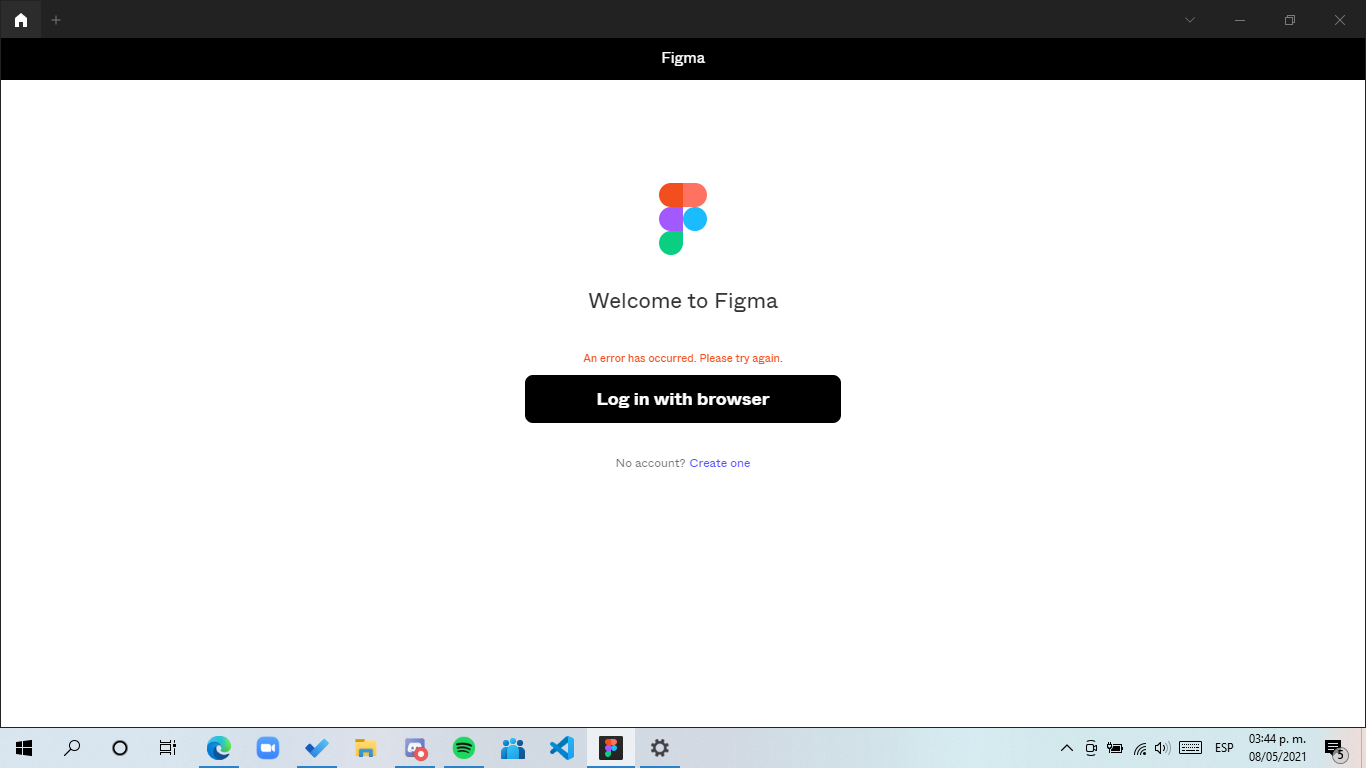

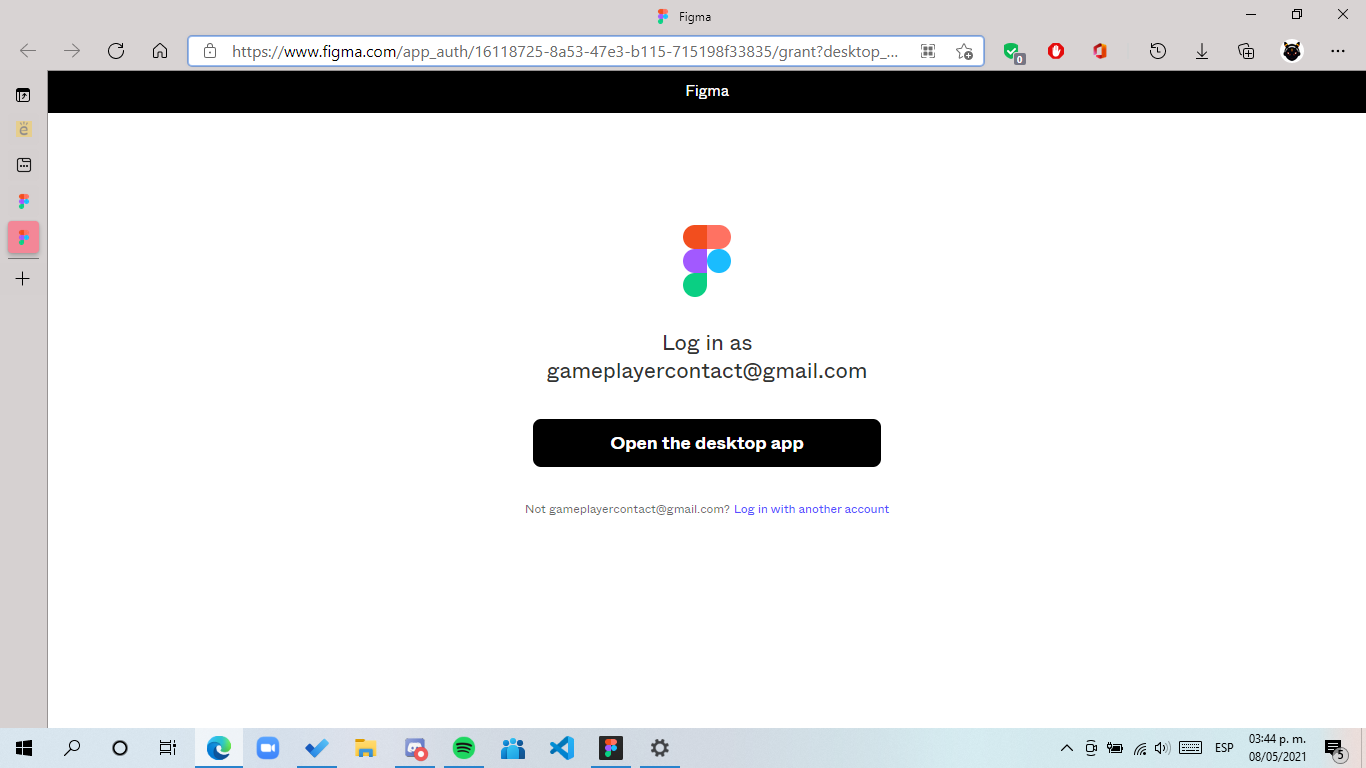
all normal it opens the page then i make a click on open desktop app (because I’ve login on my browser) but there’s nothing happened make a click again but nothing, I’ve attempted 6 times but nothing

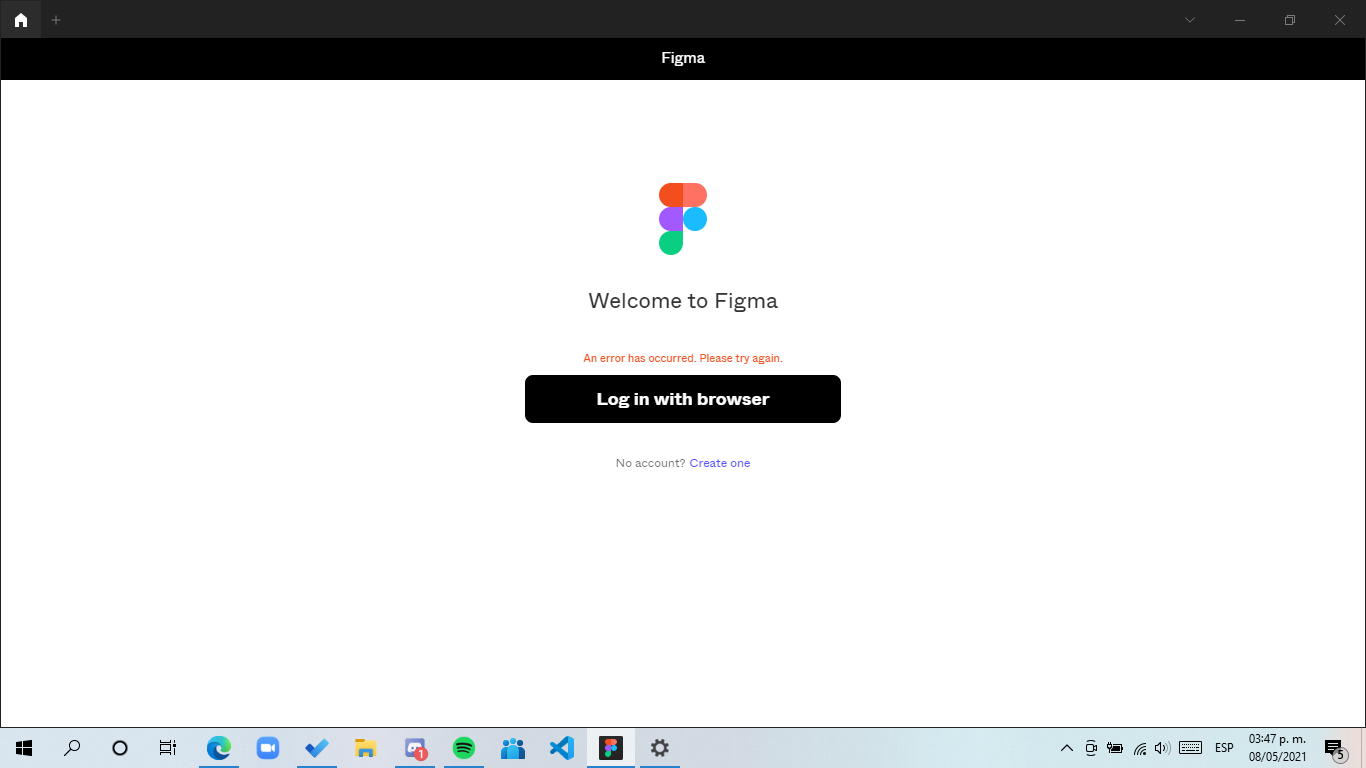
Then like 3 or 4 minutes it says this
Device specifications:
Windows 10 home Single Language last update installed: Windows 10 20H2 KB4023057
Processor: Intel core i5
Arquitecture: x64
Ram: 8GB
Windows Language: Es-MX
Browser: Edge (Even I’ve tested with another browser (Chrome) and it’s the same)
Hope someone can help me

This topic has been closed for replies.

33 replies

timothy_shen
September 13, 2022

This is so dumb man, I used edge and it worked XD. tried on Chrome multiple times. Many thanks to the people here!

Jing_Xian
September 21, 2022

Yes. As of 21th September 2022, the bug is still there.
Unable to login to Figma Desktop App with chrome. Need to switch to Microsoft Edge, then it’s working.

Jack_Rokub
October 2, 2022

You go to default apps settings and there reset your default apps. Then go to figma desktop app and try to login again, it will open microsoft edge browser and there you login.

David_Nine
November 21, 2022

SOLUTION:

  1. Open Figma in your browser
  2. open any active project
  3. go to left upper menu (with figma logo) an in the list press open in desctop app
  4. done.

after it opens, app runs perfectly, even if u close it…

thank me later … much love guys

April 19, 2023

worked for me

Tappy_David_J
New Member
June 14, 2023

This worked for me, thanks!

June 14, 2023

I have fixed my problem by using the automatic repair.

August 11, 2023

Removing Cache worked for me 👍

January 19, 2024

this works for me! i copied the link several times, but then realized i need to reset default broswer. thanks!!

Shoaib_Hassan
March 8, 2024

Thanks, man.
It worked. 🙂