

Question
Can't Login on desktop app
I’m new on figma, I’ve used like two times figma on my web explorer and then I download the desktop app, I started the application, it says I need to login on my explorer
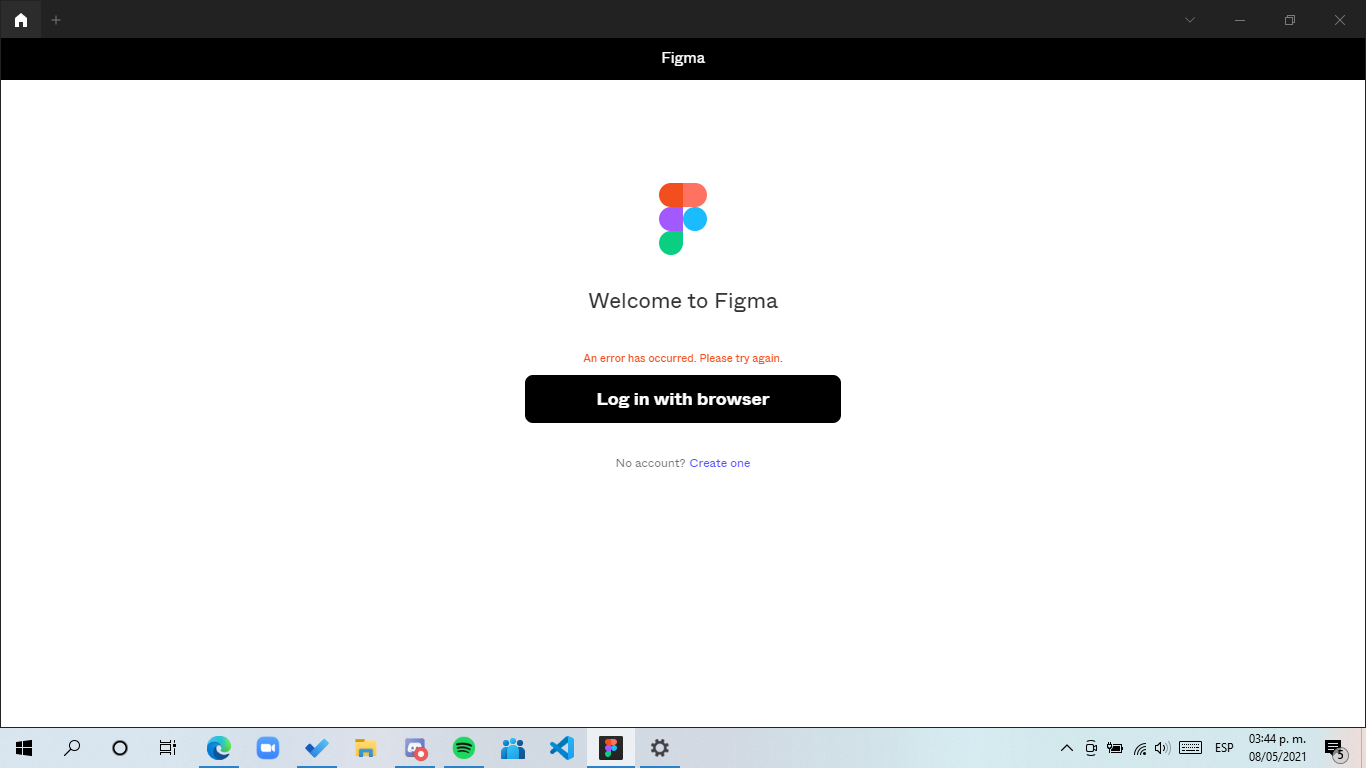
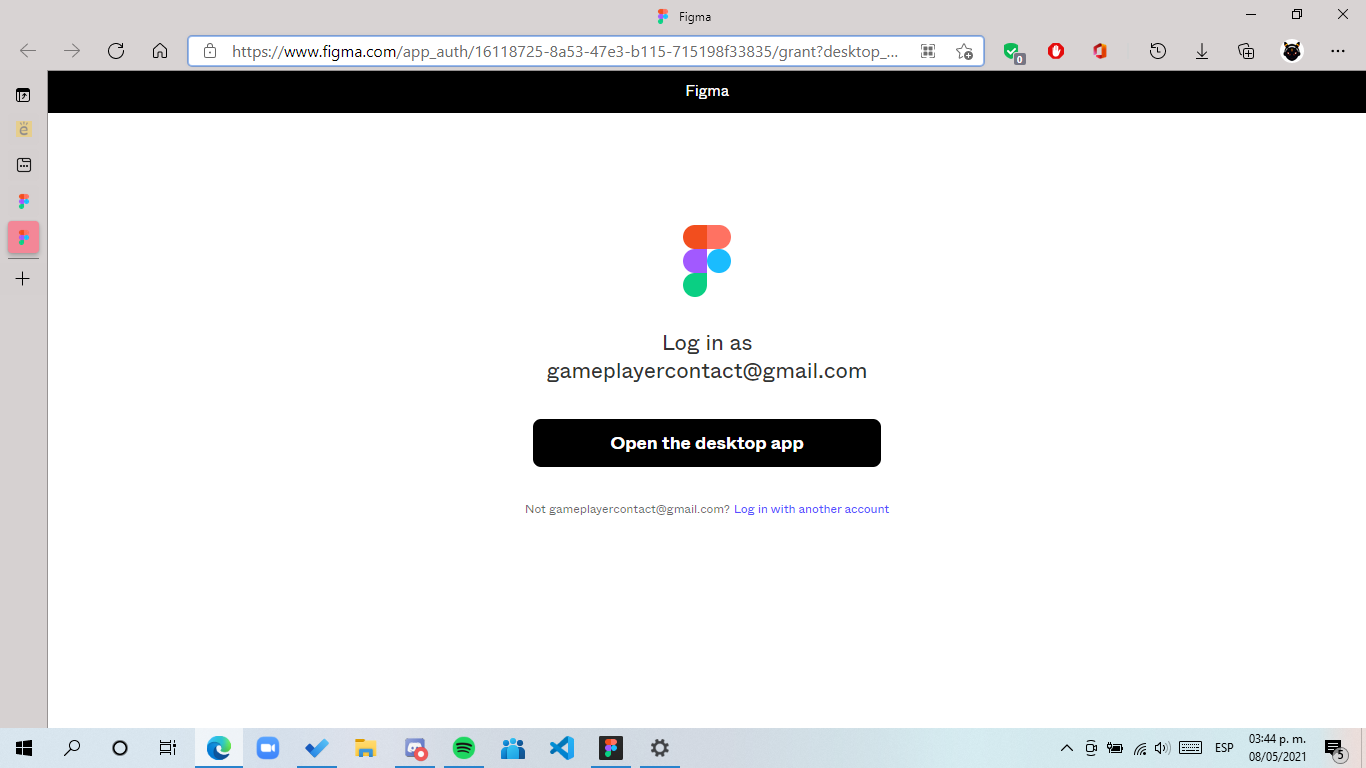
all normal it opens the page then i make a click on open desktop app (because I’ve login on my browser) but there’s nothing happened make a click again but nothing, I’ve attempted 6 times but nothing
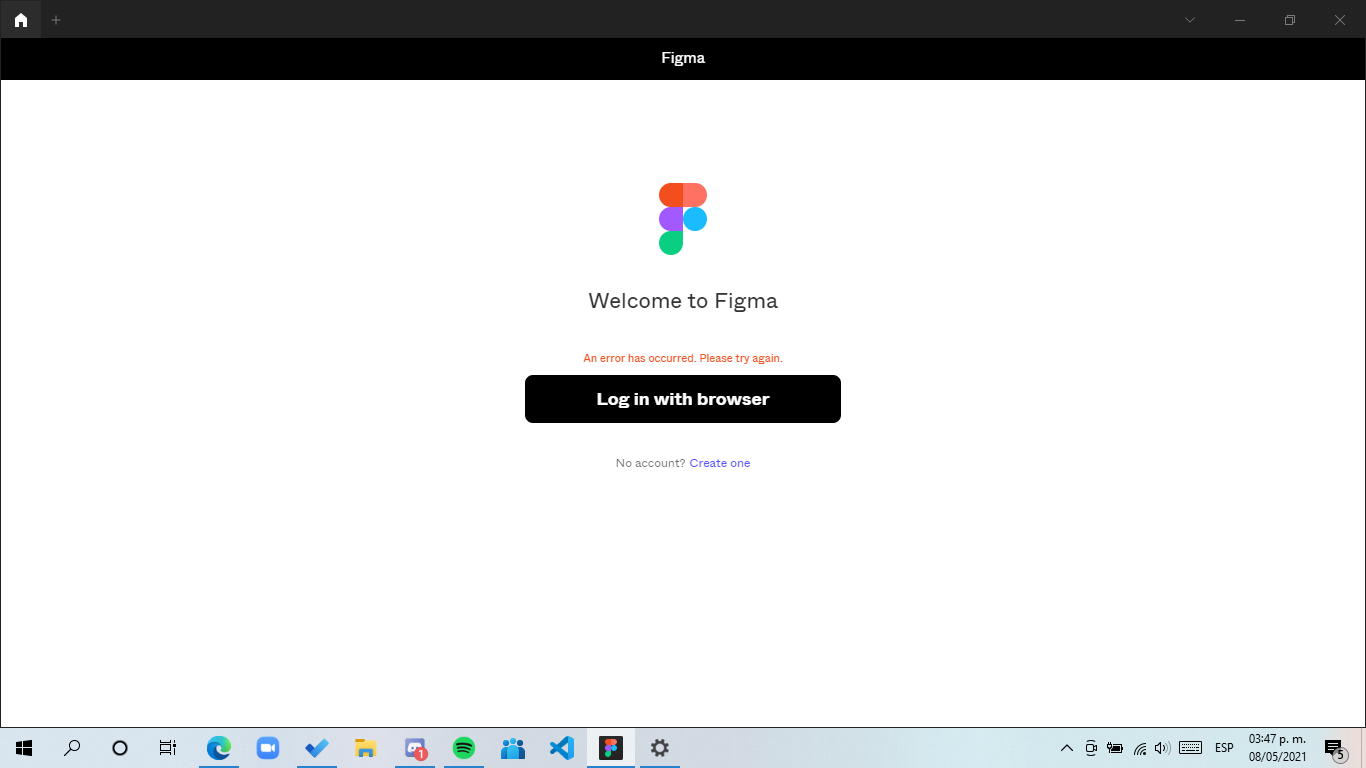
Then like 3 or 4 minutes it says this
Device specifications:
Windows 10 home Single Language last update installed: Windows 10 20H2 KB4023057
Processor: Intel core i5
Arquitecture: x64
Ram: 8GB
Windows Language: Es-MX
Browser: Edge (Even I’ve tested with another browser (Chrome) and it’s the same)
Hope someone can help me