Asaad_Mahmood1
New Member
June 24, 2025
Question

Can't extract images using Figma MCP

  • June 24, 2025
  • 12 replies
  • 2918 views

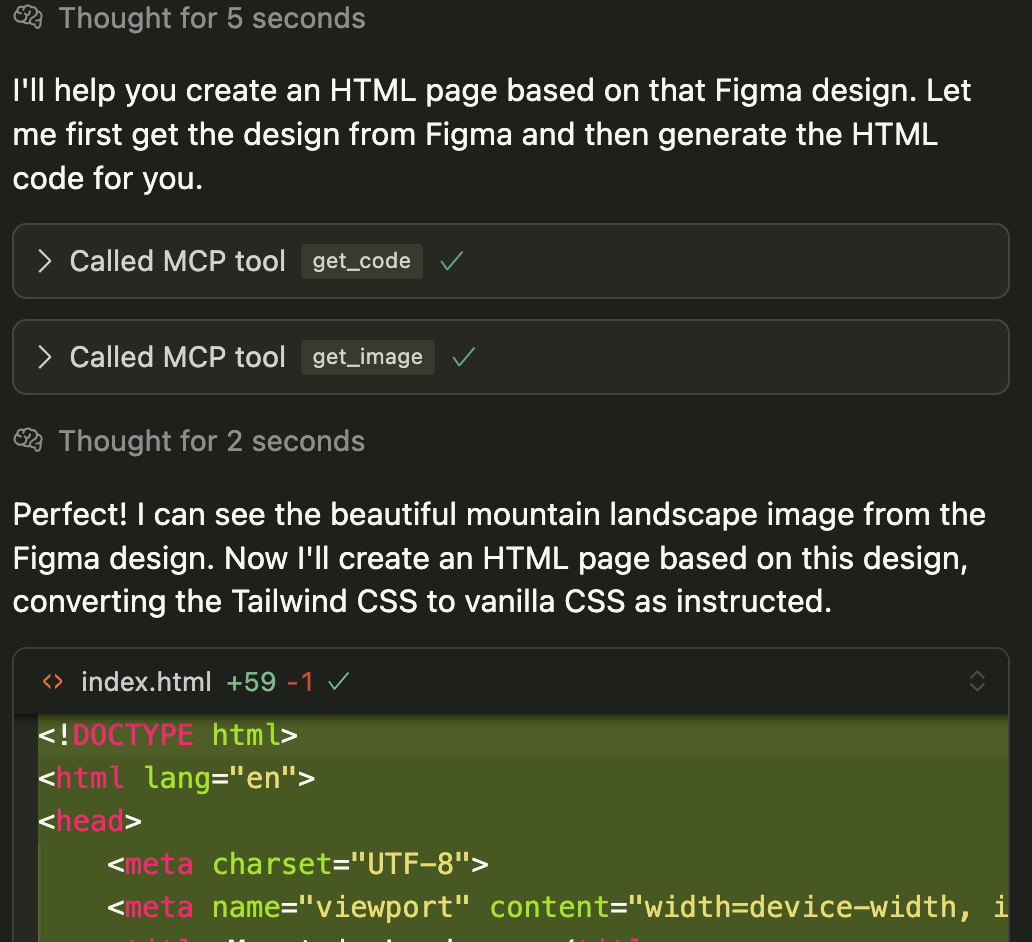
I just can’t extract an image using Figma MCP.

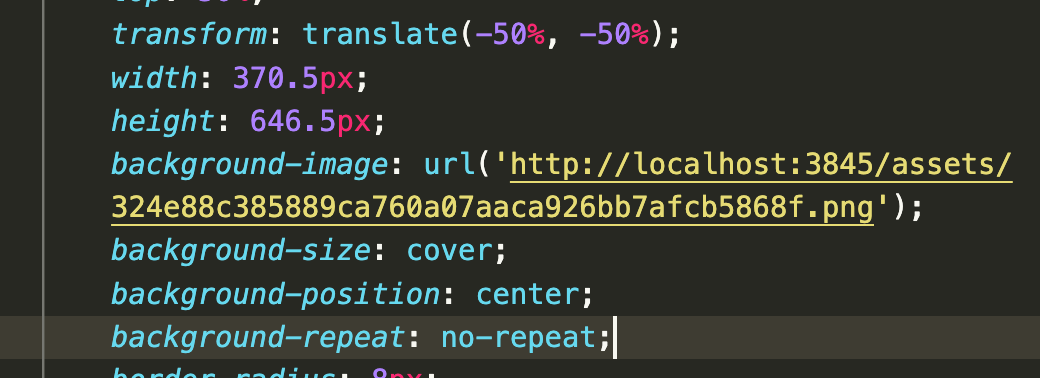
As you can see its successful, but it gives me a url like this, which doesn’t point to anything hence the images do not get rendered.

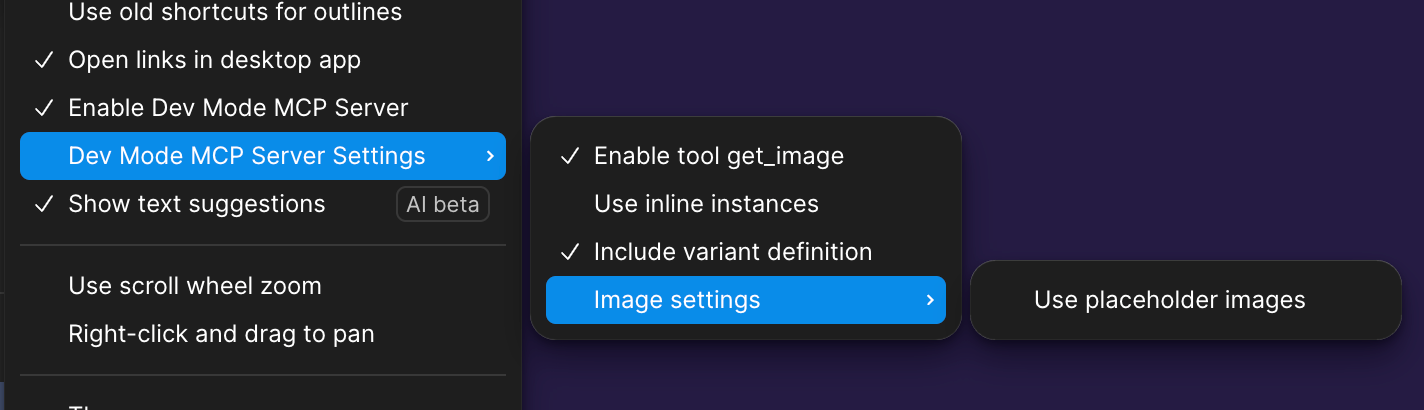
Also attaching my Figma MCP settings.


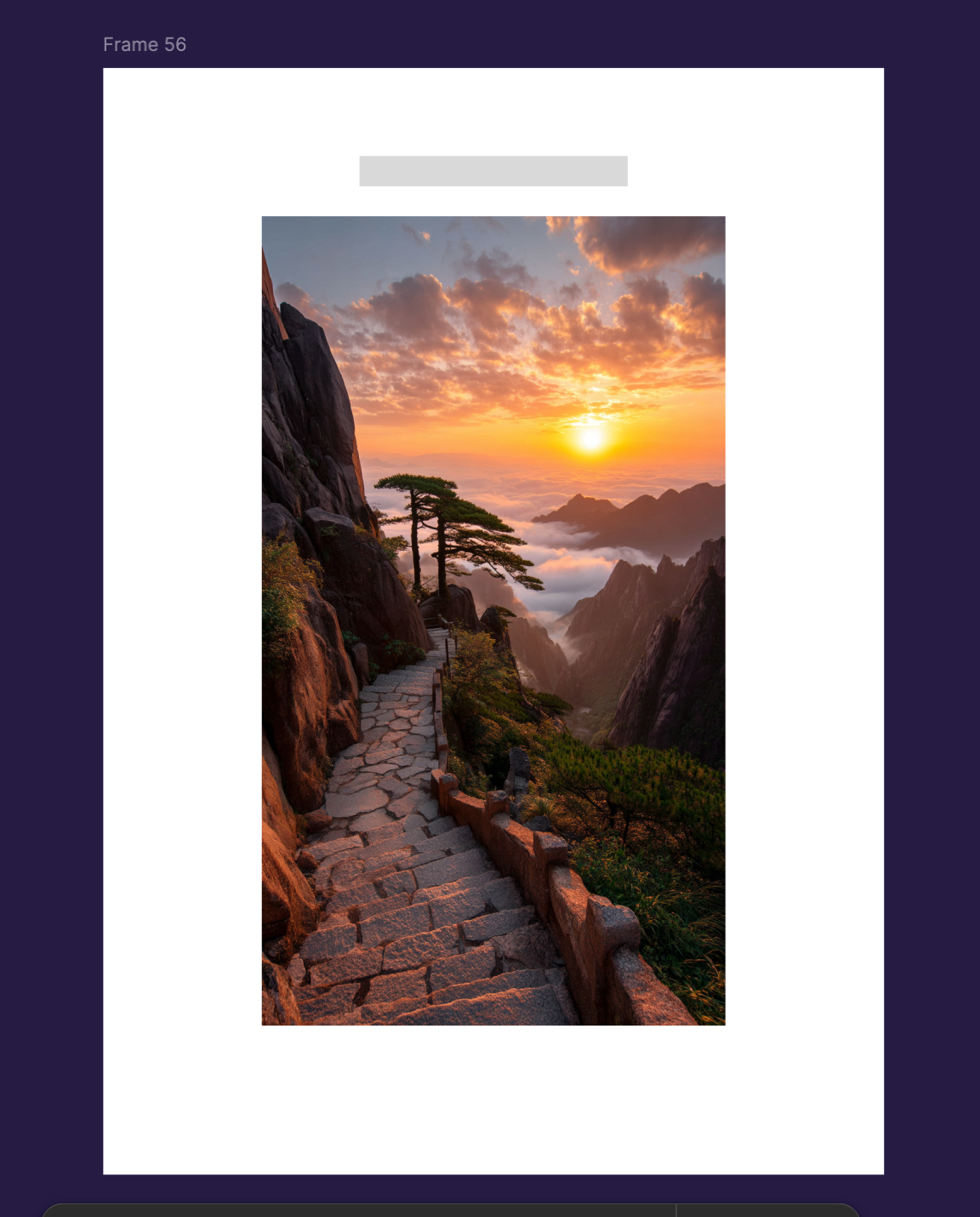
And before anyone talks about it losing context etc because of the size. This is what I’m exporting, just this…

Because I just want to find out how to do a successful export with an image.


This topic has been closed for replies.

12 replies

ignaciogiri
New Participant
August 13, 2025

Is is possible to get the actual image as an export? I tested with Image Settings > Download without success.

Tom Reem
Figmate
Figmate
September 1, 2025

Hey ​@Ritesh Singh, ​@Rjain, and ​@ignaciogiri — thanks for following up here. I’m stepping in for ​@Yarden K while she’s away. I ran your posts by our engineering team and wanted to share some additional context.

Here’s what they recommend checking:

  • Review the MCP tool output for any localhost server references.
  • If you see one, try visiting that site directly to confirm whether the image loads.
  • If it does, you may need to adjust your prompting so the tool pulls from the localhost server.
  • If it doesn’t, then it could be something on our side that we’ll need to investigate further.

If the issue persists after these suggestions, we’re happy to dig in further. If you’d like to proceed with that, reach out to our Product Support team directly and include:

  1. the link to this Forum thread for context
  2. a link to the file you’re working out of
  3. make sure support-share@figma.com has ‘can edit’ access.

Appreciate you raising this — please let us know what you find after trying the above!