Asaad_Mahmood1
New Member
Jun 24, 2025 7:45 AM UTC
Question

Can't extract images using Figma MCP

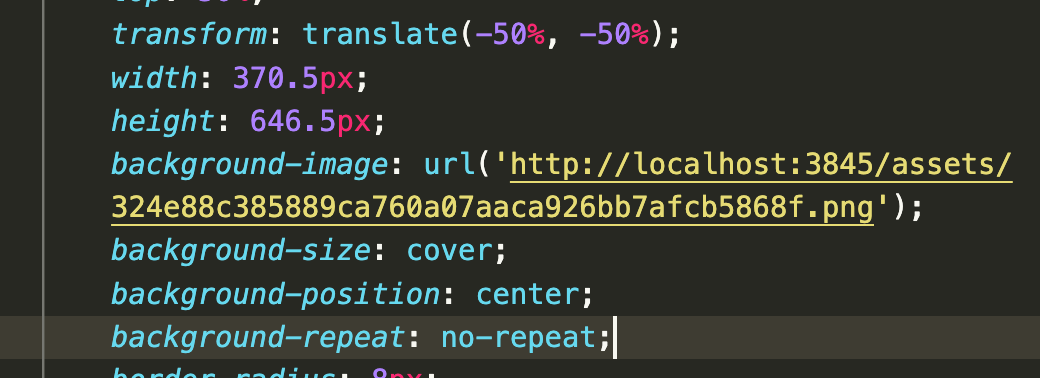
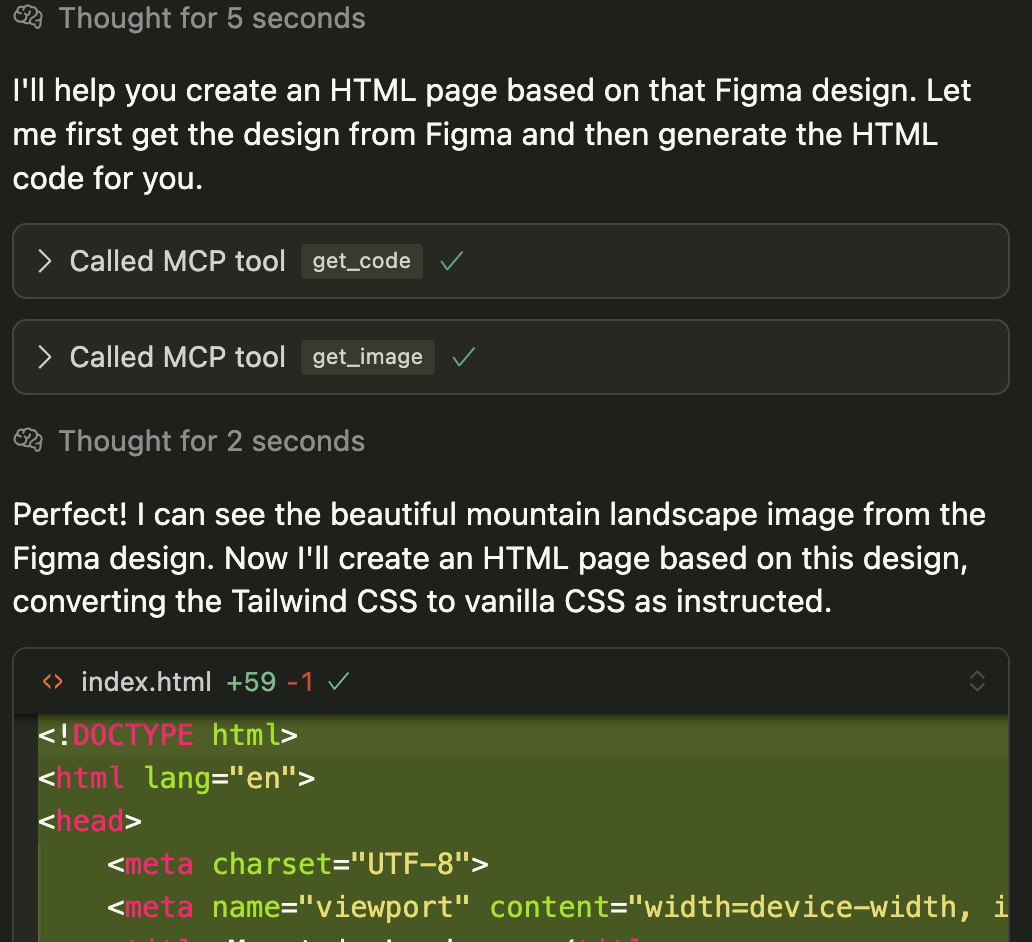
I just can’t extract an image using Figma MCP.

As you can see its successful, but it gives me a url like this, which doesn’t point to anything hence the images do not get rendered.

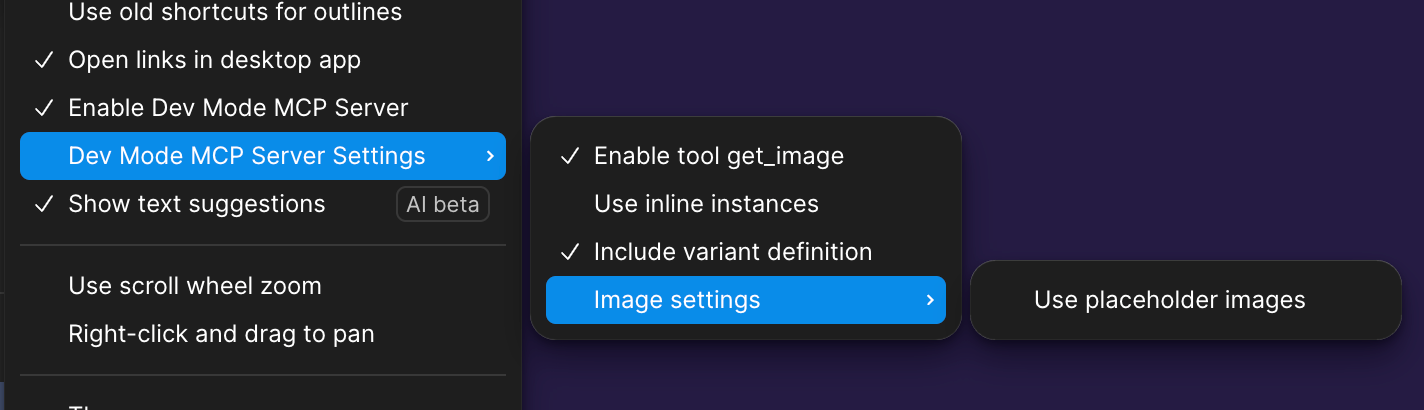
Also attaching my Figma MCP settings.


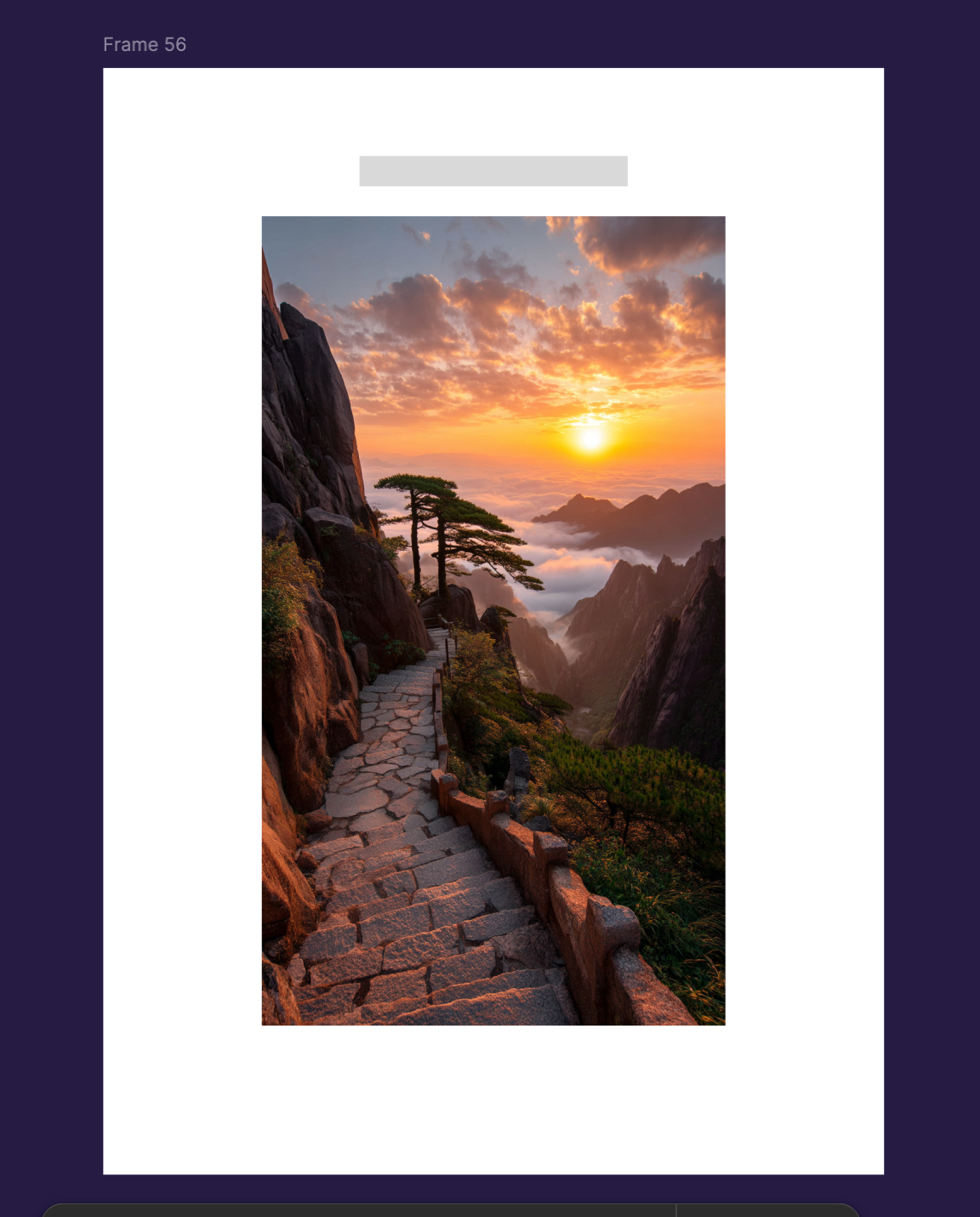
And before anyone talks about it losing context etc because of the size. This is what I’m exporting, just this…

Because I just want to find out how to do a successful export with an image.


This topic has been closed for replies.

12 replies

Jobs Fovimarlo
New Member
Jun 25, 2025 9:33 AM UTC

Same issue! +1

George Clark
New Member
Jun 27, 2025 2:17 PM UTC

Same here +1

Yarden K
Figmate
Figmate
Jun 27, 2025 9:45 PM UTC

Hey everyone,
This looks like a version issue! 
Can you please check if your Figma desktop app is updated to the latest version?

Once it's updated, you should see two options under image Settings:

  • Use placeholder image
  • Use local server images

Selecting ‘Use local server images’ should resolve the issue and allow your images to pass through.

Let us know if you're still running into any issues!


George Clark
New Member
Jun 30, 2025 8:58 AM UTC

Thanks so much for getting back ​@Yarden K 
I have re downloaded the app.. and can now see the new setting.. this is great progress.
I am running a super simple CRA with vite.. and have the MCP running ok.
Now the problem is the image local server just hangs.
Requests stay stuck in ‘pending’ state.
I’ve literally turned everything off and on twice.. restarted the figma app, restarted the local app.. deleted node_modules and reinstalled..
Still not working for me sadly.
(A colleague of mine is using the Beta Figma app, and it worked first time if that helps)

Ritesh Singh
New Member
Jul 4, 2025 7:56 AM UTC

The Same issue i have also getting with latest version too.

Yarden K
Figmate
Figmate
Jul 7, 2025 10:36 PM UTC

​@George Clark ​@Ritesh Singh do you mean you have the “Use local server images” option selected - and the tool response is hanging? is this still happening? 

Ritesh Singh
New Member
Jul 8, 2025 4:06 AM UTC

​@Yarden K 

Yes I am still facing assests are not properly exporting from fimga to code

Yarden K
Figmate
Figmate
Jul 11, 2025 4:04 PM UTC

​@Ritesh Singh would you be able to share what you’re getting as a response? 

Ritesh Singh
New Member
Jul 14, 2025 1:03 PM UTC

​@Yarden K  I have attached figma design vs actual output the assets are not same but in responce there is no error.

Rjain
New Member
Aug 4, 2025 6:19 PM UTC

​@Ritesh Singh Hey were you able to resolve this problem I am running into the same issue