
Jul 19, 2023 9:30 PM UTC
Solved

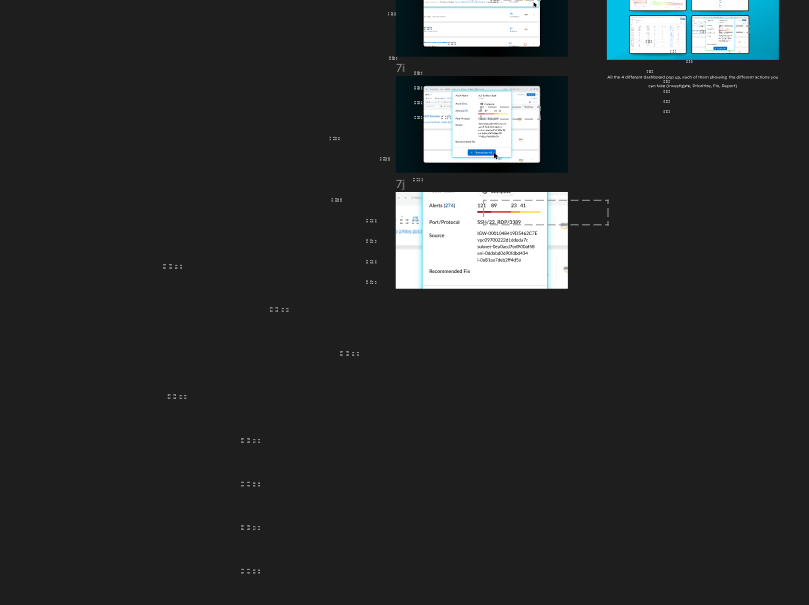
Help! These wierd dotted boxes are showing up in the browser, but cannot be deleted or selected

I couldn’t seem to find any other inquires about this problem, see screenshot below. The boxes cannot be selected or deleted. But they copy over to a new page if you copy and paste the entire project. It only shows up in browser- not in the desktop app.

This topic has been closed for replies.
tank666
tank666Solution
Jul 19, 2023 10:22 PM UTC

It looks like slices. You can select it in the layers panel and delete it. You can also show/hide it using the corresponding function:

UX/UI designer. Figma expert. Creator and developer of plugins and widgets for Figma and FigJam. Check out my resources in Figma Community: figma.com/@tank

1 reply

tank666
tank666Solution
Jul 19, 2023 10:22 PM UTC

It looks like slices. You can select it in the layers panel and delete it. You can also show/hide it using the corresponding function:

UX/UI designer. Figma expert. Creator and developer of plugins and widgets for Figma and FigJam. Check out my resources in Figma Community: figma.com/@tank