

Just_A_Umbreon
May 8, 2021
Question

Can't Login on desktop app

  • May 8, 2021
  • 33 replies
  • 21589 views

I’m new on figma, I’ve used like two times figma on my web explorer and then I download the desktop app, I started the application, it says I need to login on my explorer
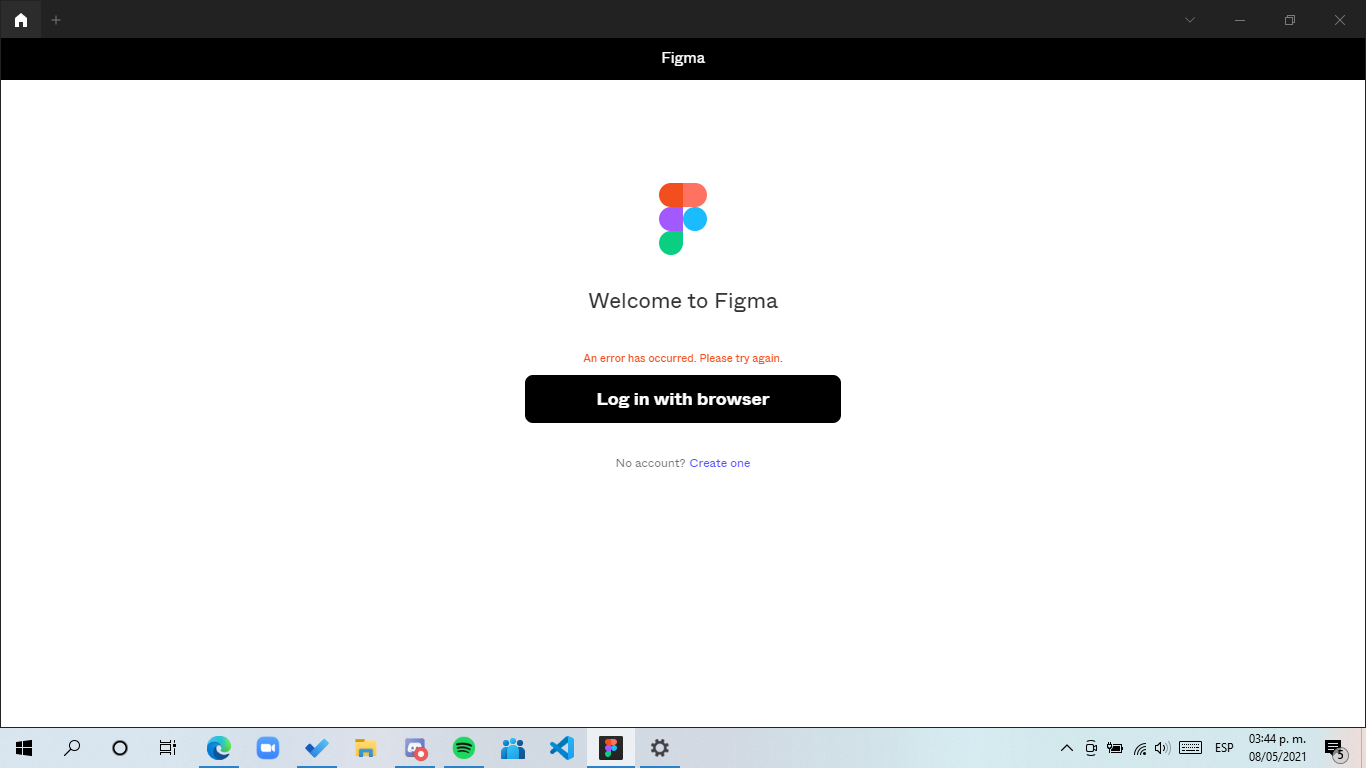

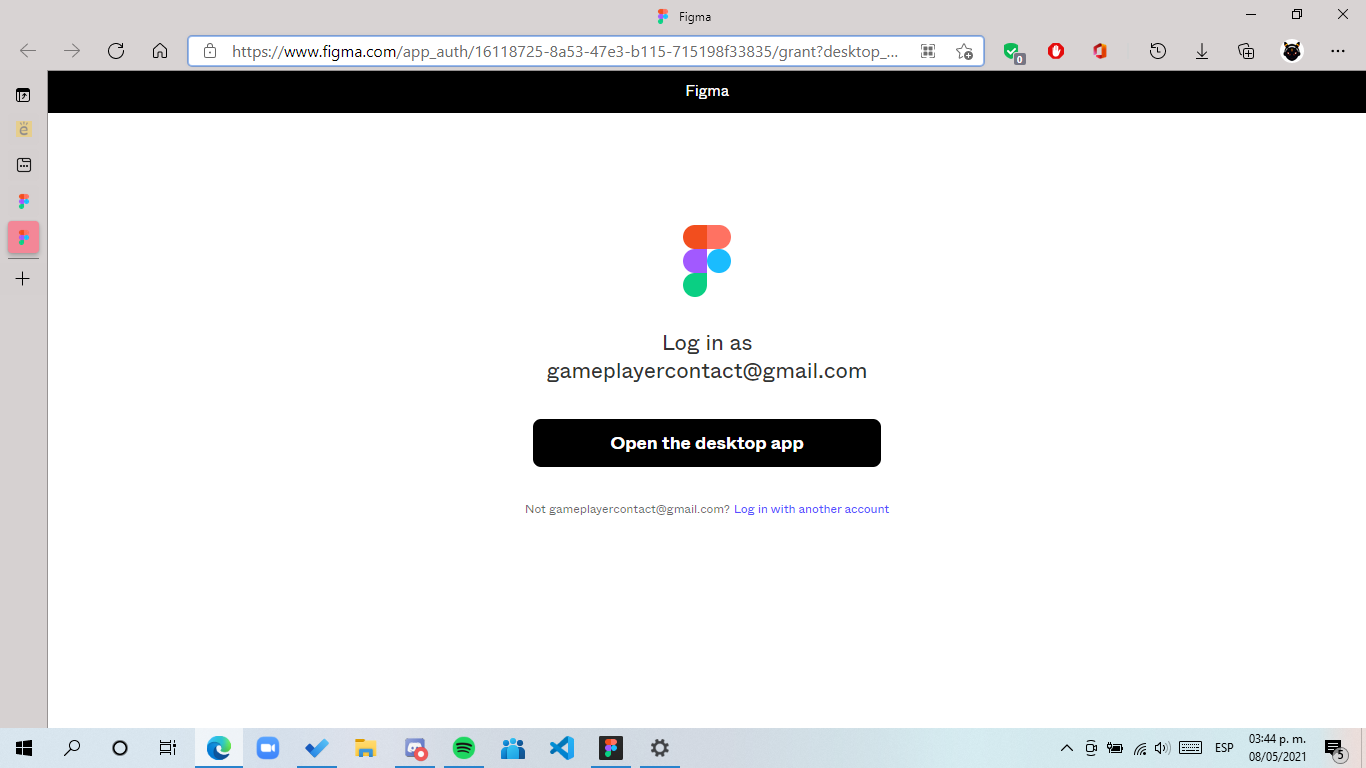
all normal it opens the page then i make a click on open desktop app (because I’ve login on my browser) but there’s nothing happened make a click again but nothing, I’ve attempted 6 times but nothing

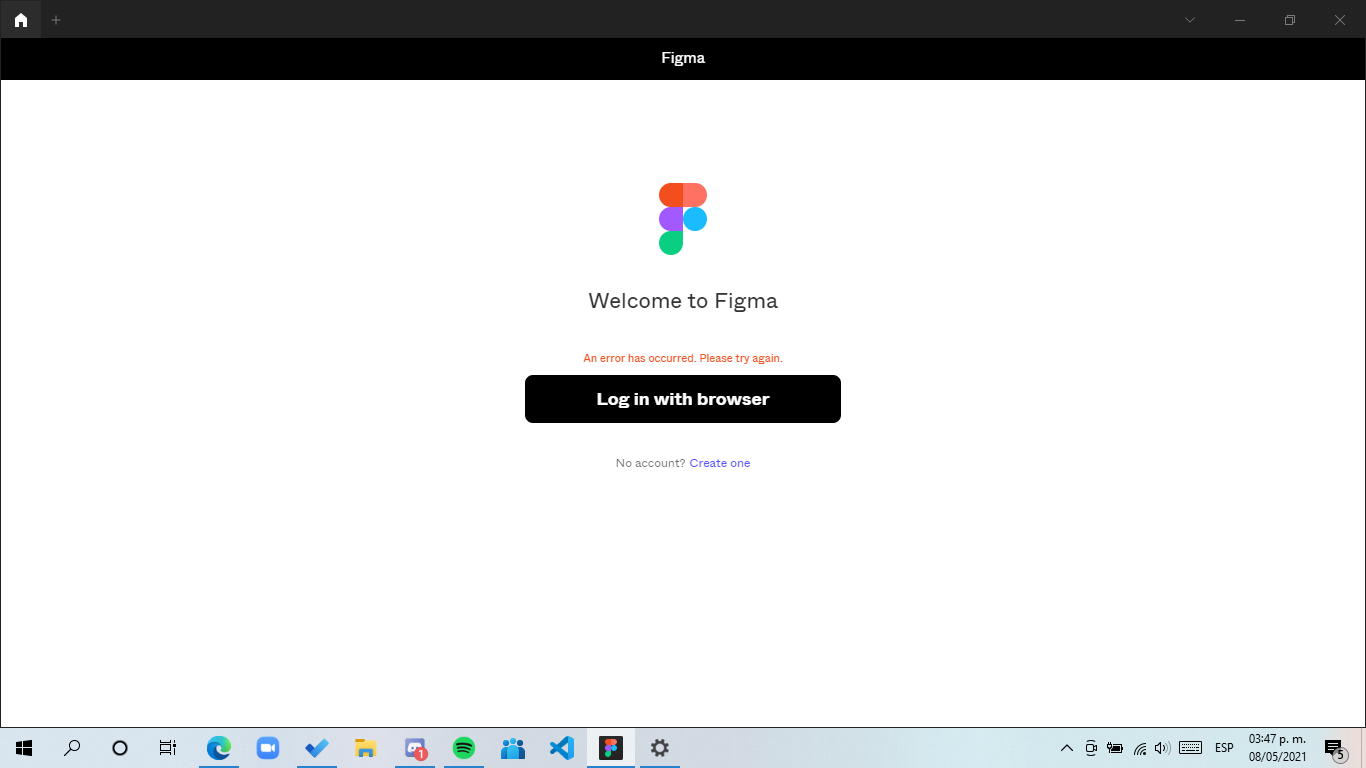
Then like 3 or 4 minutes it says this
Device specifications:
Windows 10 home Single Language last update installed: Windows 10 20H2 KB4023057
Processor: Intel core i5
Arquitecture: x64
Ram: 8GB
Windows Language: Es-MX
Browser: Edge (Even I’ve tested with another browser (Chrome) and it’s the same)
Hope someone can help me

This topic has been closed for replies.

33 replies

Deon
May 17, 2021

I have the same problem, also on Windows.

Did you find a solution?

Gabriela_Torres
September 22, 2021

Hello, I been trying several times to login to Figma desktop but the browser tab it doesn’t show and I dont know why. What could be the problem?

Gabriela_Torres
September 22, 2021

I have the same problem 😦
Did you find a solution?

Just_A_Umbreon
September 23, 2021

Yes I find something, For some reason, I wait just a little and install and uninstall figma and it works! I don’t know why but, that works to me, I don’t know if it’s the real solution, but I remember I made it when I had the problem. Hope It works!

obog
October 5, 2021

It doesn’t work on the desktop. Issues with logging in. Disappointed. Don’t use anymore.

Almira
November 19, 2021

same here. I can login into desktop. I’ve tried to uninstall but nothing happen. Please fix this, i need to use it asap. thankyou

Learn_kom
December 5, 2021

the same problem arises with me!
Desktop application does not show anything in saved projects but works in browser.
how to solve this issue?
help plzzzzzzzz!!!

Joshua_Lim
January 20, 2022

Hi there facing the same issue over here on windows. Any remedy or solutions currently.

Chandeshwar_kr
January 23, 2022

try using different browser. I had the same problem. I changed my default browser to microsoft edge and completed the login.

MaksimKolesnik
February 21, 2022

Thank’s, it worked!