"Return to instance" shortcut for Figma links
Hi!
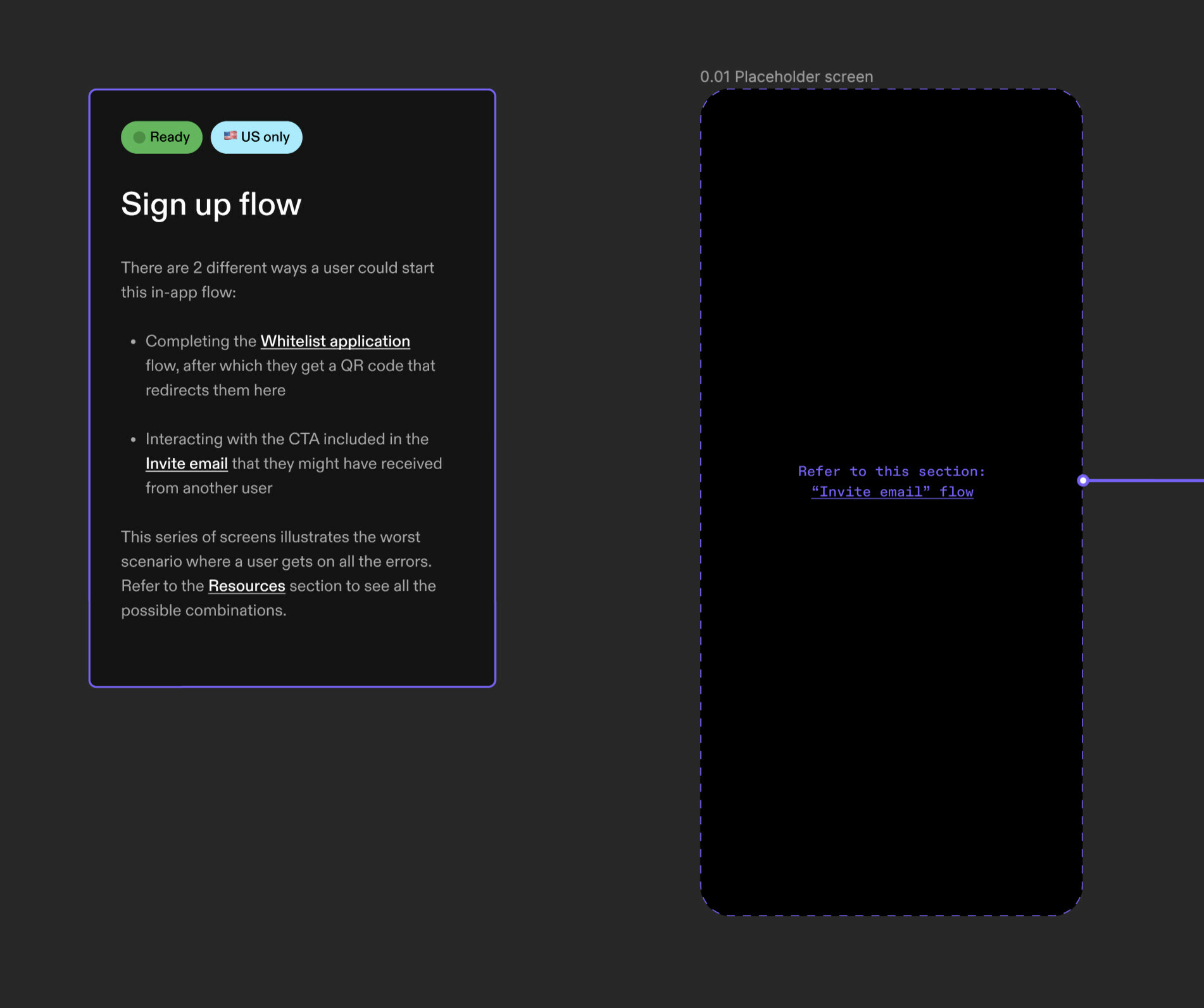
My team exclusively uses Figma as the source-of-truth for implementation across various verticals: product, design engineering… We heavily rely on deeplinks to cross-reference other relevant files, flows, screens or resources to make the hand-off files easier to navigate for engineers.
Our problem is, after clicking a link that leads to another frame in the same file, there’s no way to go back to the previous page: People need to manually navigate the file hierarchy and sections organisation to retrace their steps. Easy when you’re the person who came up with all these flows and know the file org by heart, but hard for anyone else. 😅
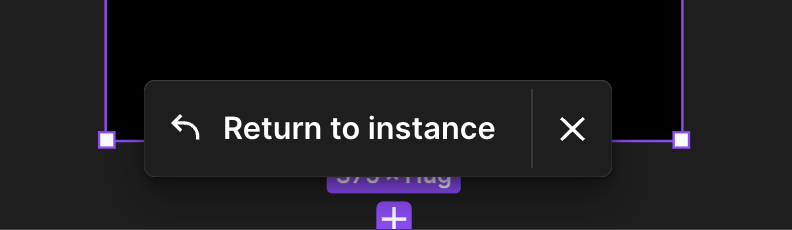
A floating action similar to the “Return to instance” button we have when shortcutting to a master component would be ideal. A keyboard shortcut to do that would be good enough. Any thoughts here?