14 replies

Gleb
Power Member
November 2, 2023

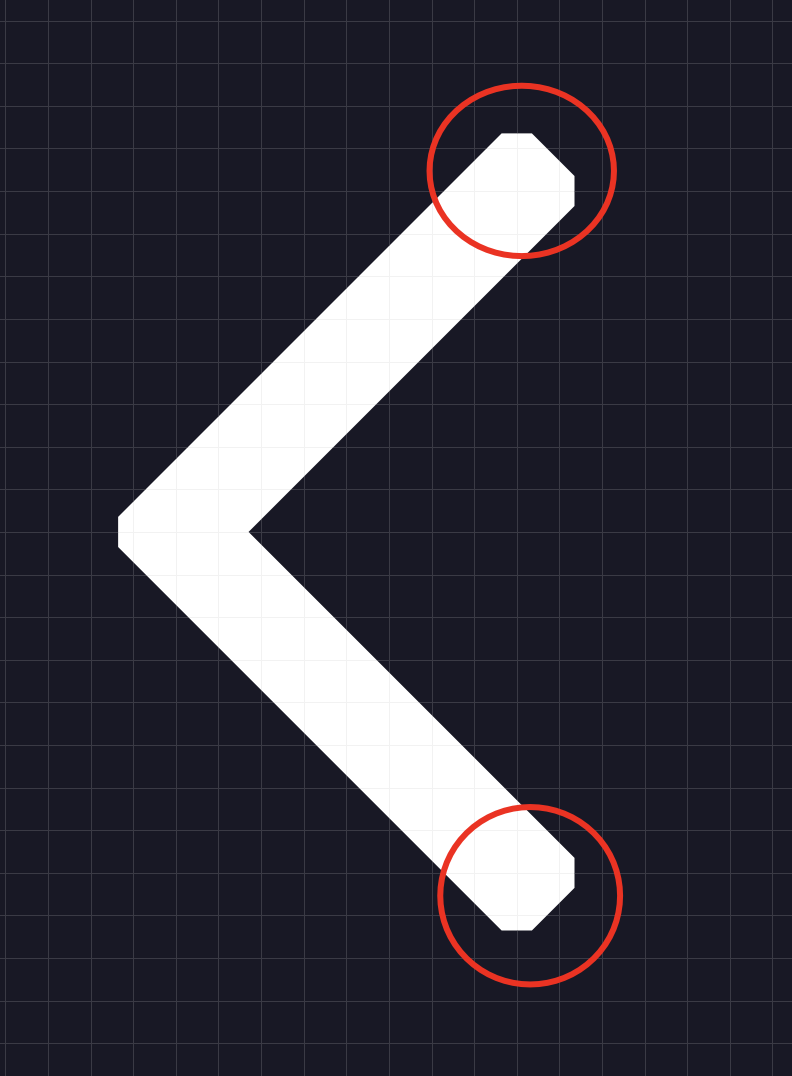
means you need to press Cmd + D and then union both (since union can’t be created with one object only)

Deep_Shah
Deep_ShahAuthor
New Participant
November 2, 2023

Got it! Thus, in this instance, we have both controls to control the applied stroke as well as the original path’s stroke.

Gleb
Power Member
November 2, 2023

Yep! Non destructive method. I’m not sure you can do something like this in Illustrator even, I think all methods in Illustrator would be destructive.

Deep_Shah
Deep_ShahAuthor
New Participant
November 2, 2023

You just have to manage the calculations for your path and stroke. Example: If you want to create an icon with a 1px stroke, you need to give 0.5px to the path and 0.5px to the stroke to manipulate it.