

Deep_Shah
New Participant
October 6, 2023

Need an option to apply sharp corner on shapes

  • October 6, 2023
  • 11 replies
  • 3272 views

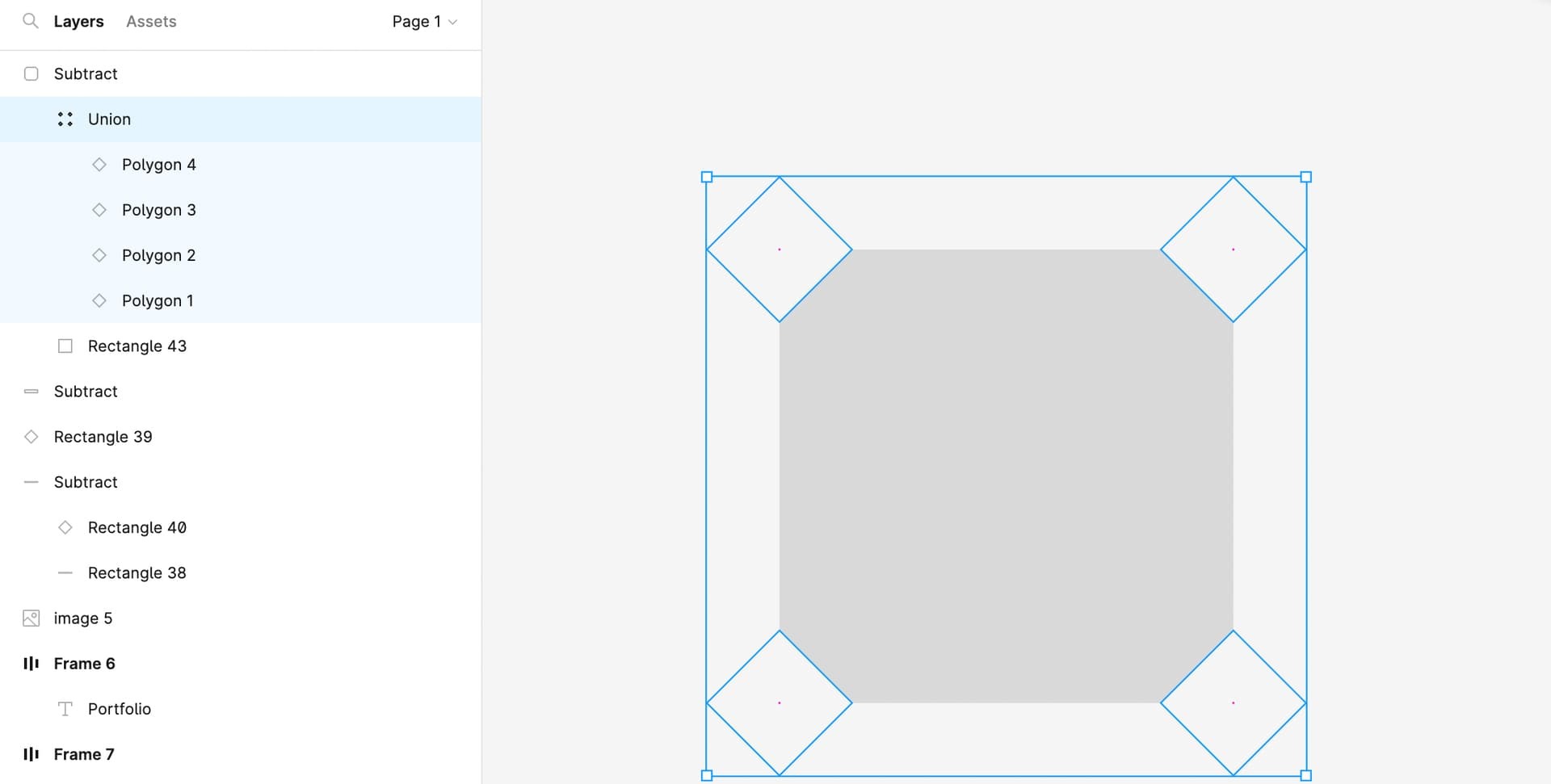
It will be very difficult to create this type of shape in Figma, and more problematic is that we can’t apply the auto layout to this type of shape. So for any of the small changes, we need to change it manually, which is a very time- and effort-consuming process. I suggest allowing for the option to change the space to round or sharp edges in shape radius options

11 replies

tank666
October 6, 2023

You can assemble complex shapes in an auto layout.

And here you can see and duplicate an example of a button with a complex background: Complex Button variant and properties - #2 by tank666.

UX/UI designer. Figma expert. Creator and developer of plugins and widgets for Figma and FigJam. Check out my resources in Figma Community: figma.com/@tank
Deep_Shah
Deep_ShahAuthor
New Participant
October 9, 2023

But how can I manage the same sharp edges when I collapse and expand height and width?

Deep_Shah
Deep_ShahAuthor
New Participant
October 9, 2023

This is another option where complex shapes work when we have a fixed flat background, so we can apply the background colour to the diamond shape to make it. But as you can see in the result, we face the issue with the stroke option, and it doesn’t work when we have a colourful background and try to build a transparent interface.

tank666
October 9, 2023

Looks like you haven’t looked at my file.

UX/UI designer. Figma expert. Creator and developer of plugins and widgets for Figma and FigJam. Check out my resources in Figma Community: figma.com/@tank
Deep_Shah
Deep_ShahAuthor
New Participant
October 9, 2023

Yes I was not check this file, Can you please share the link?

tank666
October 9, 2023
UX/UI designer. Figma expert. Creator and developer of plugins and widgets for Figma and FigJam. Check out my resources in Figma Community: figma.com/@tank
Deep_Shah
Deep_ShahAuthor
New Participant
October 9, 2023

I am still facing certain issues while creating a button component. I need to setup customization options for the button background where I can set the diamond size and angle. Can you check the file and guide me?

Figma – 9 Oct 23
tank666
October 9, 2023

Look at the “Done” frame in your file.

UX/UI designer. Figma expert. Creator and developer of plugins and widgets for Figma and FigJam. Check out my resources in Figma Community: figma.com/@tank
Deep_Shah
Deep_ShahAuthor
New Participant
October 9, 2023

Magic ✨

Can you please share a short video tutorial on this with the same component. I want to fix my mistakes.

Deep_Shah
Deep_ShahAuthor
New Participant
October 9, 2023

I discovered how to accomplish it correctly; we simply need to resize the backdrop to match the font width and height, and then auto layout padding will function properly.