

pinquitte
February 5, 2021

LAUNCHED: Horizontal scroll the layers panel

  • February 5, 2021
  • 311 replies
  • 21999 views

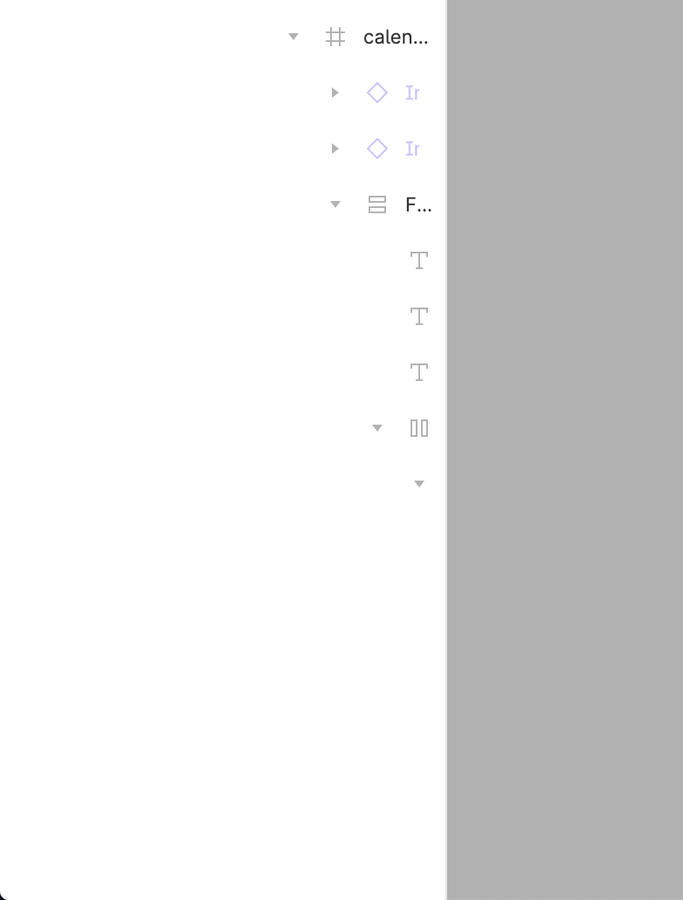
What do you think about having a horizontal scroll on the layers panel? I can’t see the name of the layers and usually widen the panel to be able to see, but since I use a 13", this makes the canvas smaller.
311 replies

Anuradha_Vellineni
April 14, 2023

Same issue, content hidden in the layers panel, makes it really hard to work on MacBook only, workaround is to rely on and work with big monitors. I use the layers panel mostly to paste in place using layer panels on artboards I need the same content at the correct frame inside frames.

Sofie_Katan1
New Participant
April 20, 2023

Same issue as well, with nested components (which is an awesome feature) this has become an increasingly larger issue…

David39
April 21, 2023

What is going on? One of the app’s most important panels extends in both dimensions, and yet is missing an entire dimension of scrolling. How is this still not addressed after this many years? I hate to make a “I have this problem too” post, but this particular case is just bizarre, considering that this is a paid product with a lot of otherwise superlative attention to detail. It makes me worried that something is deteriorating behind the scenes.

Stoodley_Thomas
New Member
April 25, 2023

BUMP -
@tank666 what you link to is auto closed and /4325 is missing~!

It’s so frustrating not to be able to change this panel width for these three sections. In Adobe products (ahem) you can. In Slack you can.

Design | Prototype | Inspect

I’ve changed my interface scale to accommodate, the default width of this panel being 218px [or 240px at full] is not ideal especially working with token names and typography and at hand off too. It’s bewildering.

Understand that some of those boxes within Design are important to remain nested to each other but can this container panel not be extended?

ravid.aloni
April 26, 2023

Figma, pls fix it. It is so user unfriendly.

Neelesh_Jain
April 28, 2023

totally need this asap…plz put it on priority. this is so basic.

Dikamsiyochi_Udochi
May 1, 2023

Hi Figma, please… 🫠

Michael_Kalus
New Participant
May 4, 2023

We run into that problem, too. Especially when you have a huge component library with multiple nested child-components.

Michael_Kalus
New Participant
May 4, 2023

So I investigated into it and wrote a script that kind of solves the problem.

The script enables horizontal scrolling and makes the intents before each layer item way smaller. It does not remove the limits, but it gives you way more space to work.

Comparison

How To with Userscript:

How To in Figma App:

Note that you always have to copy and paste the script for each opened document and when you reopen Figma or reload any document.

  1. Open the dev tools in Figma with cmd+opt+i (on Mac)
  2. Switch to “Console” tab
  3. Copy and paste the following script into the command line input
  4. Hit return
(function () {
    'use strict';
 
    function minimizeSpaceInTree() {
        var elements = document.getElementsByClassName("object_row--indent--aWa0t");
        for (var i = 0; i < elements.length; i++) {
            elements[i].style.width = "4px";
        };

	    var caretElements = document.getElementsByClassName("object_row--expandCaret--LW0Oy");
        for (var i = 0; i < caretElements.length; i++) {
            caretElements[i].style.width = "16px";
        };

        var topLevelElements = document.querySelectorAll('.object_row--topLevel--SXq9o .object_row--indent--aWa0t');
        for (var i = 0; i < topLevelElements.length; i++) {
            topLevelElements[i].style.width = "16px";
        };

        var firstElements = document.querySelectorAll('.object_row--row--RUzis:not(.object_row--topLevel--SXq9o) .object_row--indents--jpaAQ .object_row--indent--aWa0t:first-child, .object_row--row--RUzis:not(.object_row--topLevel--SXq9o) .object_row--indents--jpaAQ .object_row--mask---4-dT:first-child');
        for (var i = 0; i < firstElements.length; i++) {
            firstElements[i].style.width = "16px";
        };

    }
    
    minimizeSpaceInTree()
 
    var targetNode = document.body;
    var config = {
        attributes: true,
        childList: true,
        subtree: true
    };
    function myFunction(mutationsList, observer) {
        // Loop through the list of mutations
        for (let mutation of mutationsList) {
          if (mutation.type === 'childList') {
            minimizeSpaceInTree();
            
          }
        }
      }
 
    const observer = new MutationObserver(myFunction);
 
    observer.observe(targetNode, config);
})();
christoffertun
May 4, 2023

This would be very useful. Same issue also happens sometimes when right clicking on styles in the styles panel too, like here: