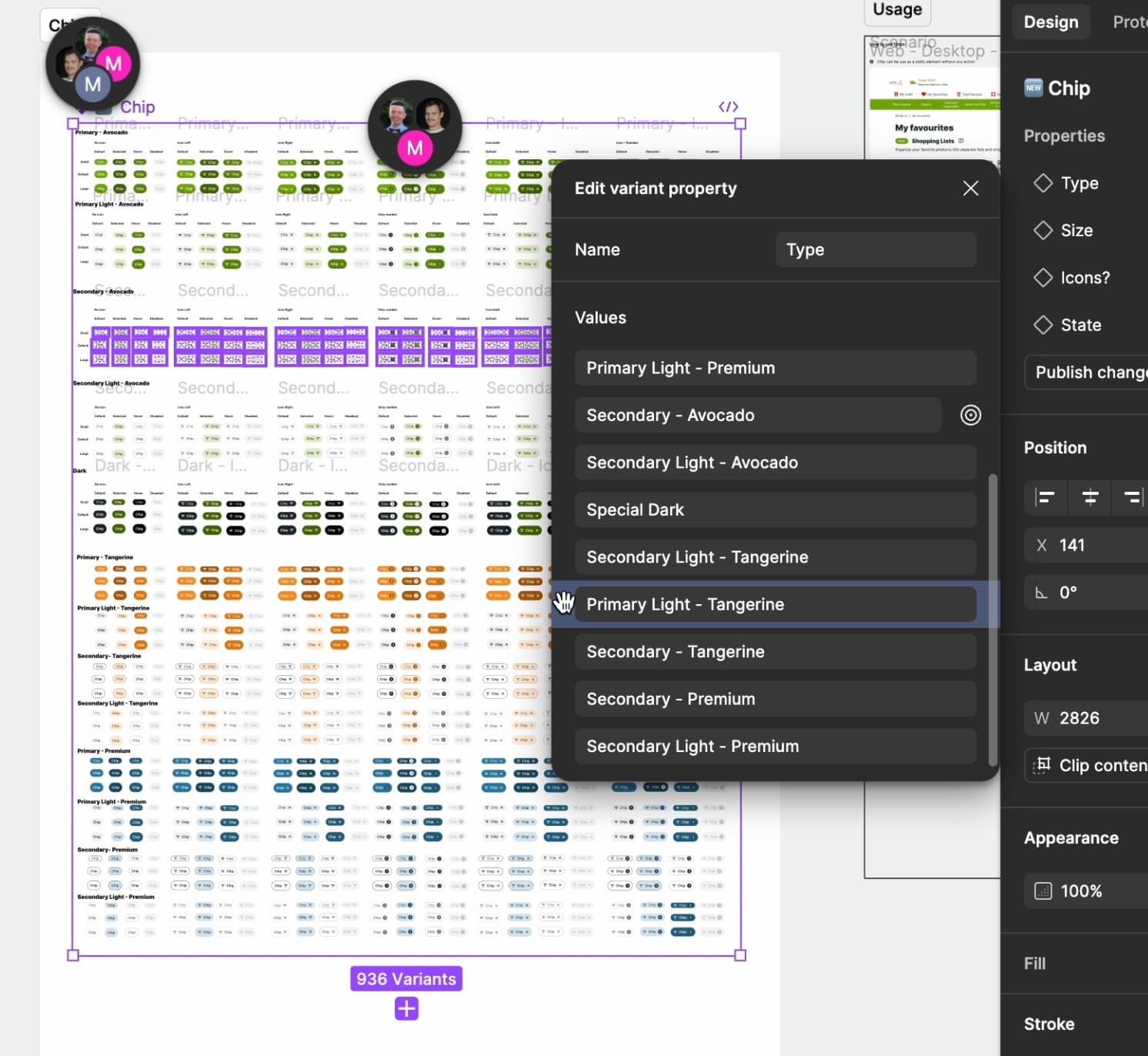
Well it wasn’t working at the time that I posted. Before I posted I restarted the app and even checked on the online version. Both had the same issue. Now the handle bars are present when I hover over the property.
Thanks for assuming I didn’t know how to use the app. 👍
I am still having this issue in my Figma. In the file I created the component in the variants are in one order, but whenever I bring it into another file the order does not match. Is this a known bug that is getting fixed?
Hey Simon! This is a feature of Figma and not a bug. Variant properties are forced to be at the top of the list, while all other property types (Text, Instance Swap, and Boolean) can be re-ordered below the Variant properties. 🙂
I’m having this issue now as well. I know it says a fix was pushed, but I’m struggling to move around variants to set them in a specific order now. When I go to select a variant it moves the wrong variant.
I am also having the same issue. I cannot re-order my values in a variant property menu. It shows the little hand grabber, and often selects/the wrong one and moves it randomly. It’s incredibly buggy and stopping my workflow on this component. I’ve refreshed the tab and restarted figma and it still is happening.
I did the same with the same result. I ultimately ended up having to flip to UI 2 to get things to order properly.