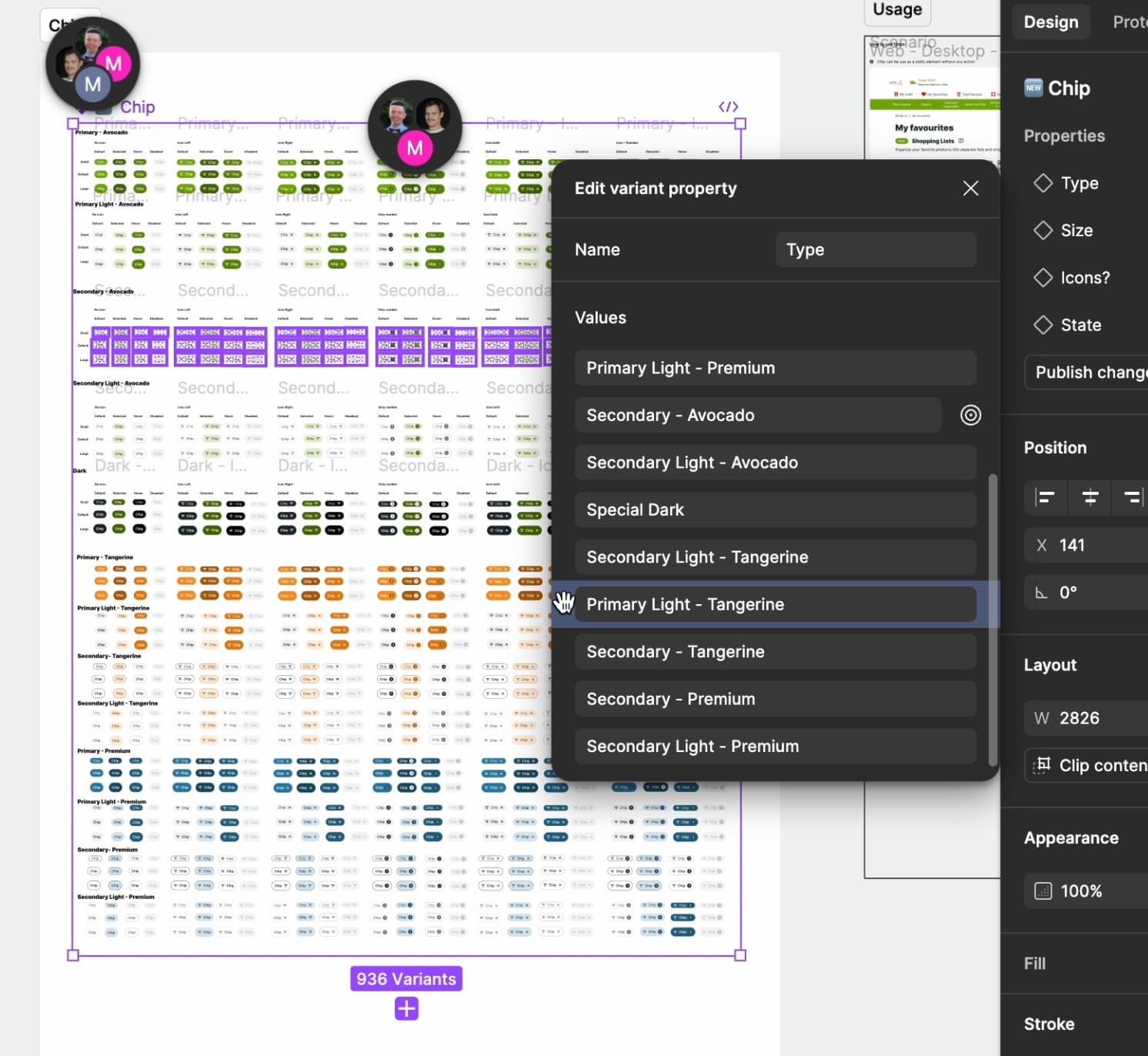
In UI3, I am unable reorder the values in a variant property of a component. I have a progress bar trying to go from 0% to 100%, but the values are stuck and not in the same order in the autolayout frame of the variant.
Yesterday, suddenly, I couldn’t reorder property values while I created my components.
Dragging them doesn’t work.
It is frustrating for me to work without this feature, it is very important for my system’s organisation.
I found some topics back in 2022 that this bug happened again.
Hi all, thank you for flagging. Our product team has confirmed it’s unintended, and we’re working on a fix that will be rolling out shortly to resolve the issue. We’ll let you know once it’s fixed.
Thanks for the comment! I think it seems to be working.
Please let me share the help center article for more information on reordering. Variant properties always appear above other property types in the right sidebar. They can be reordered among other variant properties but not with different property types.
I hope this clarifies things, but feel free to let me know if I missed anything important!