

Finding Missing Library components/styles
First off, I’m loving the new Swap Library feature!
Problem
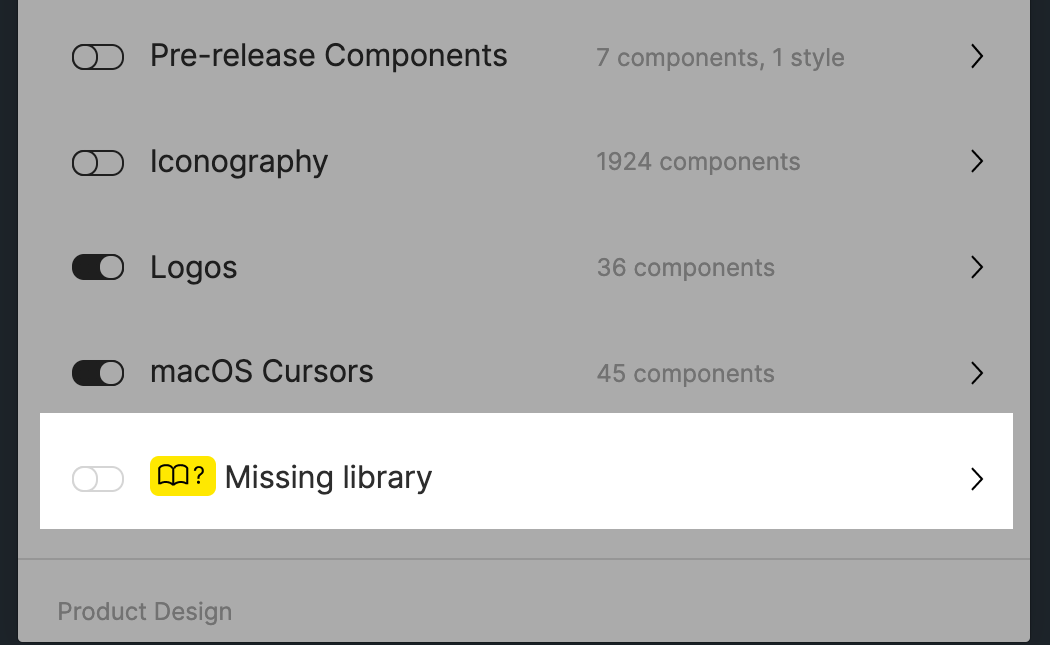
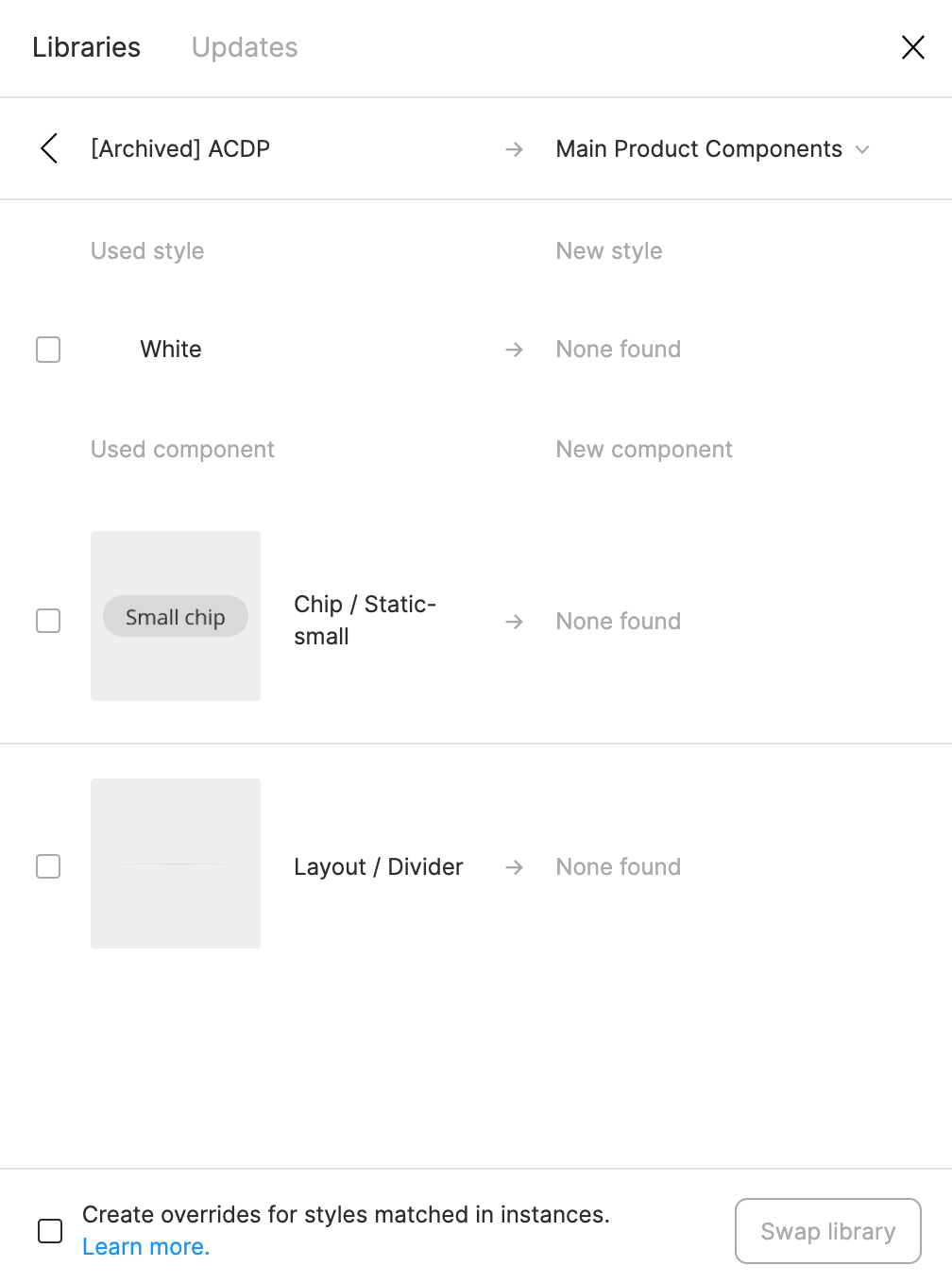
Today, it actually helped me discover some “rogue” styles and components that were leftover from an old library! Now I can try to locate those and finally get rid of them in our current library!
But wait - what if I don’t actually know where these are in the file? Or even further, what if I can’t get Figma to find a match?
Suggestions:
- The one thing I wish this feature could do is to help me actually locate those rogue styles or components. I tried using the Instance Finder plugin but it still didn’t help because I have to actually locate them on the canvas/file first. ☹
- What if the dialog let us force a new style or component match, instead of us running into a dead-end with the None found message. Currently, it tries to match using the name. But that might not always work (like in this case.)
Any ideas are appreciated. Otherwise, wanted to pass this suggestion on to the Figma team. Thanks!