

Mike_Shamberg
February 5, 2021

Call up plugins in a quicker menu system on the right sidebar like Adobe

  • February 5, 2021
  • 22 replies
  • 10277 views

Problem:
Currently, you can only have 1 plugin at a time. Having the ability to access multiple plugins like Unsplash, Content Reel, etc… would make it so much quicker when filling in dummy content or about a million other tasks.

I would imagine the same type of system that Adobe integrates makes the most sense. This way you could expand/collapse plugins from the right sidebar by clicking on their icon.

They could anchor like seen below.
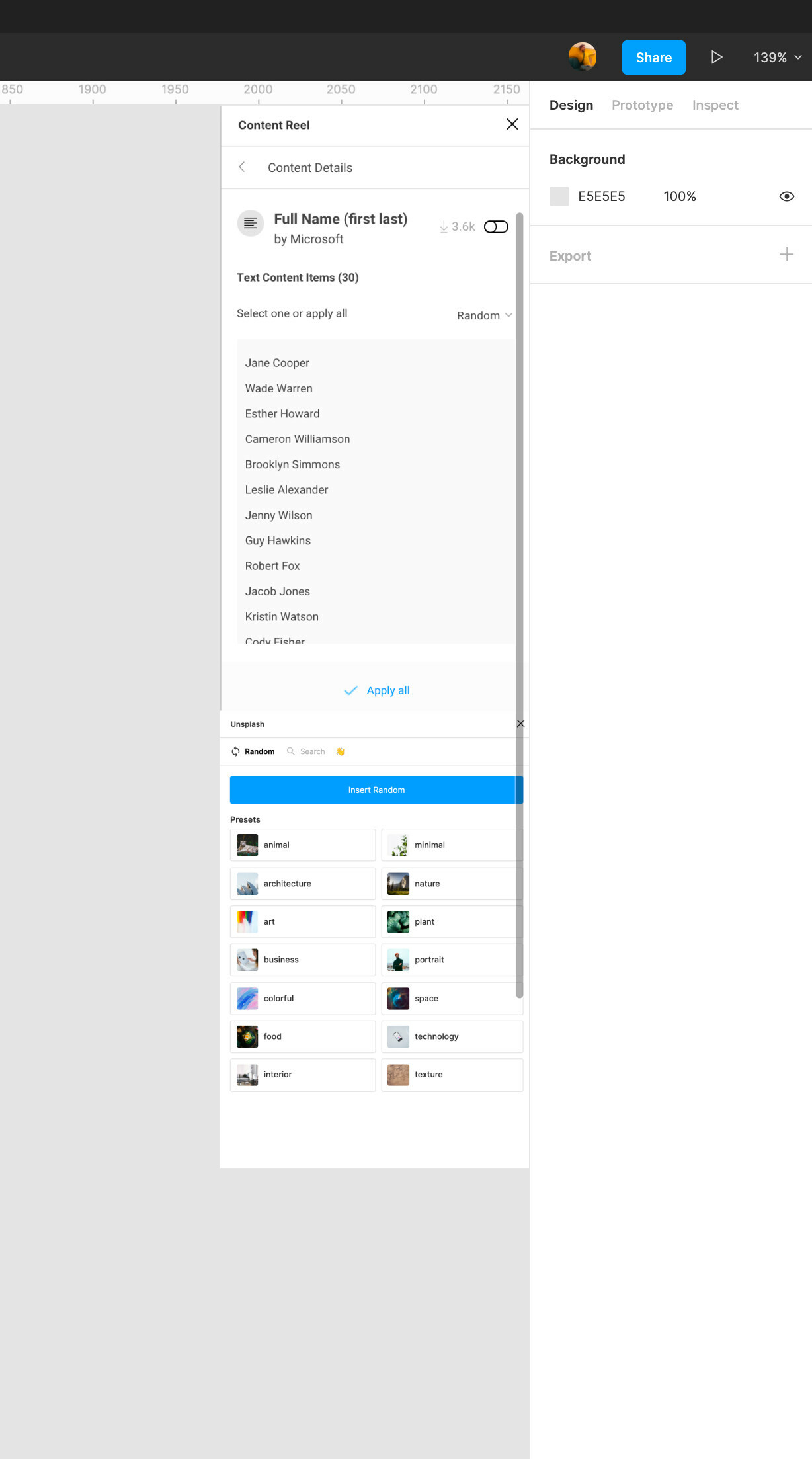
Are there any major reasons why this is not a part of the current software?

22 replies

Margaret_Hogg
August 1, 2024

This is still kind of a pain. It’s nice that they added the list of plugins in your file, but honestly plugins are usually an attached-to-the-main-UI-cause-I-use-them-all-the-time thing for me. If I’m using Jack’s Ultra Mega Find And Replace I’m probably using it across all my files, and I don’t want to go through 4 clicks every time I want to use it.

Mike Kosenkov
New Member
April 9, 2025

Hey! 👋

I often find myself spending too much time opening the Plugins menu and searching for the ones I use regularly — especially when working on smaller screens where I can’t keep them all open.


It would be amazing to have a dock or toolbar (maybe at the top of the screen?) where I can pin my favorite plugins for quick access.

Just like a browser bookmark bar — clean, simple, and fast.


Would save a ton of clicks and keep the flow smooth. 🚀