
IraX
Power Member
June 23, 2023

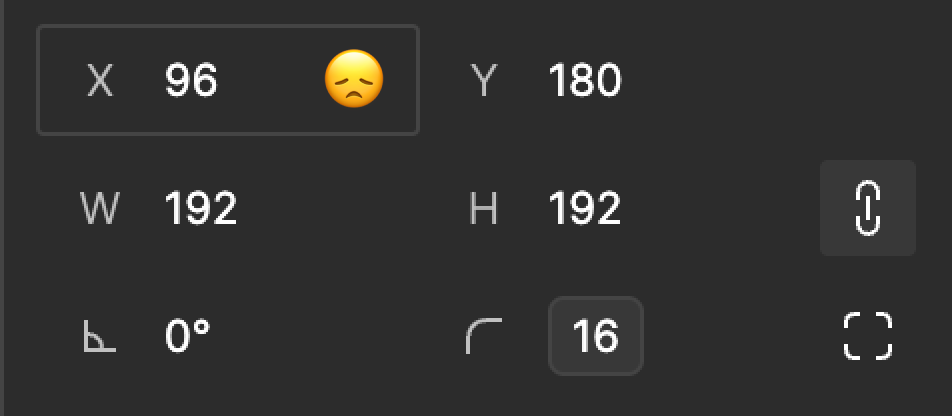
Add variables to X and Y fields

  • June 23, 2023
  • 29 replies
  • 6375 views

Just like driving width and height, I want to dynamically position elements in weird ways too.
But not weird like this:
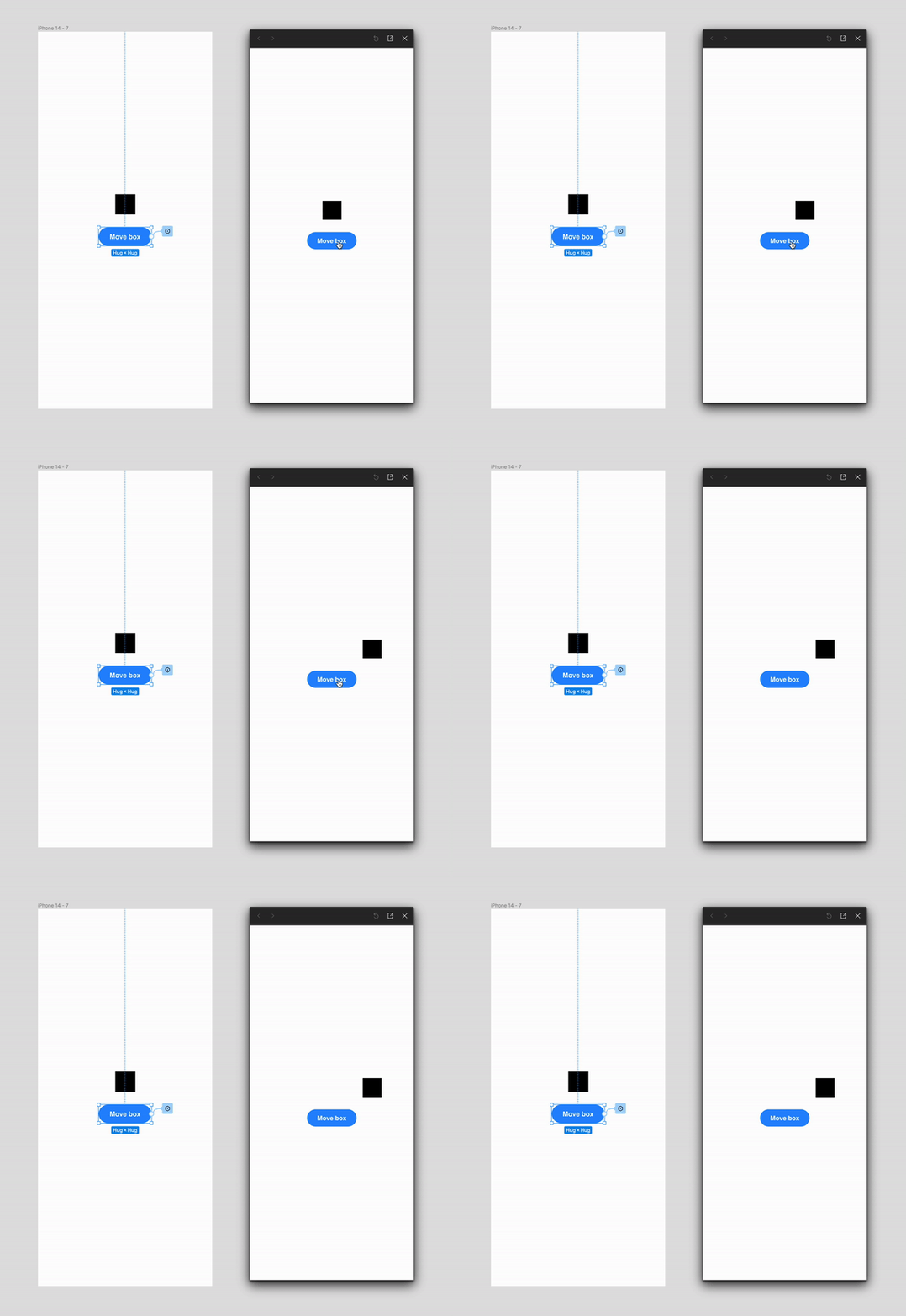

variables-move-box

29 replies

Alex_Young-Davies
New Member
October 9, 2024

I would love if I could set a frame to position: absolute via a variable. I don’t believe this is possible, but it seems like a basic functionality that could yield prototyping benefits.

Przemek3
Active Member
August 26, 2025

This would be quite useful.
2 years of workaround and counting 😞

Natalia Obukhova
New Member
August 28, 2025

Pretty please, waiting impatiently!

Daniel Elbirt
New Member
September 27, 2025

+1 from me, too. This would be extremely valuable to my use-case (along with those of the other UX designers at my enterprise client).

A core part of our software is visualizing and positioning objects in a factory “map”.

My demonstrations would be much more compelling if I were able to take X, Y, (and orientation!) inputs from the user, and reflect them in the ways that objects appear (and animate!) in our map interface.

The workaround posted above is great, but it doesn’t animate well. Objects don’t “slide” when the difference between them is the amount of padding.

Behrdie
New Member
November 10, 2025

This would still be greatly appreciated, especially as token support increases!

Capra J'neva
New Member
November 25, 2025

+1 for so many reasons, but fundamentally for making drag-&-drop prototypes with any fidelity.

FikmaBols
New Member
January 21, 2026

2 Years to add variables to x and y seems about right. 

Alex_Bueno
New Member
January 29, 2026

+1, Very much needed

Ruben_Mendoza
New Member
February 24, 2026

hello,

it would be very much appreciated if it was possible to apply numeric variables to the x & y position of absolute positioned elements within components. Here is the case i am working on:


While everything is completely tokenized and adjusts to different screen densities, i cannot apply the positioning tokens to the design defining the absolute positioning of the dropdown -list flyout. As you can see the distance needs to be adjusted as well. This would be solved if a dynamic token was applied.

This flyout needs to be absolute positioned, so it can be above other elements in forms.

Please make it possible to apply variables to the position of absolute positioned elements! 🙂


Similar issue here.

Figma, can I ask why after 2 years there is no implementation? what’s the problem?