
IraX
Power Member
June 23, 2023

Add variables to X and Y fields

  • June 23, 2023
  • 29 replies
  • 6375 views

Just like driving width and height, I want to dynamically position elements in weird ways too.
But not weird like this:
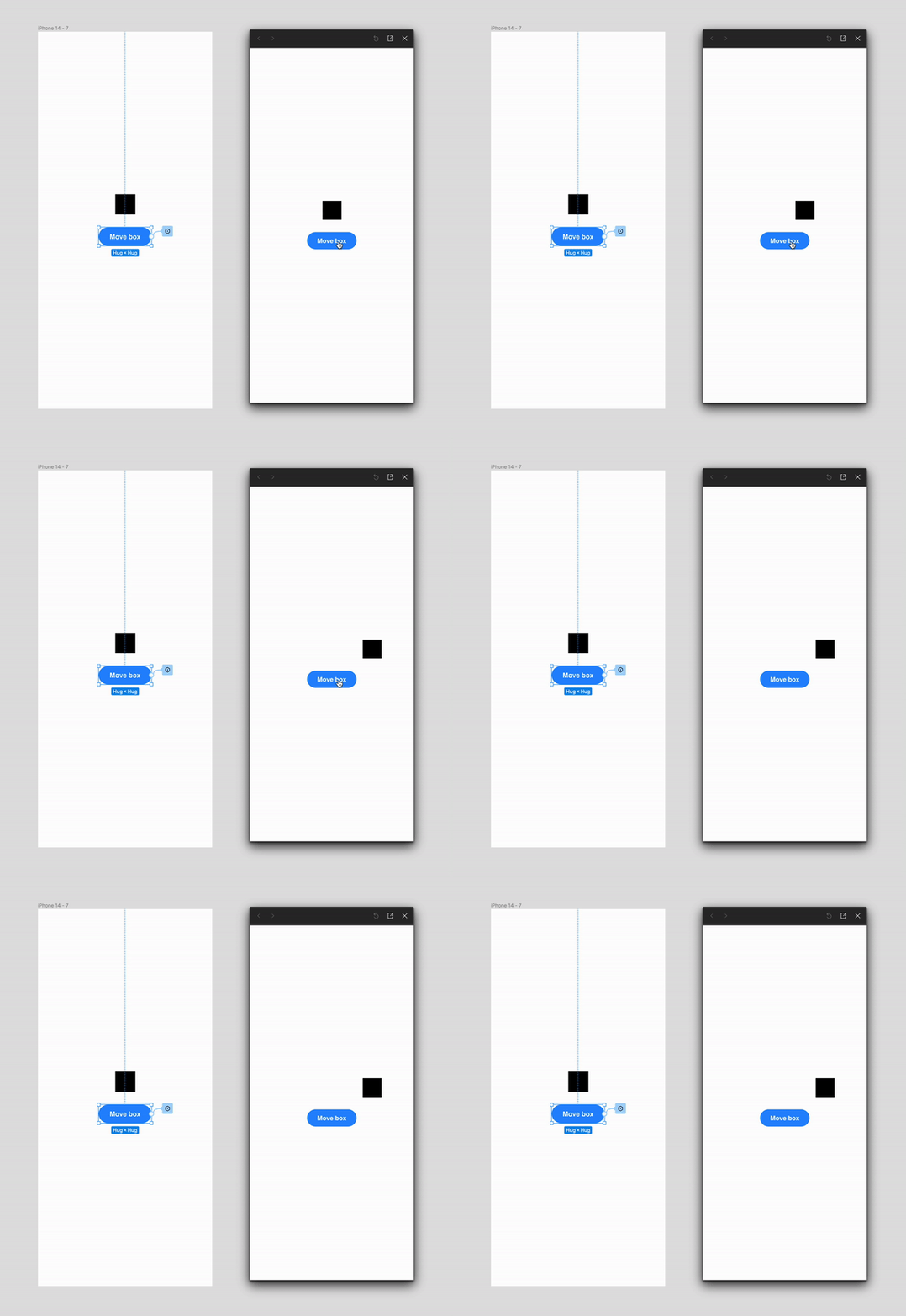

variables-move-box

29 replies

Lea.P
New Participant
January 26, 2024

+1
Yes please! It’s very much needed and makes a lot of sense!
I’m currently working on a component and could really use this function right now …

Tom_Heys1
February 13, 2024

Very clever workaround, thanks for sharing!

March 28, 2024

@Andria_Brown, any chance you could put together a demo of your workaround? I’m really struggling to understand how to implement it.

Patrick_Gutter
April 20, 2024

Thanks for this workaround ❤️. Although, I am still struggling, I am getting closer to the solution of my idea.

Sebastian_Holzki
New Participant
May 6, 2024

+1 from >100 ux engineers and designers from large enterprise client!

When building embedded software, we use absolute positioning super often, doing so for different screensizes needs x/y values on different modes (which represent different but similar screens).

Flexowitsch
June 10, 2024

hello,

it would be very much appreciated if it was possible to apply numeric variables to the x & y position of absolute positioned elements within components. Here is the case i am working on:

While everything is completely tokenized and adjusts to different screen densities, i cannot apply the positioning tokens to the design defining the absolute positioning of the dropdown -list flyout. As you can see the distance needs to be adjusted as well. This would be solved if a dynamic token was applied.

This flyout needs to be absolute positioned, so it can be above other elements in forms.

Please make it possible to apply variables to the position of absolute positioned elements! 🙂

Jimmy_Frogbat
July 24, 2024

Plus one for the numeric x & y values to be exposed for variables. This would lead to more possibilities with interactions in prototyping.

Meijers_M_Mark
July 30, 2024

One year later, and this still hasn’t been implemented?

August 1, 2024

+100 to this. It would be a very valuable way to build common component structure across many platforms. Please implement asap!

Vincent_Schlothauer
Active Member
September 6, 2024

This would also be highly useful for defining a variety of on-scroll events even without having an on-scroll trigger. As scrolling is moving content through the viewport along the Y or X axis, variables could then be assigned to the position of various elements.

Look at the progress bar in this thread for instance – if you wanted to recreate it in a prototype with X and Y variables, you could assign an Y variable to the top of the thread and define conditional statements for set increments. "If scroll-variable == -120px set variable progress-date to “July 2023"”, you get the gist. The possibilites would be endless!